
Store kind and suggested blocks
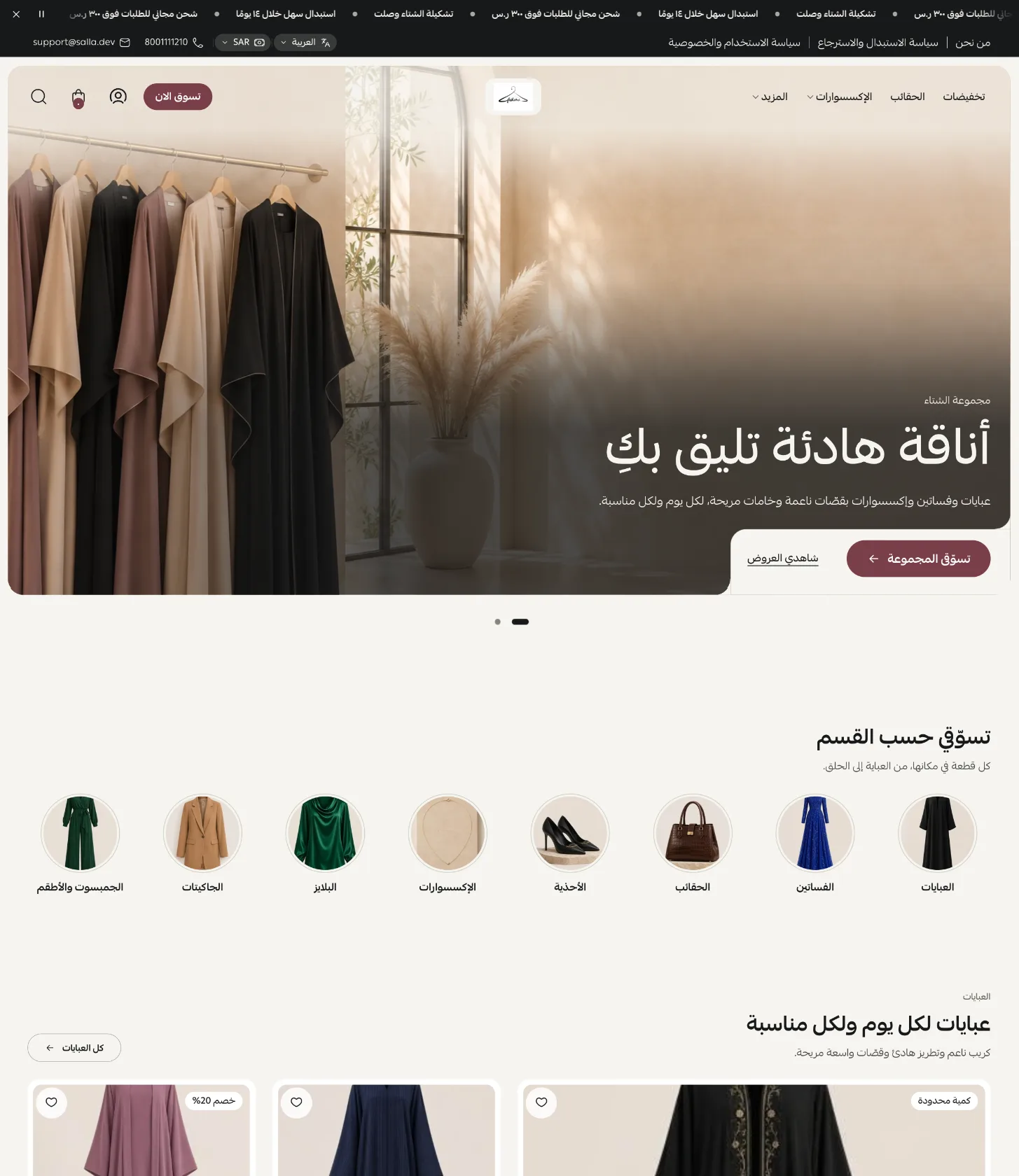
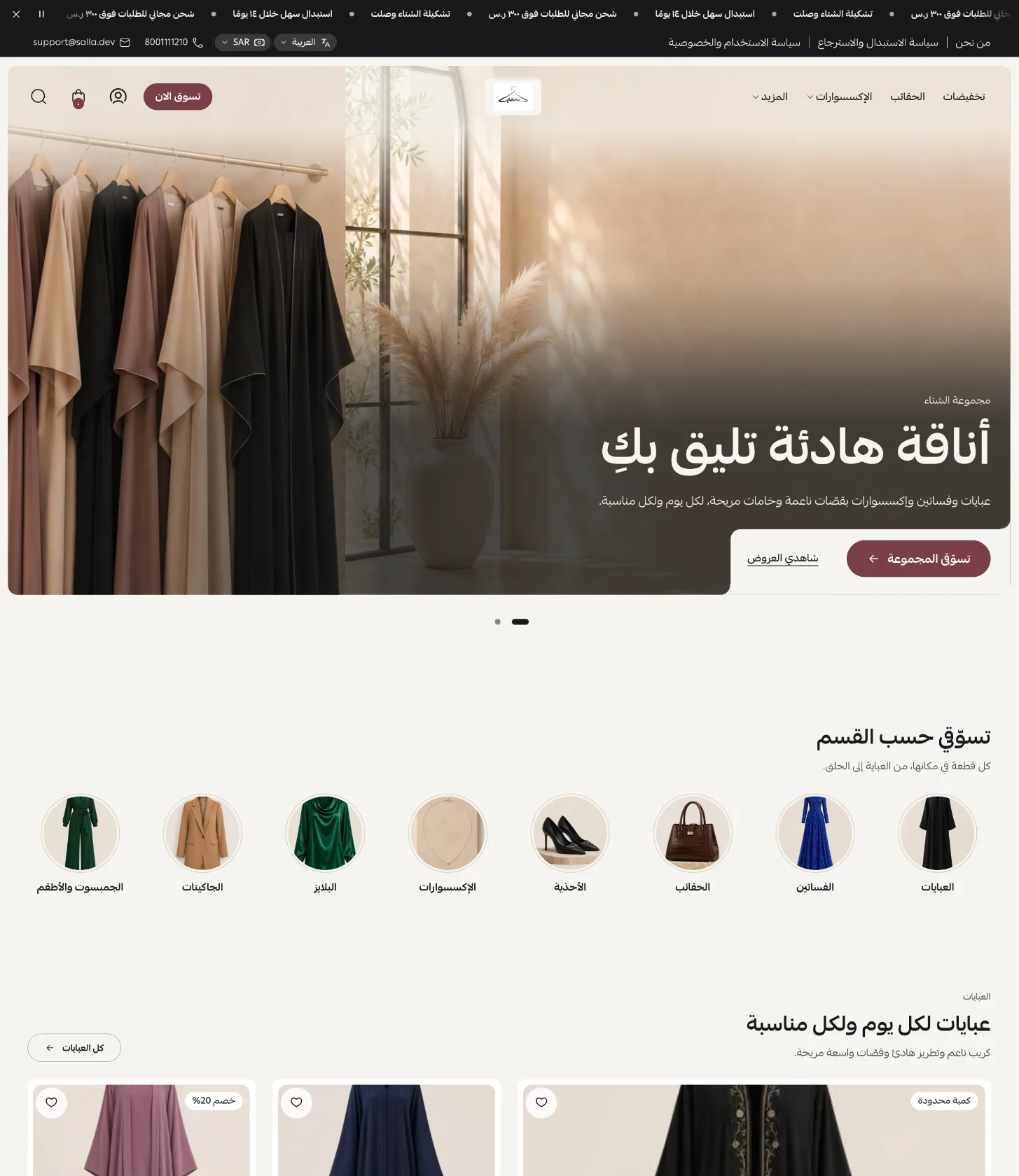
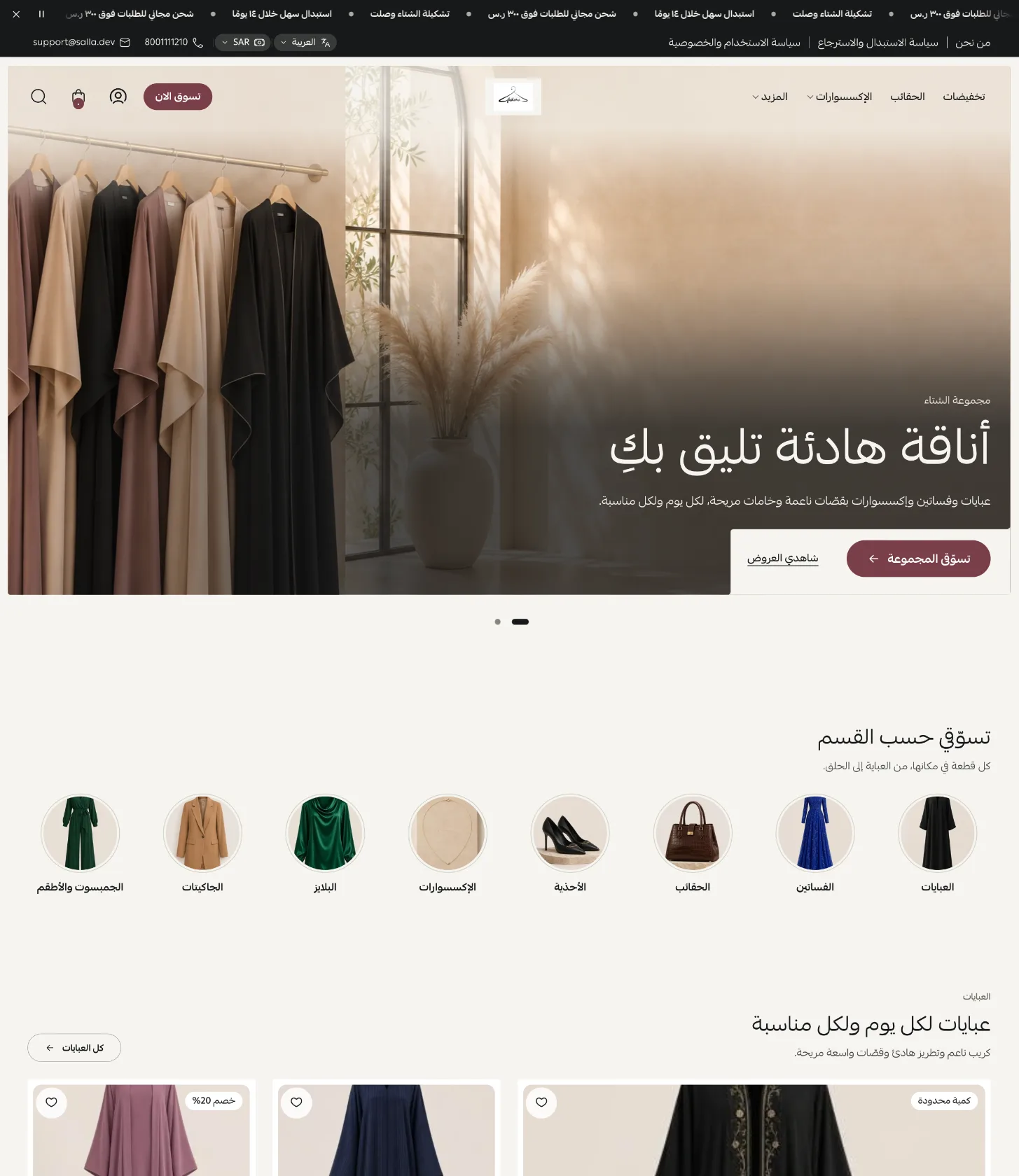
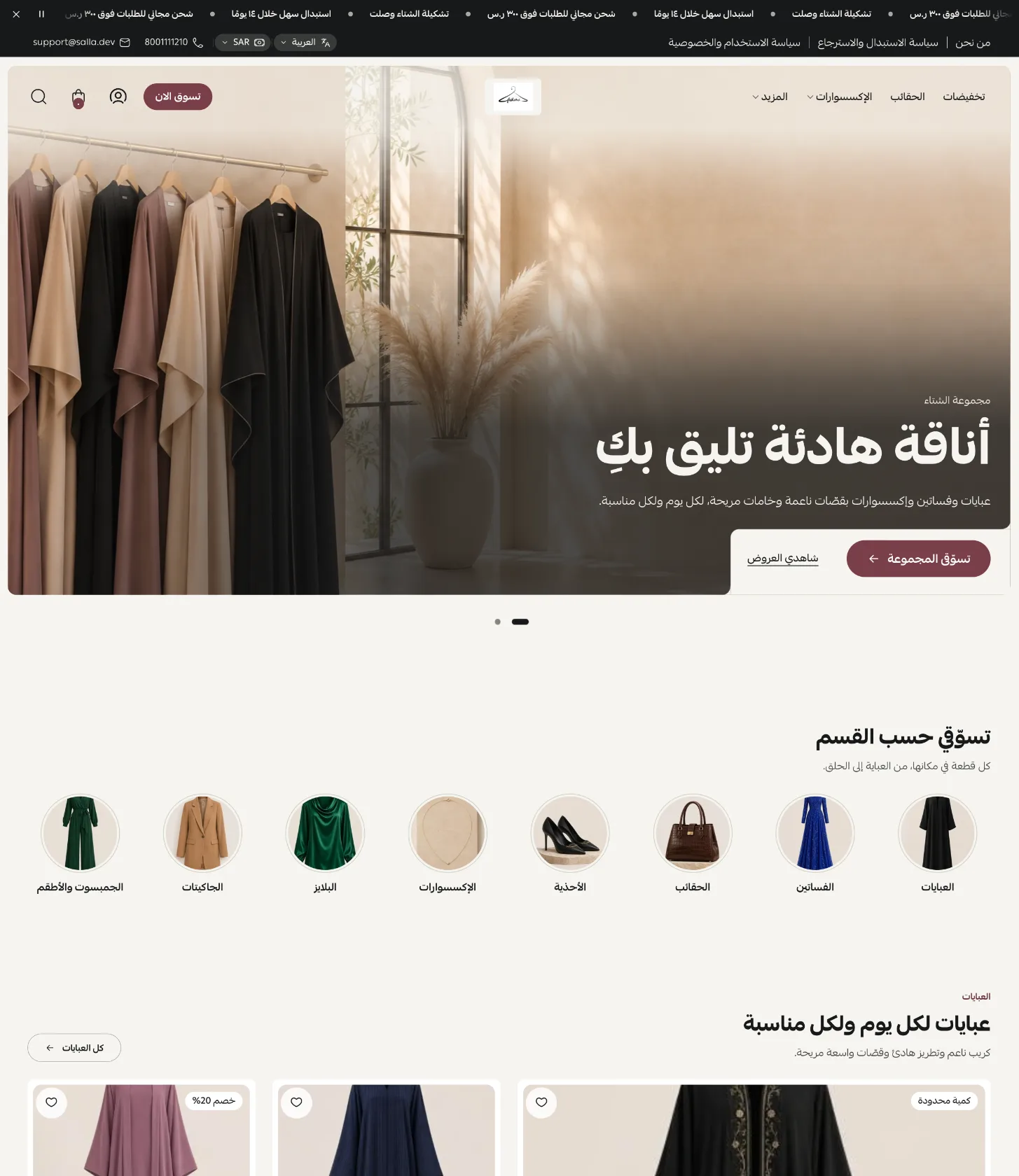
Store kind («نوع المتجر») is the first setting in MOVA, and you will find it in the theme settings → MOVA appearance («مظهر موڤا»). One choice sets the corner roundness across the whole store and the heading weight, so the look suits what you sell without changing dozens of settings.
| Kind | Corners | Headings |
|---|---|---|
| General («عام») | MOVA’s base look | Balanced |
| Furniture and decor («أثاث وديكور») | Soft | Calm |
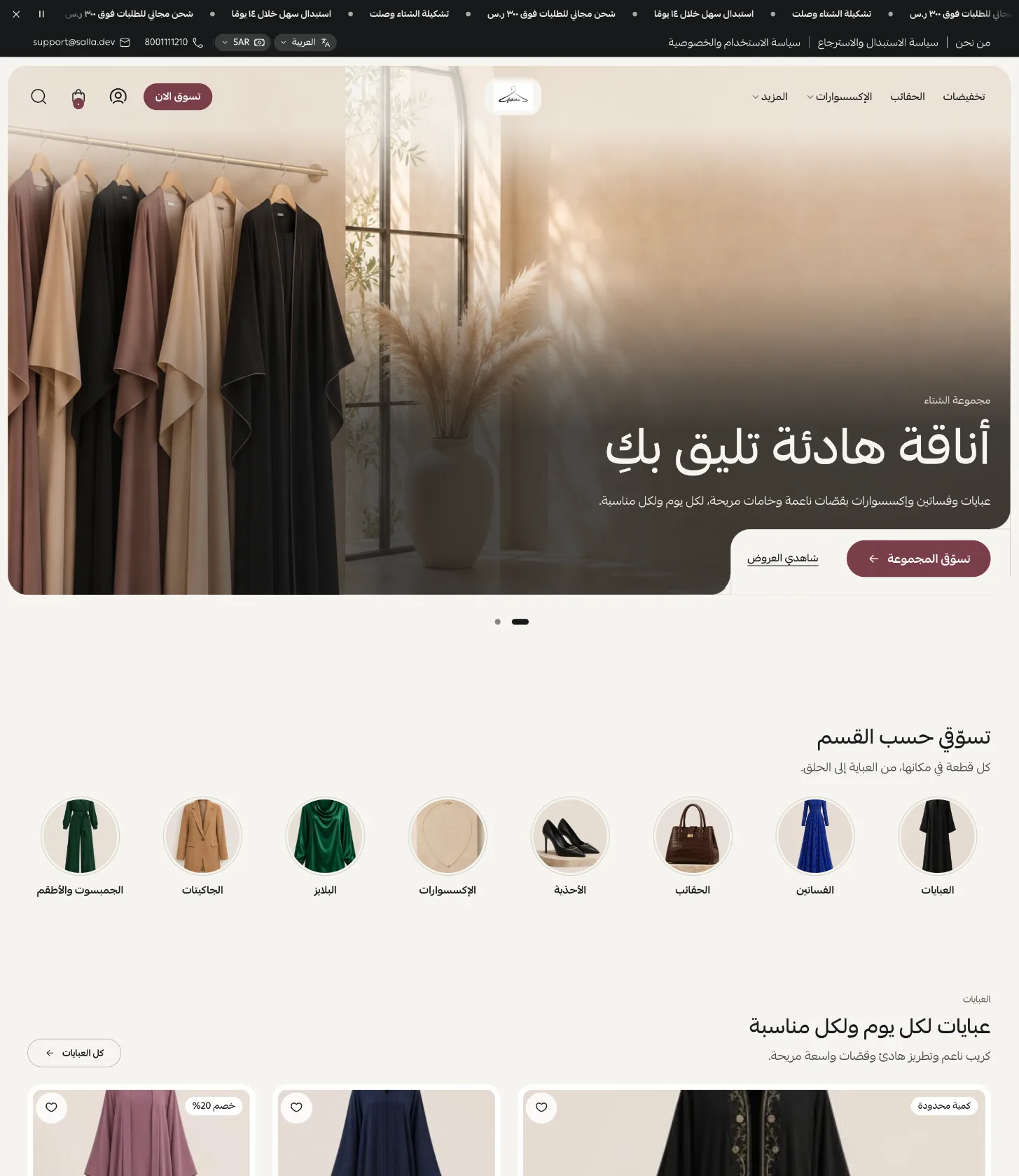
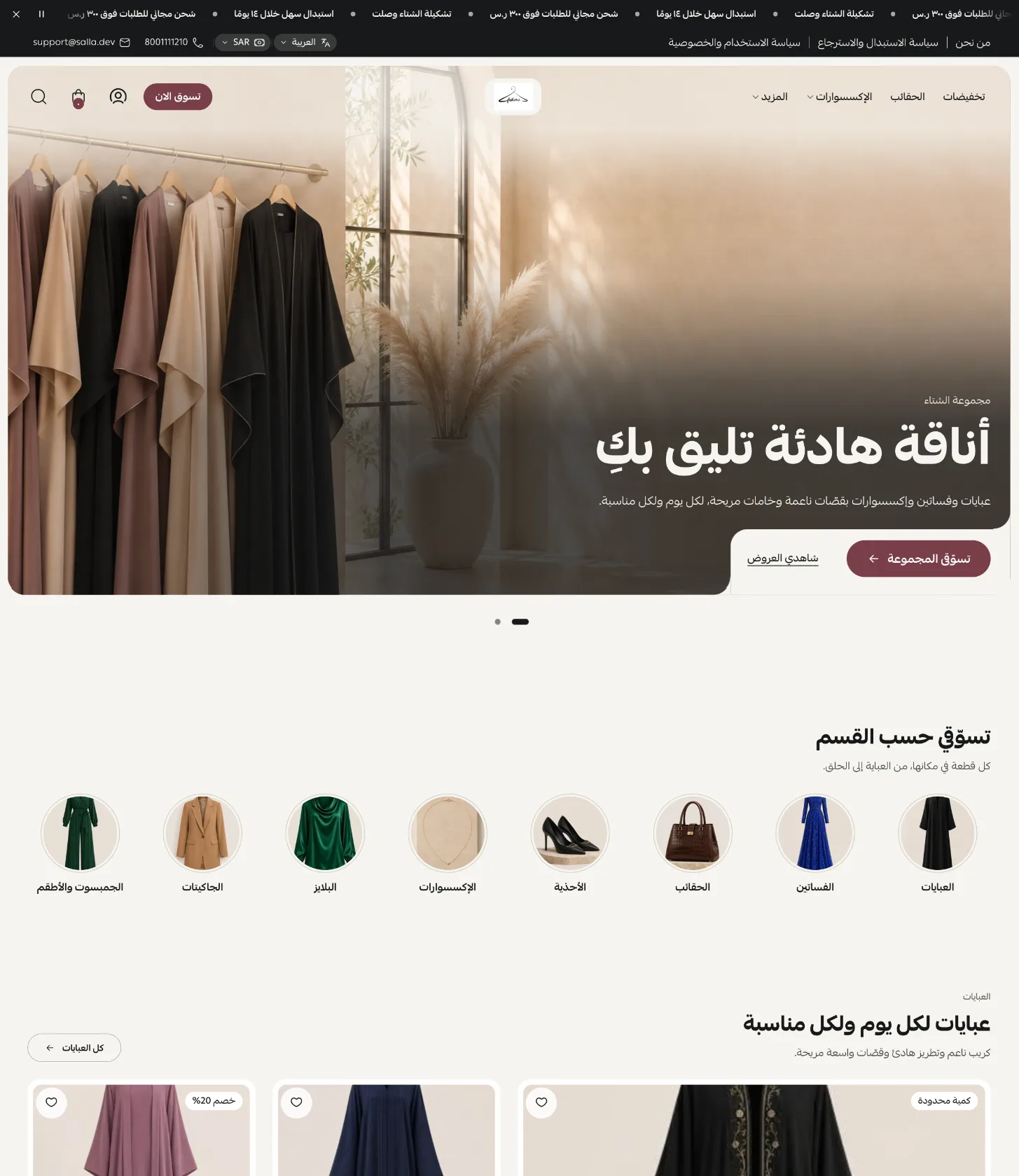
| Fashion («أزياء») | Sharp | Light |
| Electronics («إلكترونيات») | Small | Heavy, in the store colour |
| Beauty and care («تجميل وعناية») | Rounded | Medium |
| Food and restaurants («أغذية ومطاعم») | Wide | Heavy |
Suggested blocks for each kind
Section titled “Suggested blocks for each kind”These are layouts we have tried that give good results. Add the blocks from the home page editor in the same order, then add whatever else you need.
Furniture and decor
Section titled “Furniture and decor”- MOVA Signature Hero
- Store Features
- MOVA Product Spotlight
- MOVA Zigzag Showcase (alternating panels with products)
- MOVA Store Story
Add MOVA Shop the Scene and MOVA Reveal (the interactive comparison) if you have room photos.
Fashion
Section titled “Fashion”- MOVA Signature Hero with the Full width («بعرض الشاشة») design
- MOVA Tabbed Offers
- MOVA Video Stories (customer video stories)
- Brands
Electronics
Section titled “Electronics”- MOVA Banners with a product breaking out of the frame
- MOVA Products with a background
- MOVA FAQ
Beauty and care
Section titled “Beauty and care”- MOVA Product Spotlight
- MOVA Video Stories
- MOVA Store Story with the collage
Food and restaurants
Section titled “Food and restaurants”- MOVA Branches (branches and map)
- Store Features
- MOVA Products
- MOVA Signature Hero
- MOVA Find Your Match to help customers choose a gift
- MOVA Campaign Studio for seasons and occasions
- MOVA Products