
All home page blocks
Each block has a page with a preview, why to use it, and every setting as it appears in the Salla editor. Start with the MOVA blocks; they are what sets the theme apart.
MOVA blocks
Section titled “MOVA blocks”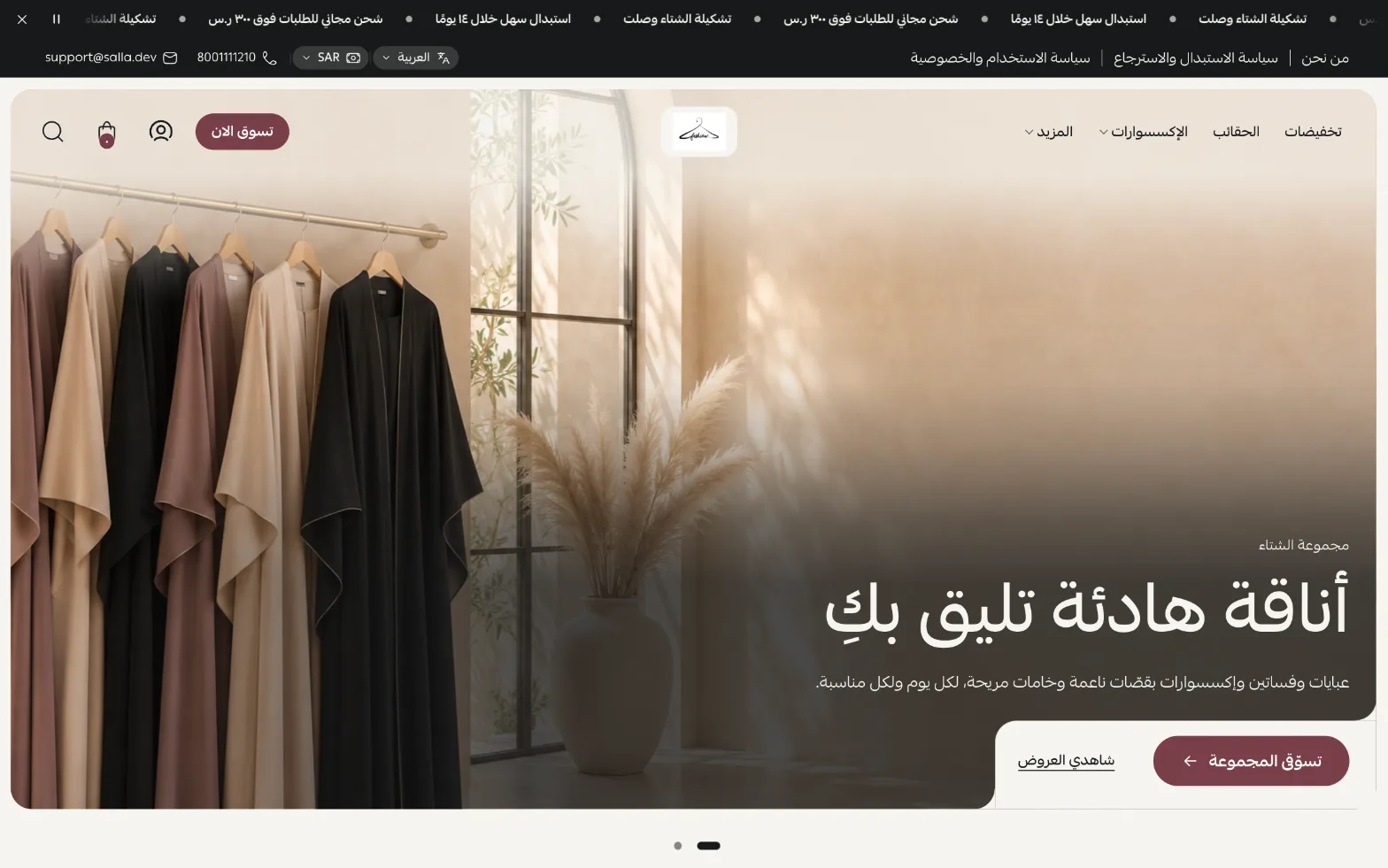 MOVA Signature Hero The first thing a shopper sees
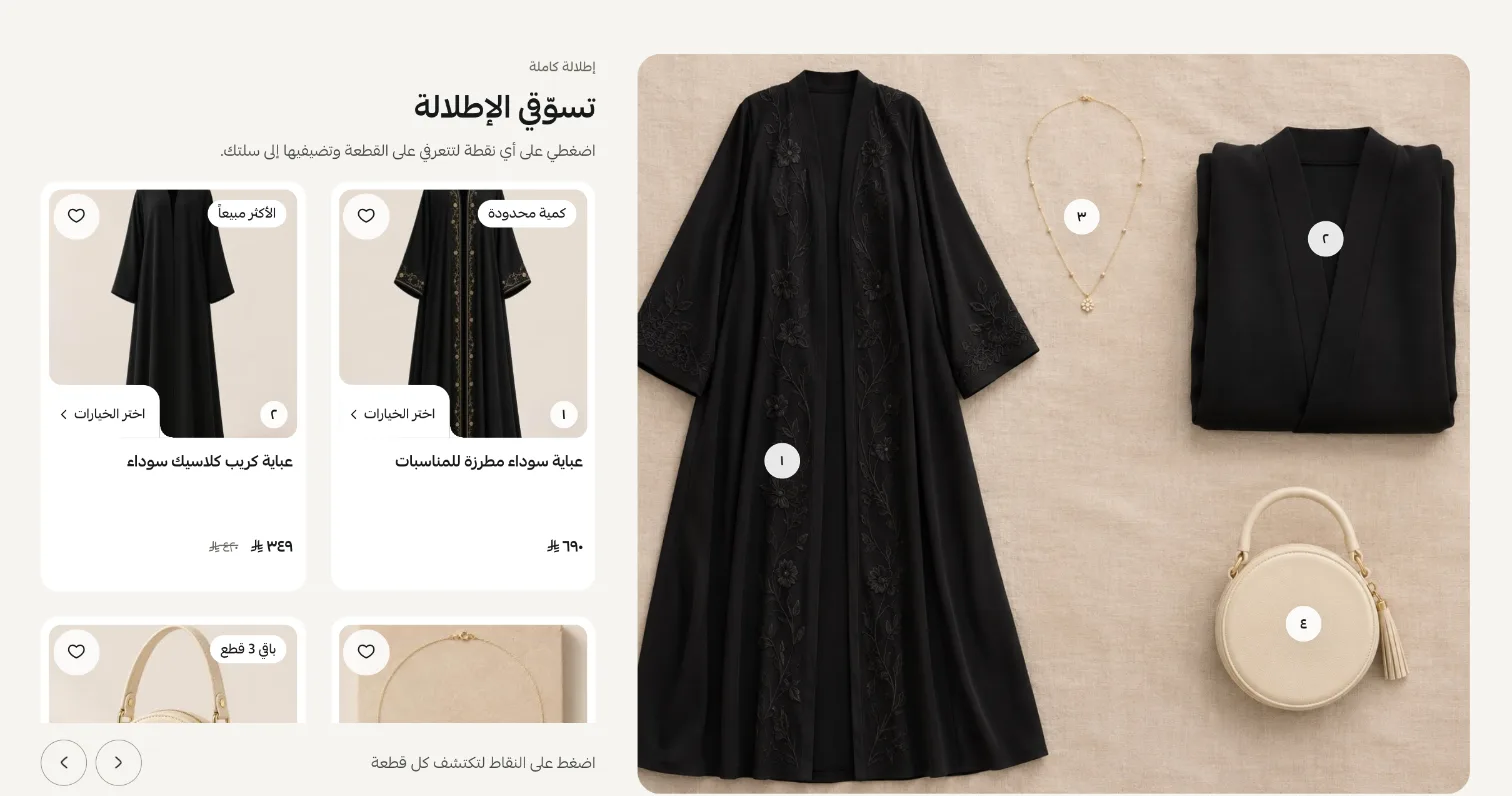 MOVA Shop the Scene A photo of a whole scene (a room, an outfit, a gift table) with a dot on each product
 MOVA Find Your Match A few short questions (who is it for, what budget) that lead the shopper to the right products
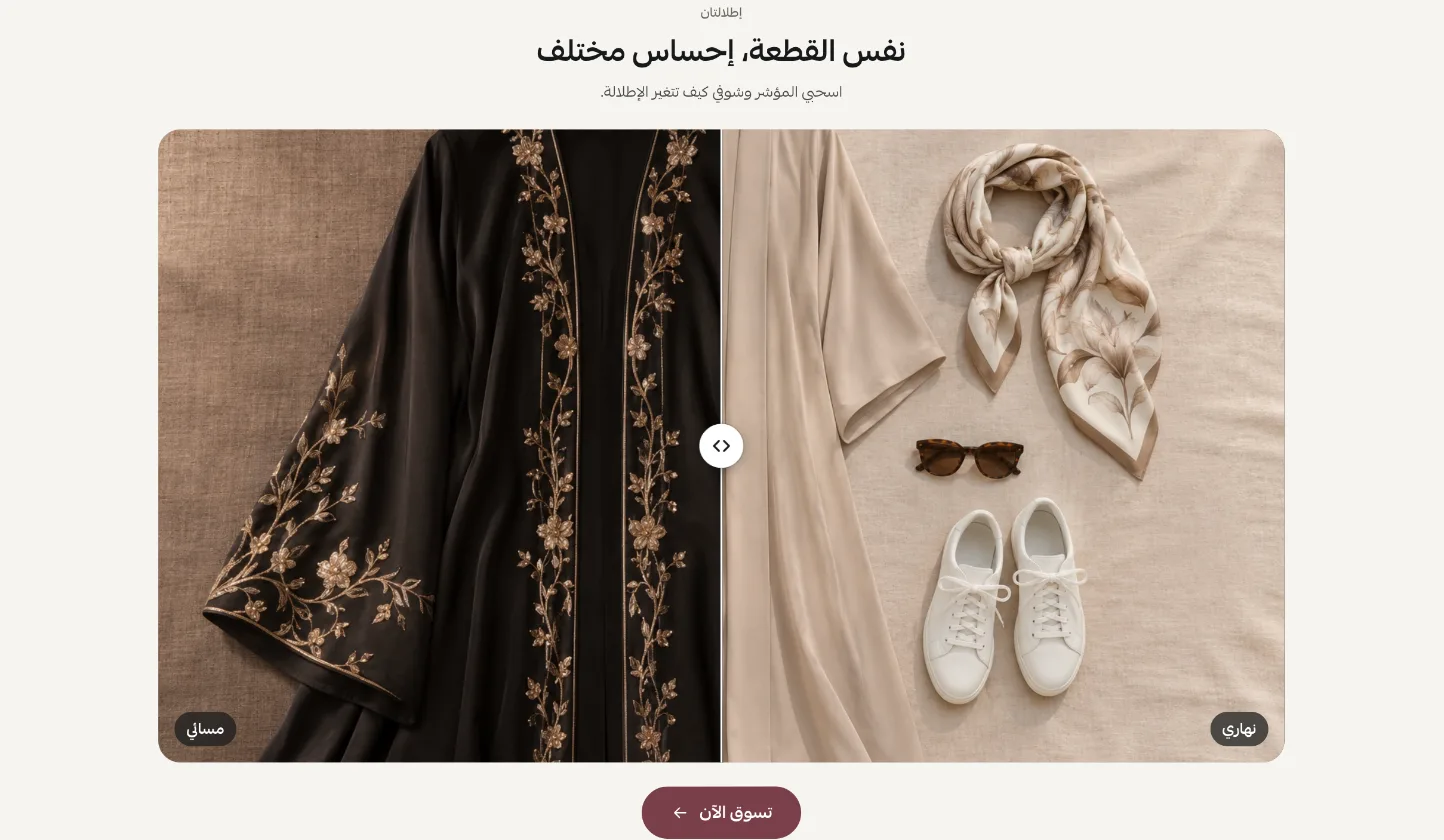 MOVA Reveal An interactive comparison of two images with a draggable divider
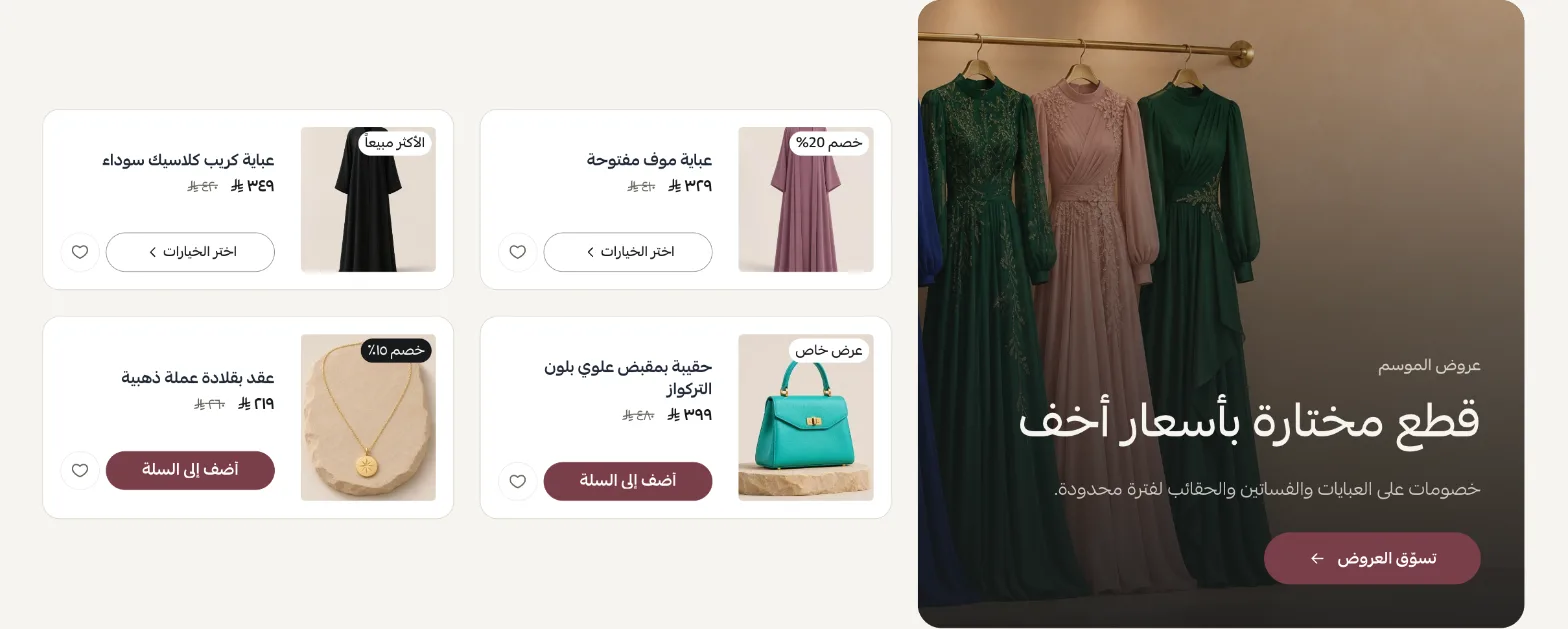 MOVA Campaign Studio The campaign and season block
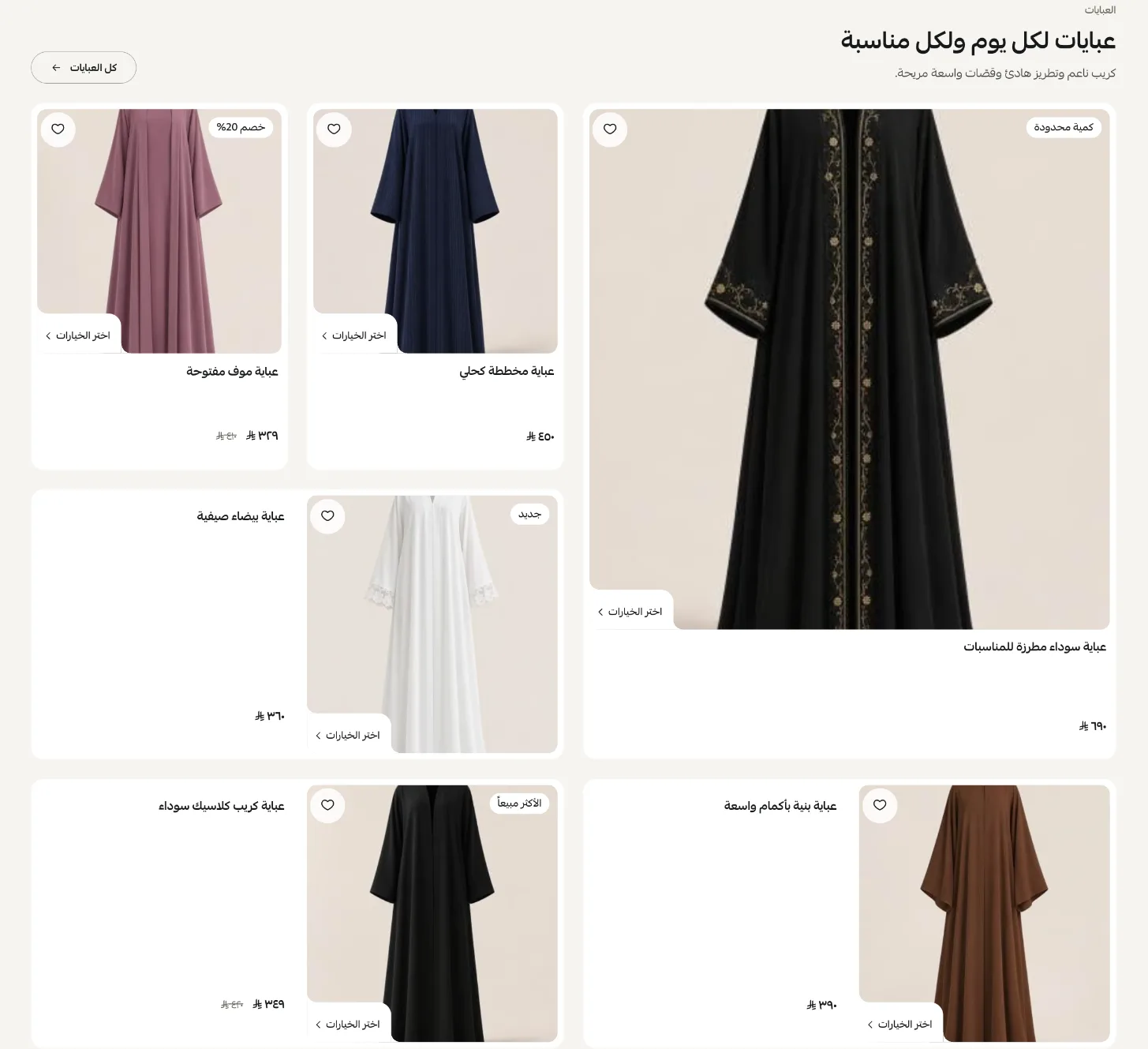 MOVA Products Products with a heading and button from a source you pick (newest, best-selling, top-rated, discounted, hand-picked, or a category), in five display styles with an optional background
 Announcement Band A band of short messages that scrolls between sections
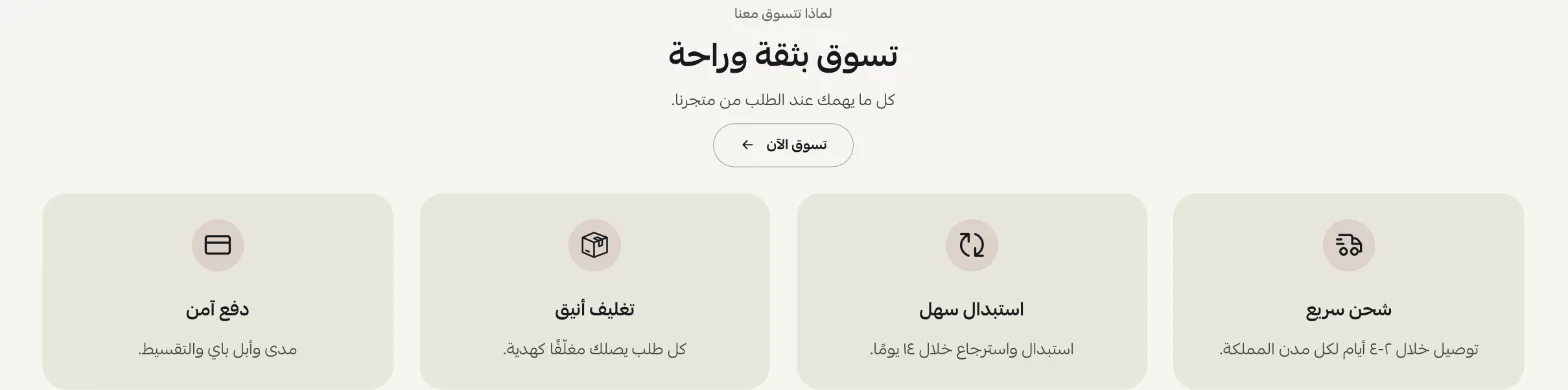 Store Features Your store’s promises as icon cards
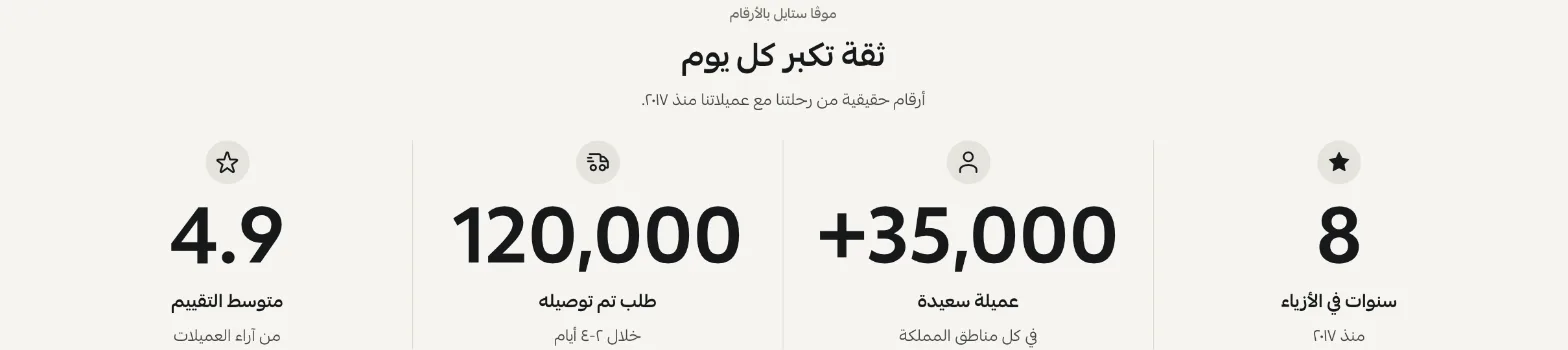 Store in Numbers Your real store figures, counting up as they appear
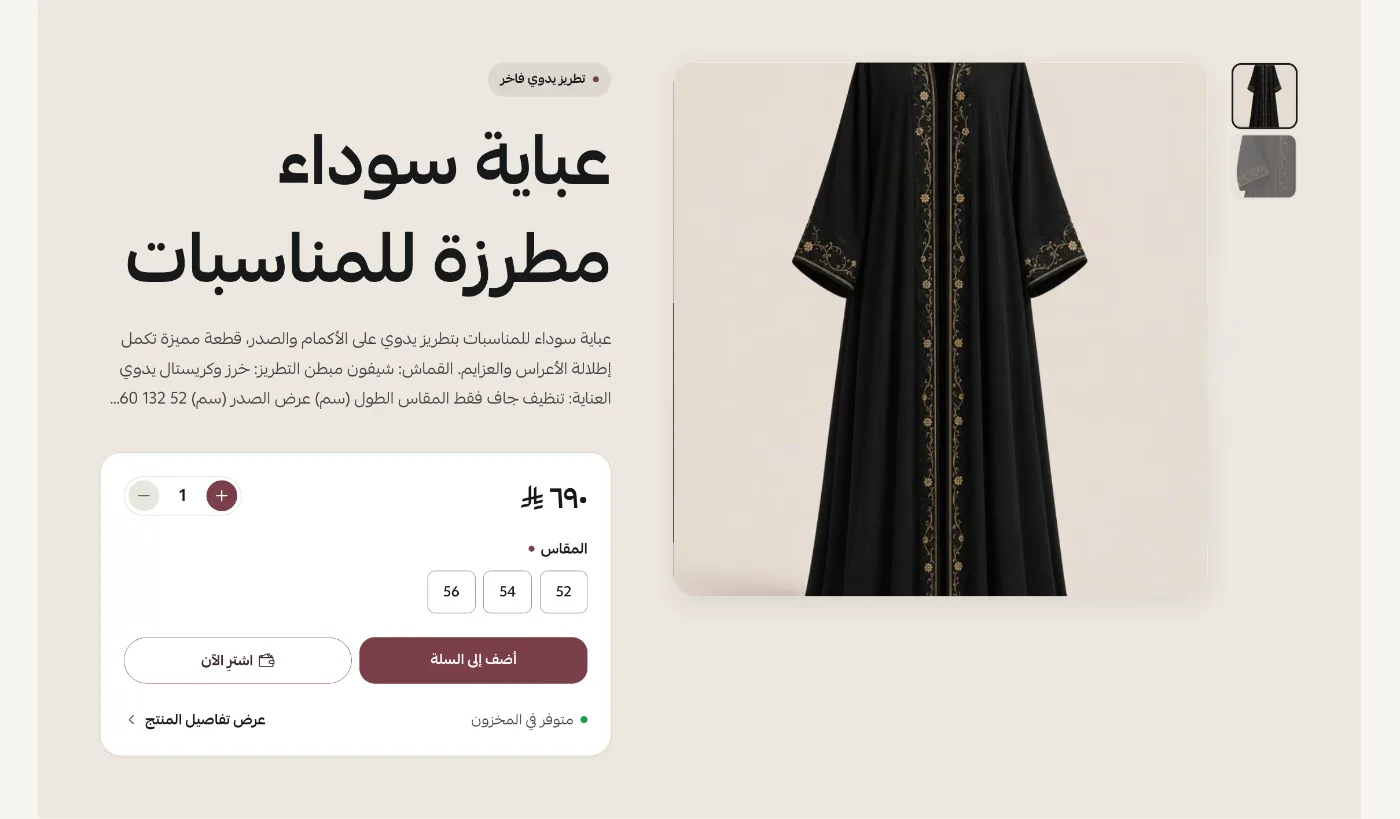 MOVA Product Spotlight One product front and centre with its photos, price, options and add-to-cart, plus a countdown to the end of its discount when the product has one
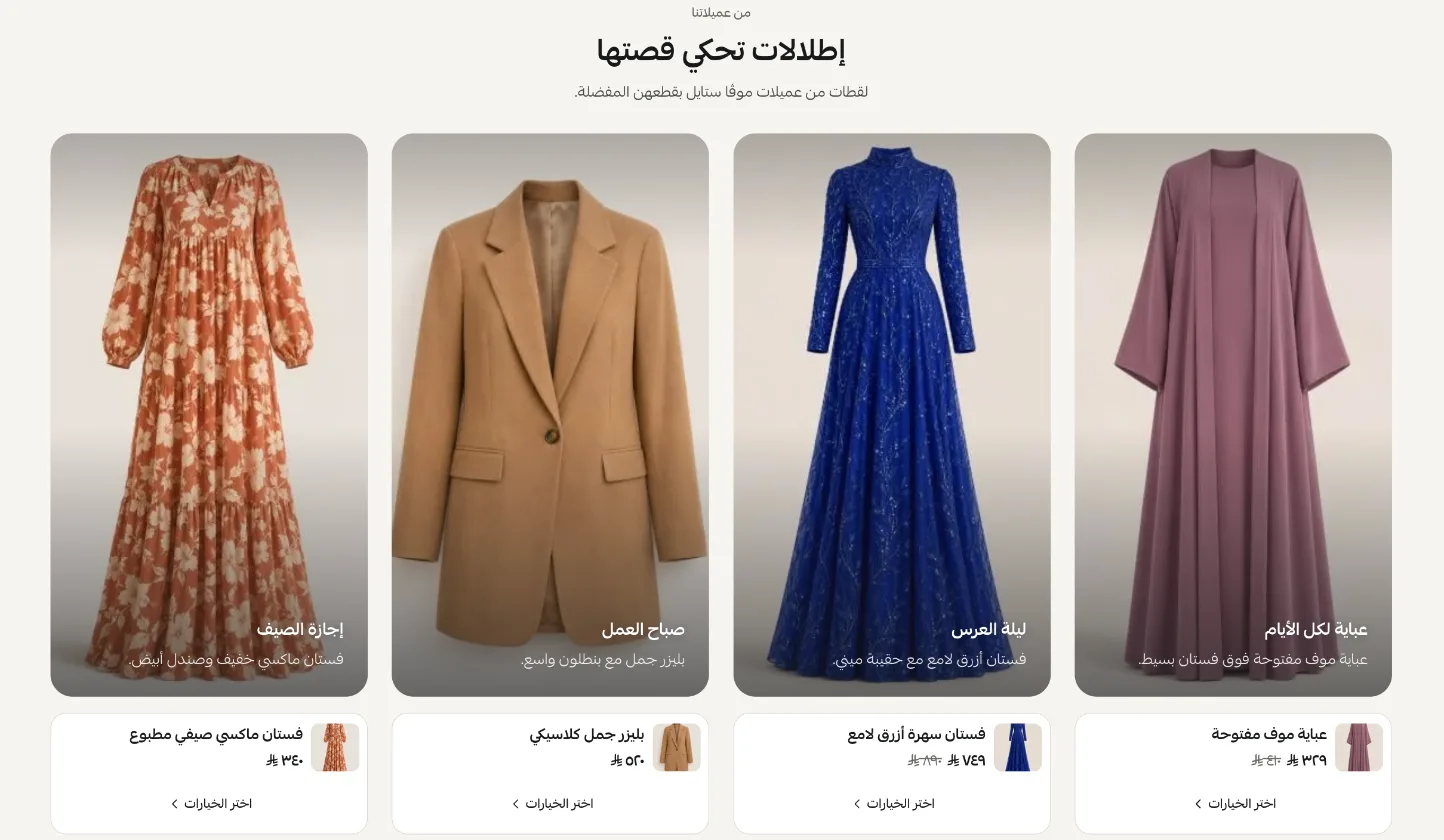 MOVA Video Stories Short vertical videos of customer experiences or how-tos, in a stories layout, each optionally linked to a product
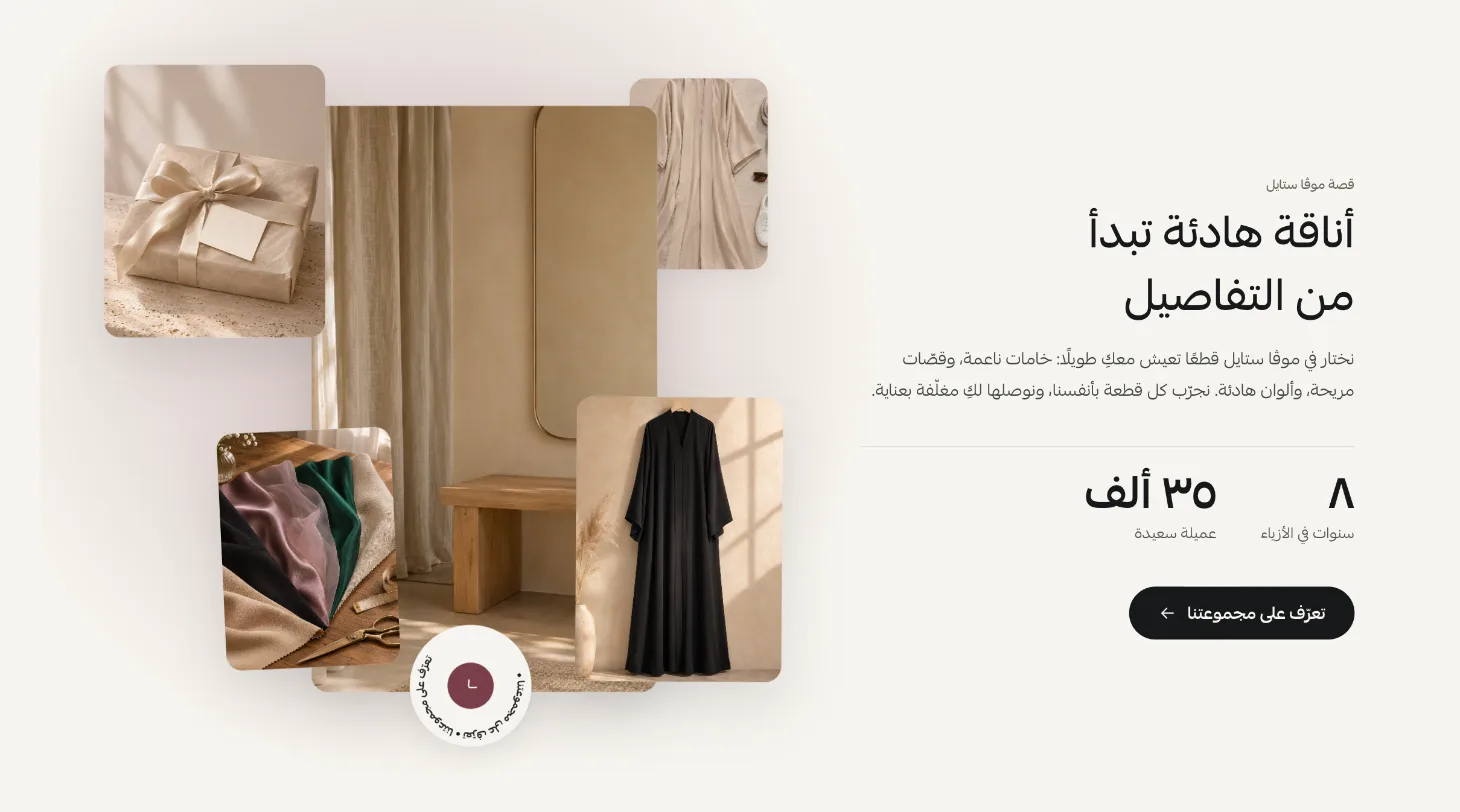 MOVA Store Story Your store’s story with a photo collage, text, figures and a rotating round badge
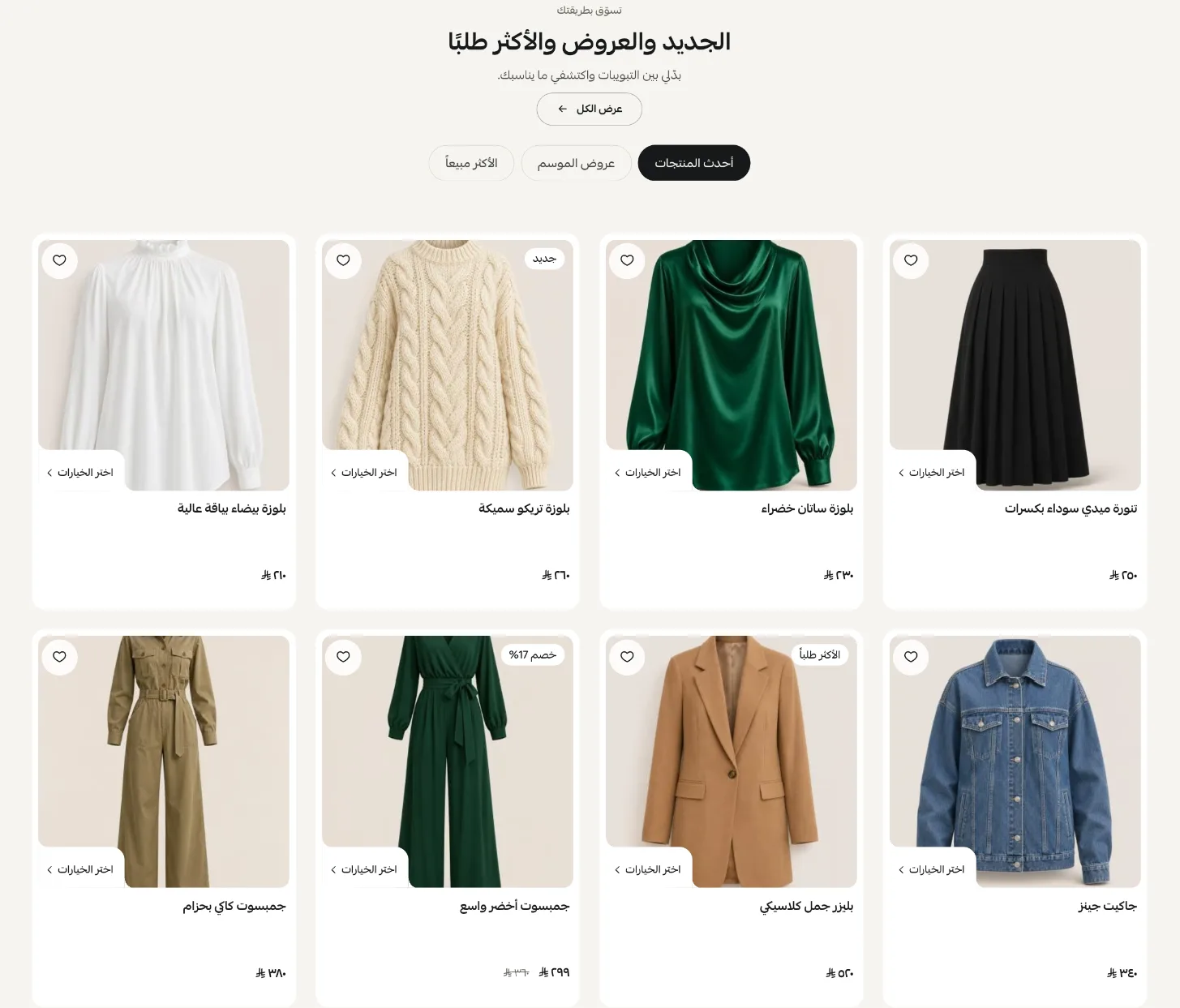 MOVA Tabbed Offers Offers in tabs (for example men, women, kids), each with its own products, plus an optional banner and countdown
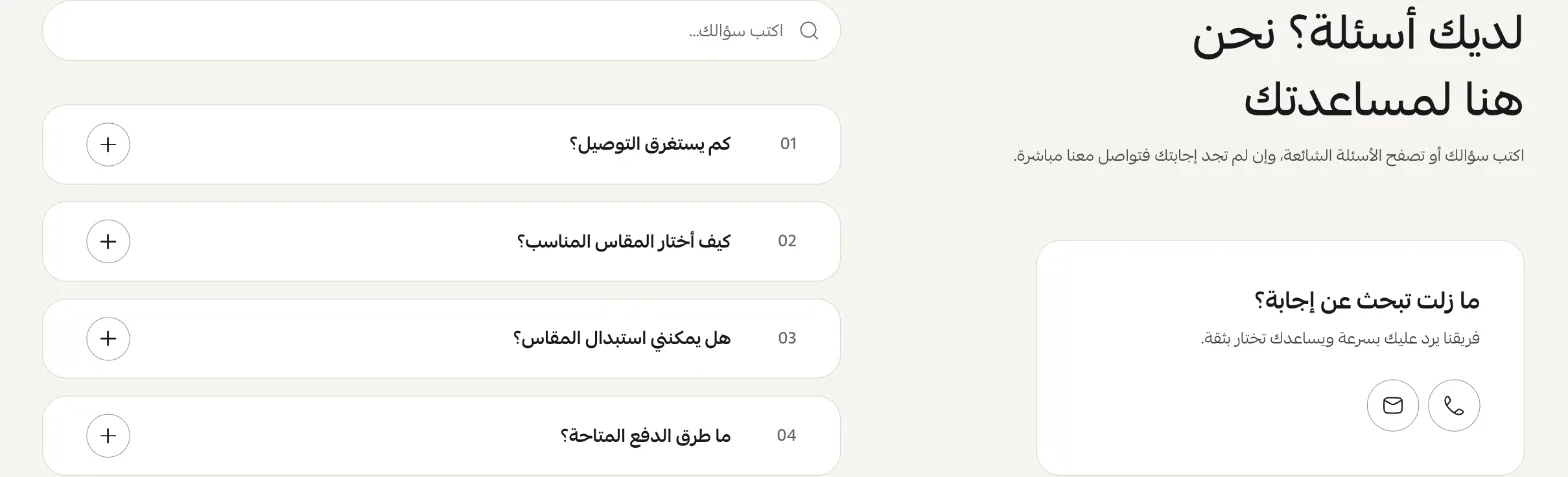 MOVA FAQ Frequently asked questions that open and close, with a support card linking to WhatsApp or the contact page
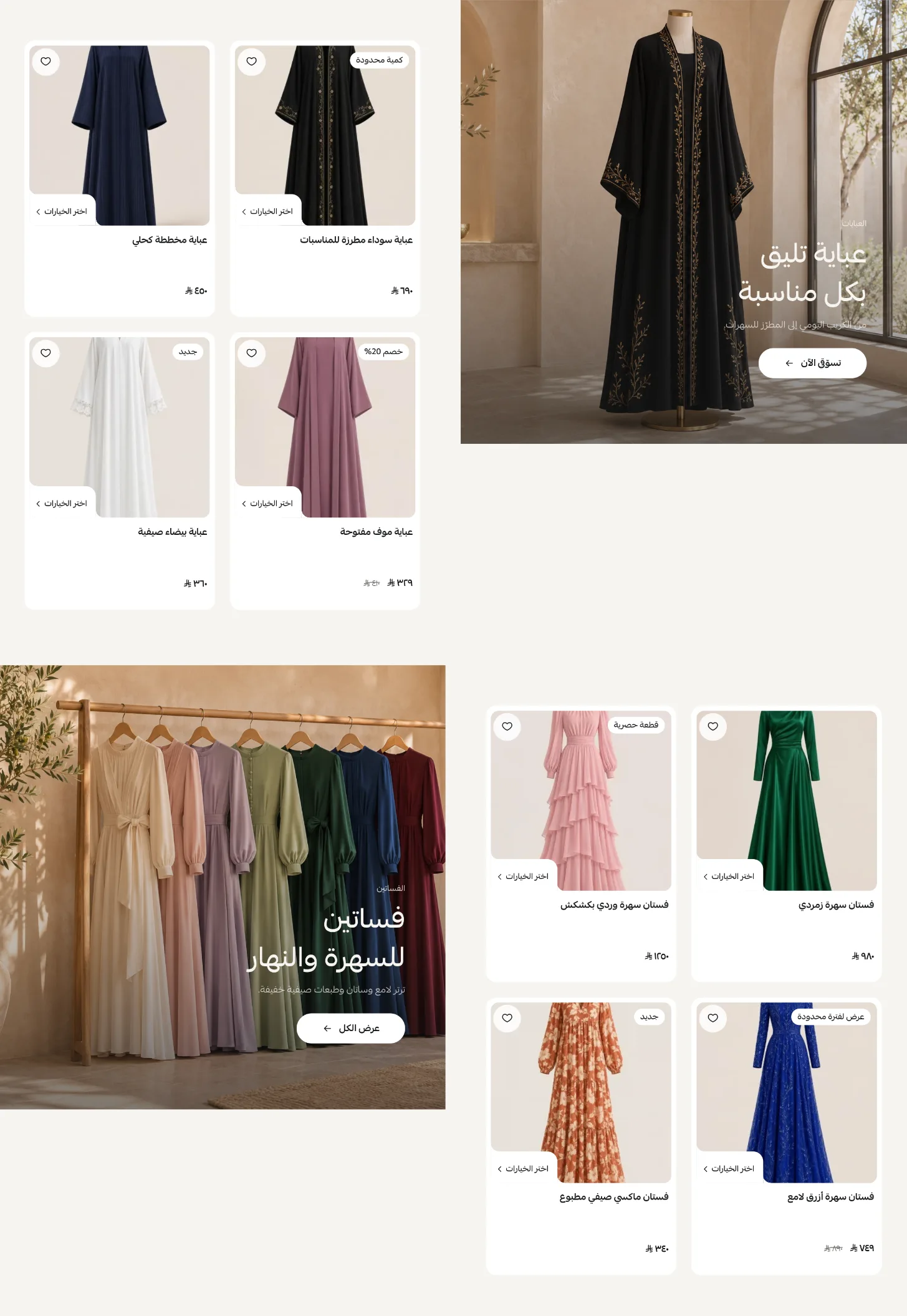 MOVA Zigzag Showcase Alternating rows
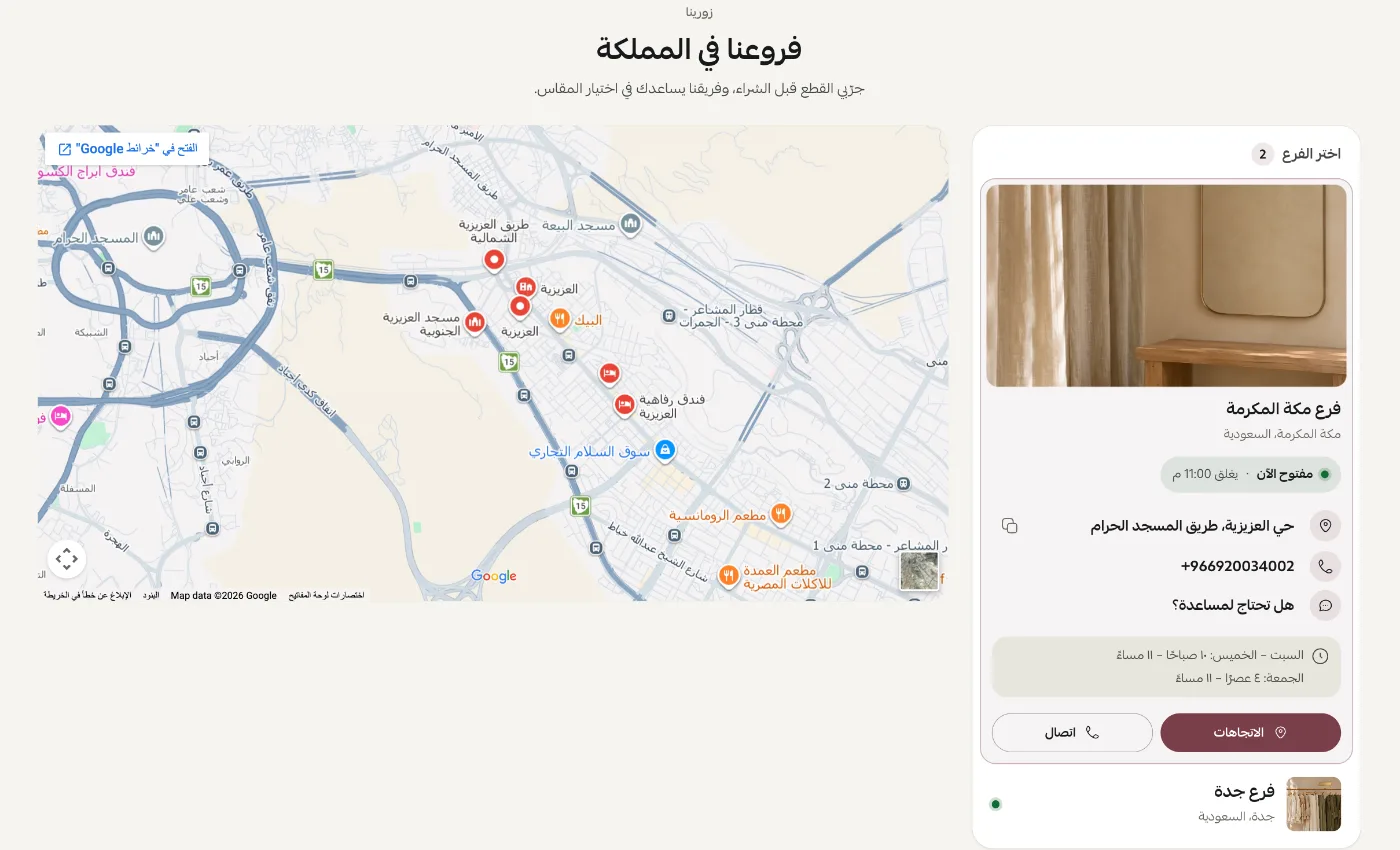 MOVA Branches Your branches on a map with address, opening hours, open-now status and a directions link
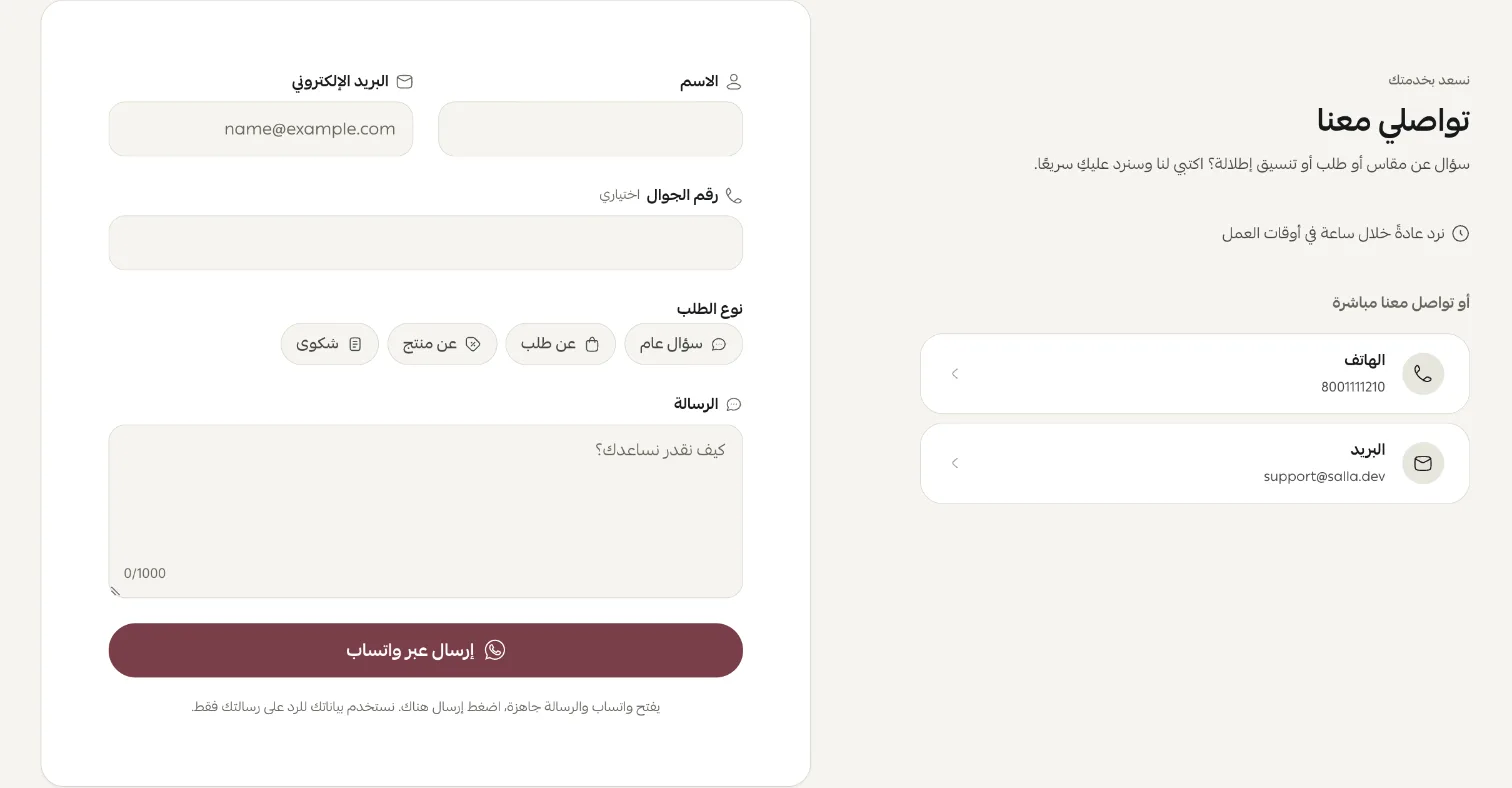 MOVA Contact Form A contact form inside the home page
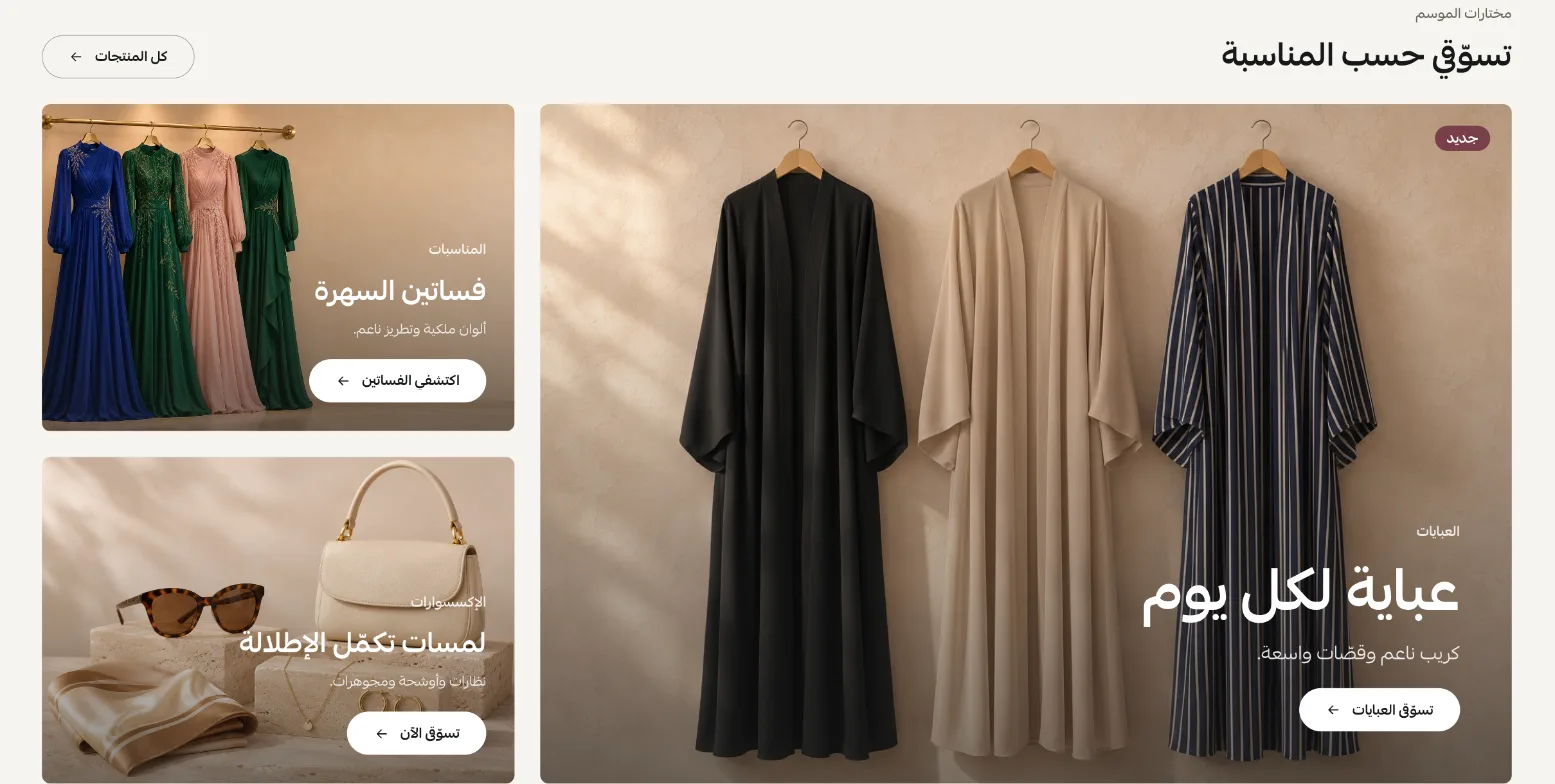 MOVA Banners Banners in ready-made arrangements for desktop and phone (two, three, an uneven grid), or as slides and a moving strip
Standard blocks
Section titled “Standard blocks”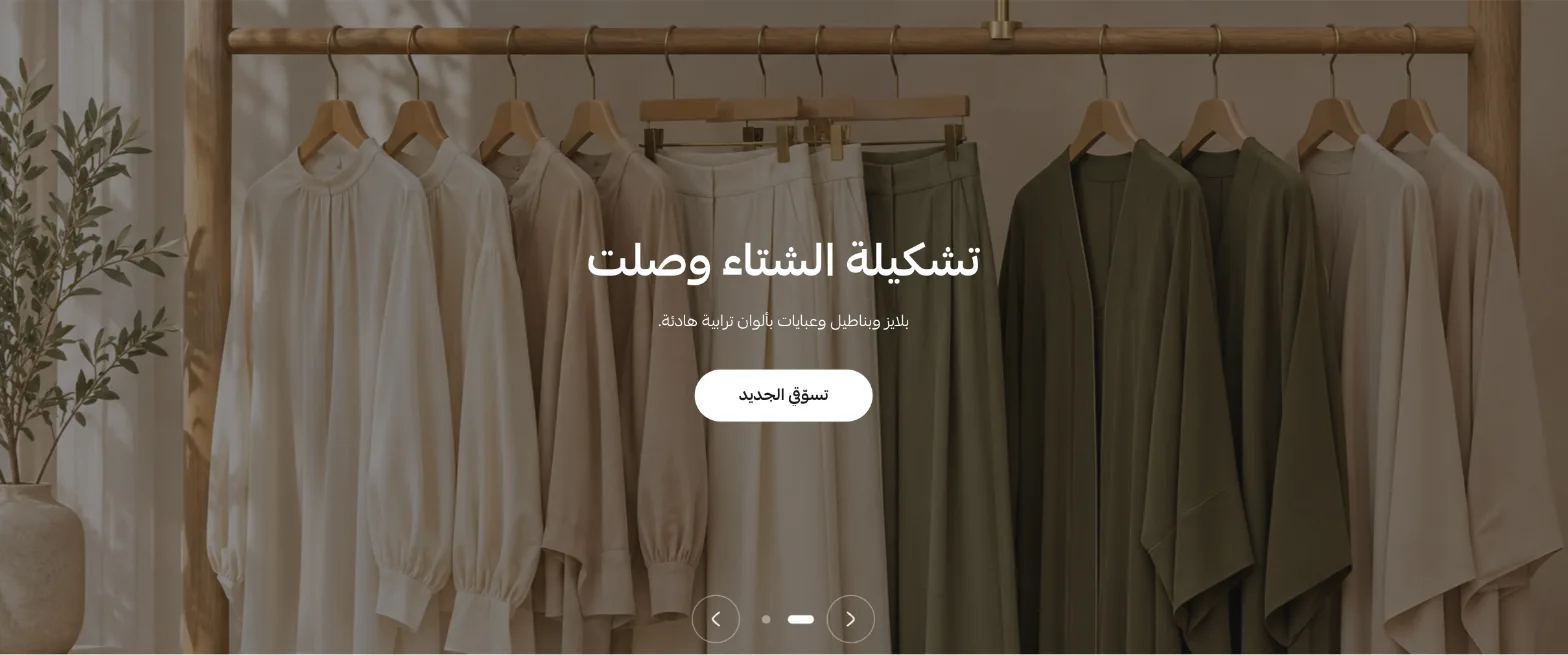 Enhanced animated images Image slides that rotate automatically, each with a link
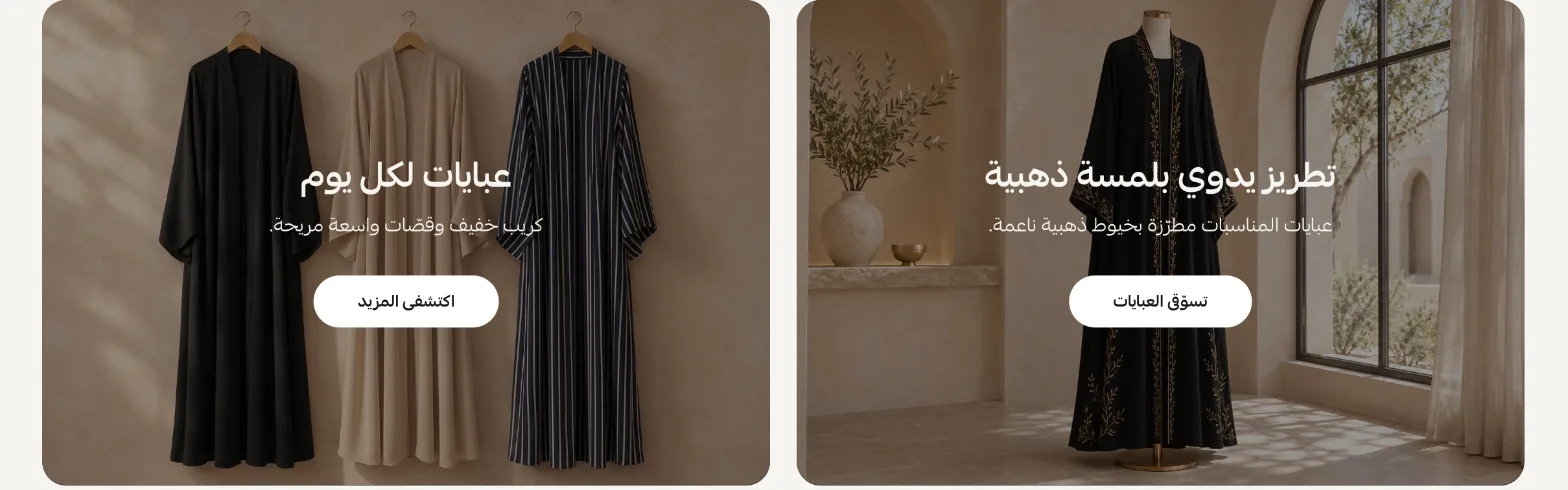 Animated Images with Text Image slides with a heading, text and button over them
 Quick Links Quick links with icons or images to your key categories and pages
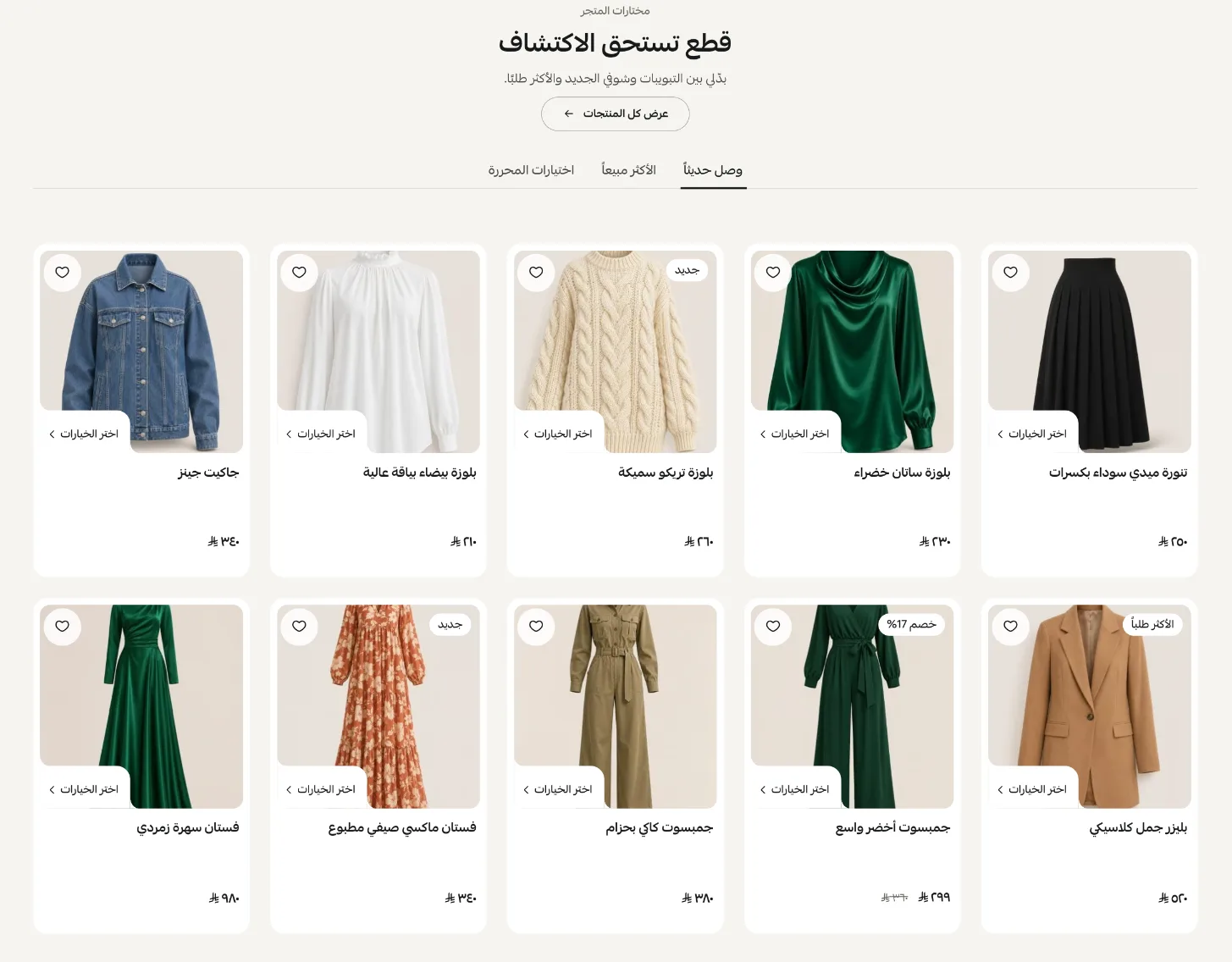 Featured products Selected products in tabs or a single list
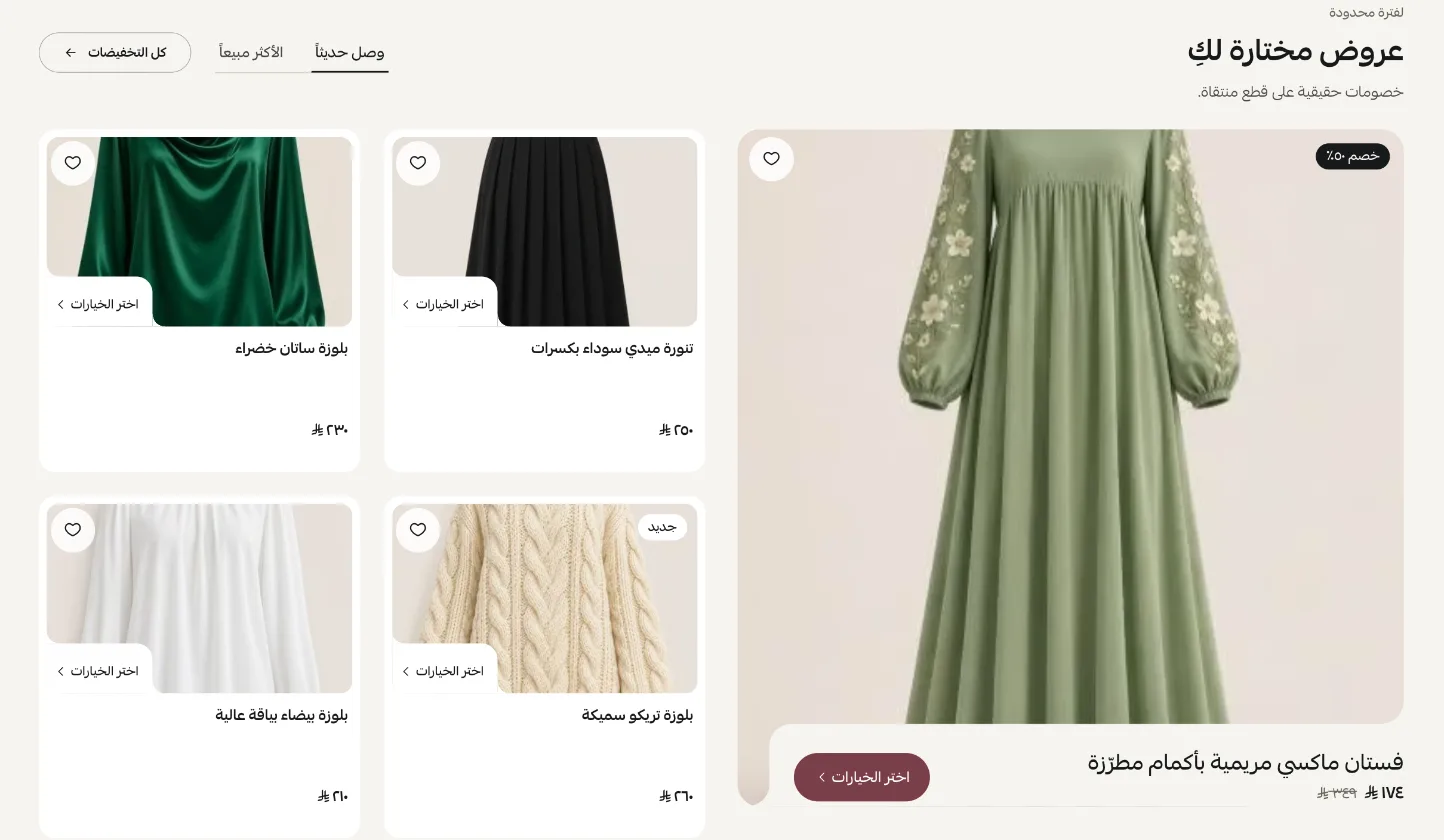 Special offer + products A special-offer product with a countdown beside a set of products
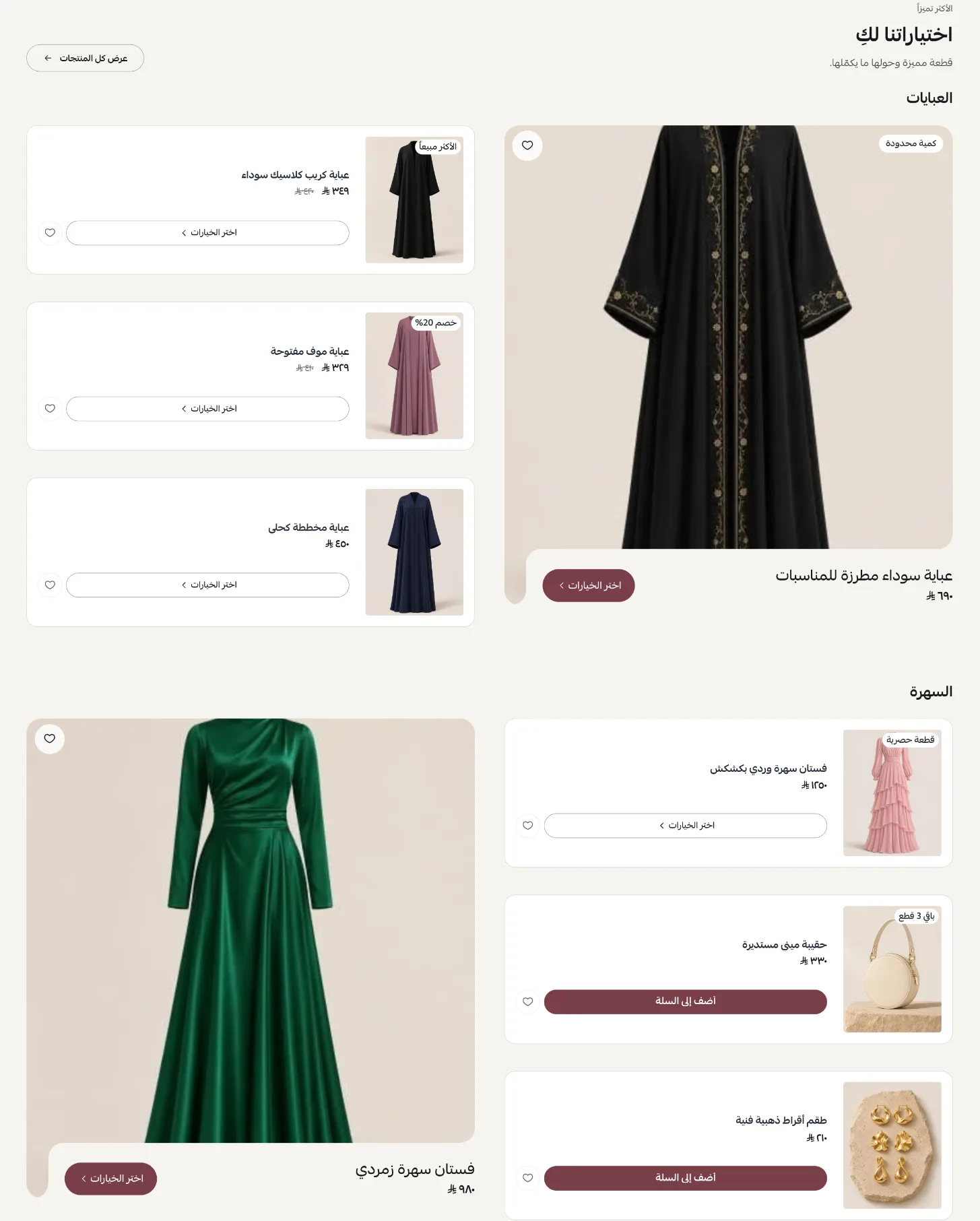 Featured product + products One large featured product beside a set of products
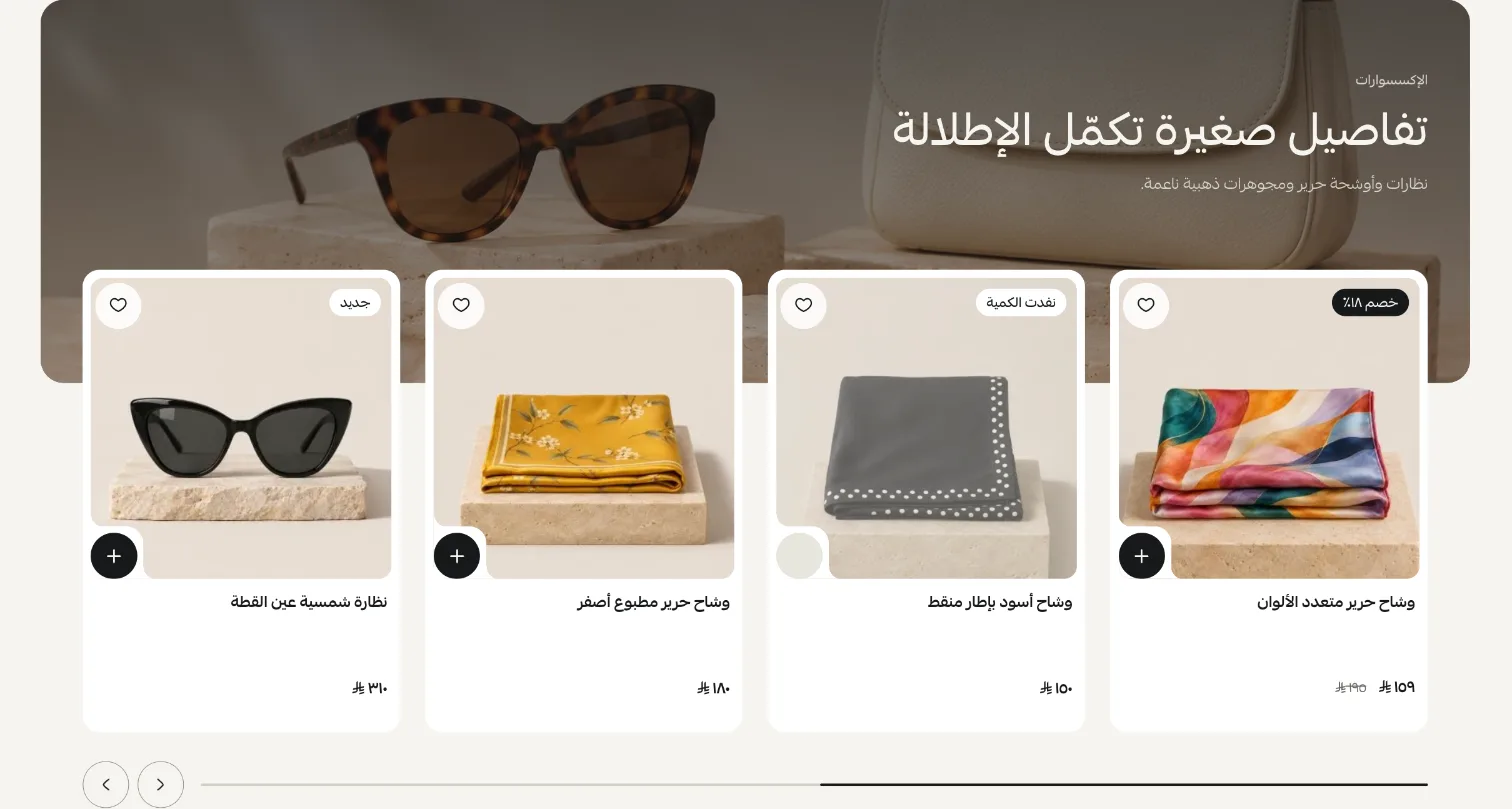 Products with a background A product carousel over an image or colour background
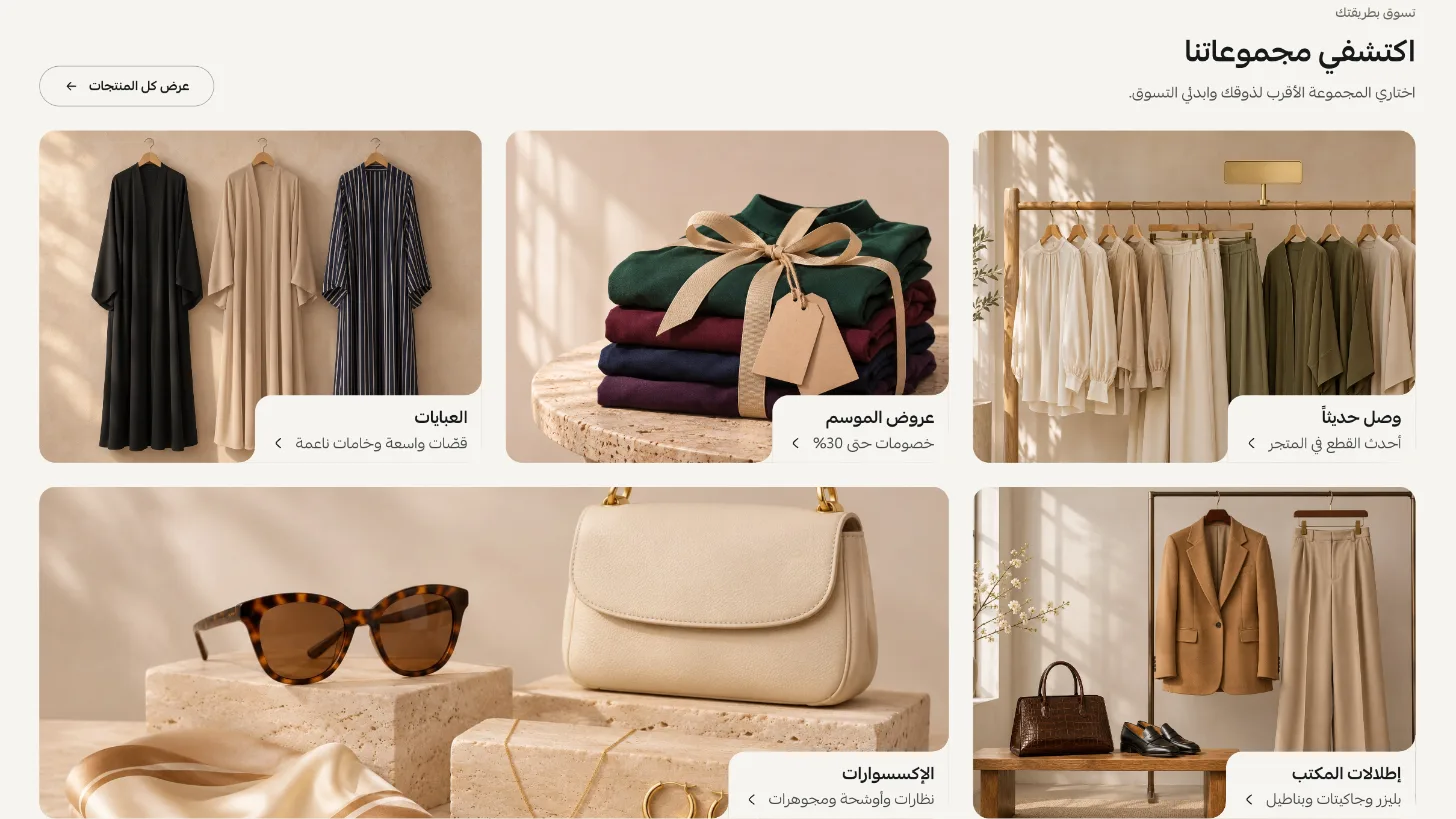 Enhanced square images Square images in a grid with titles and links, good for collections and categories
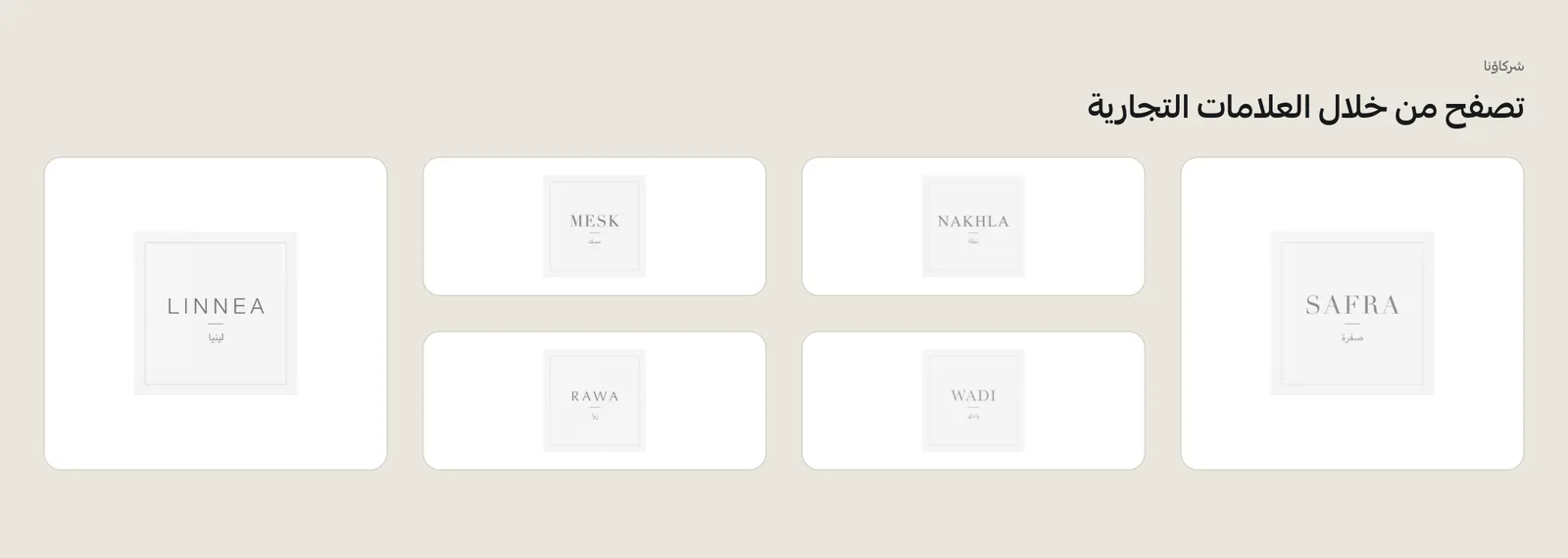 Brands Logos of the brands you sell, in a grid or strip
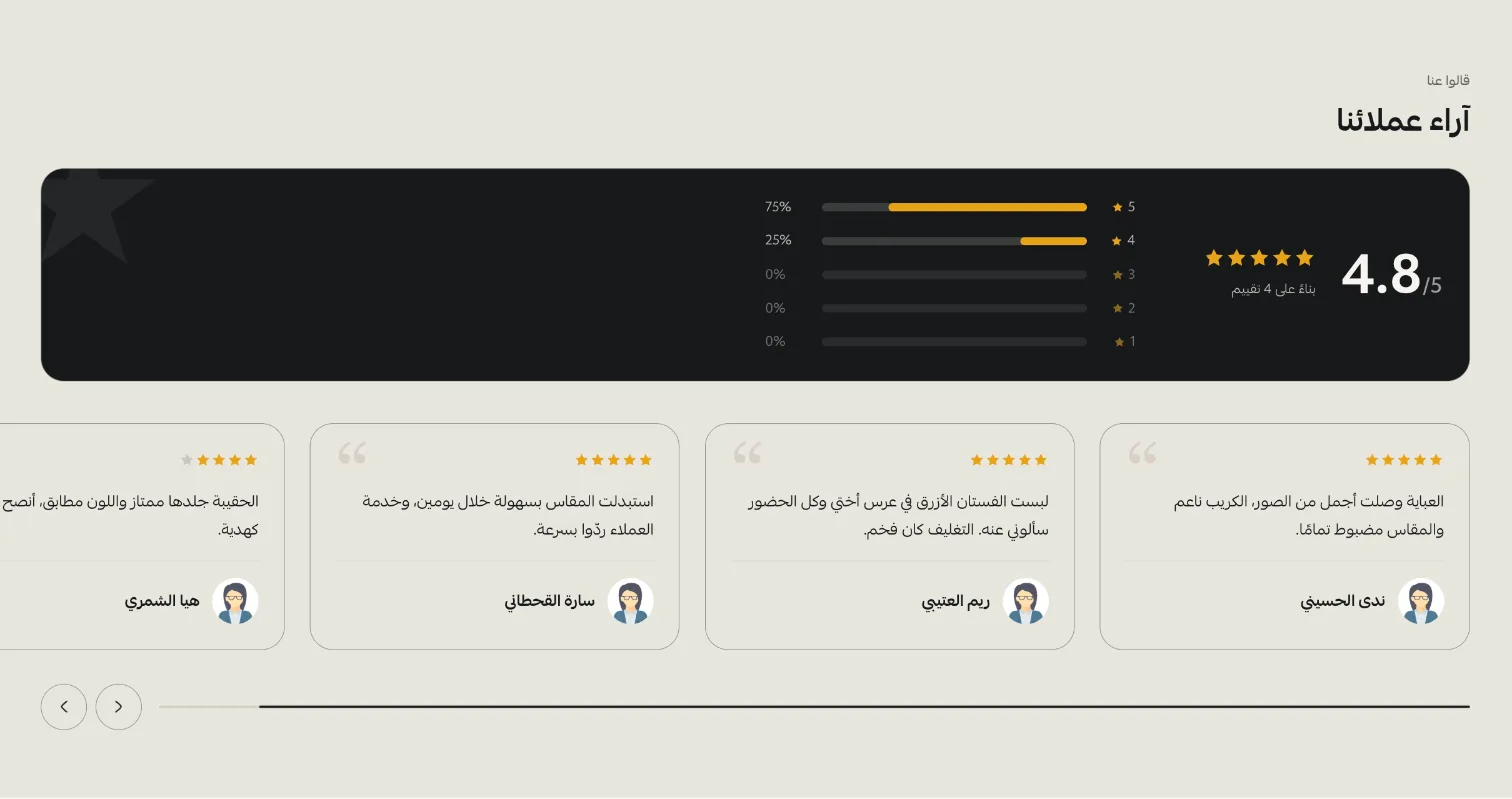 Custom testimonials Customer reviews you write in, with name, rating and photo
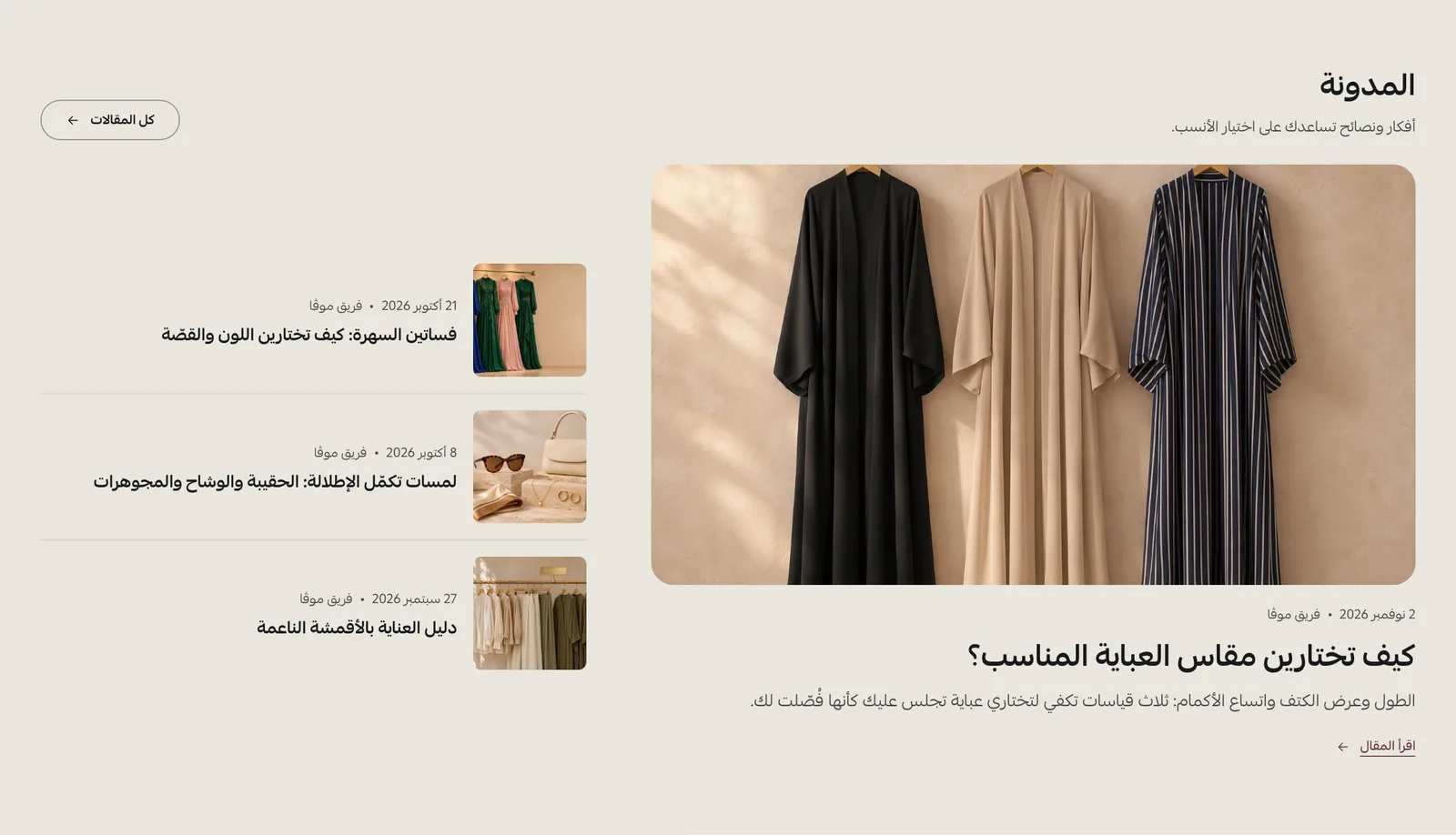 Blog Your store blog’s latest articles on the home page