
MOVA Find Your Match

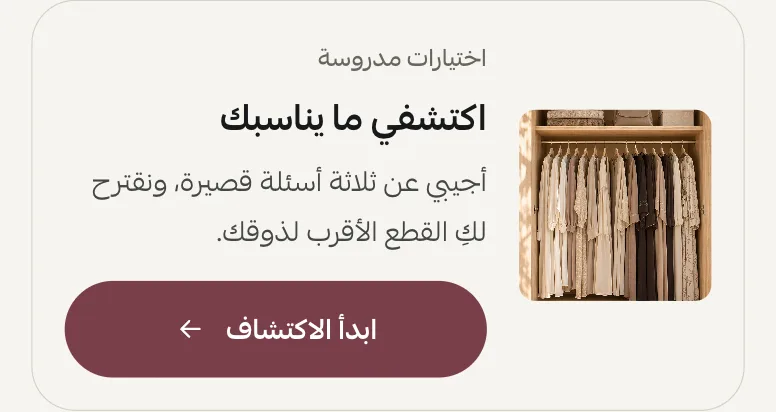
A few short questions (who is it for, what budget) that lead the shopper to the right products. Useful for large catalogs where shoppers hesitate.
Salla shows this theme’s editor in Arabic, so each setting is listed by its Arabic label exactly as you will see it.
How to add it
Section titled “How to add it”- In the Salla dashboard open Store & sales channels («المتجر وقنوات البيع») → Store design («تصميم المتجر») and press Customize («تخصيص») on MOVA.
- Open the home page in the editor and add a new section.
- Pick «اكتشف ما يناسبك» from the list of sections.
- Fill in the settings below in order and watch the preview.
- Drag the section into place, then save and publish.
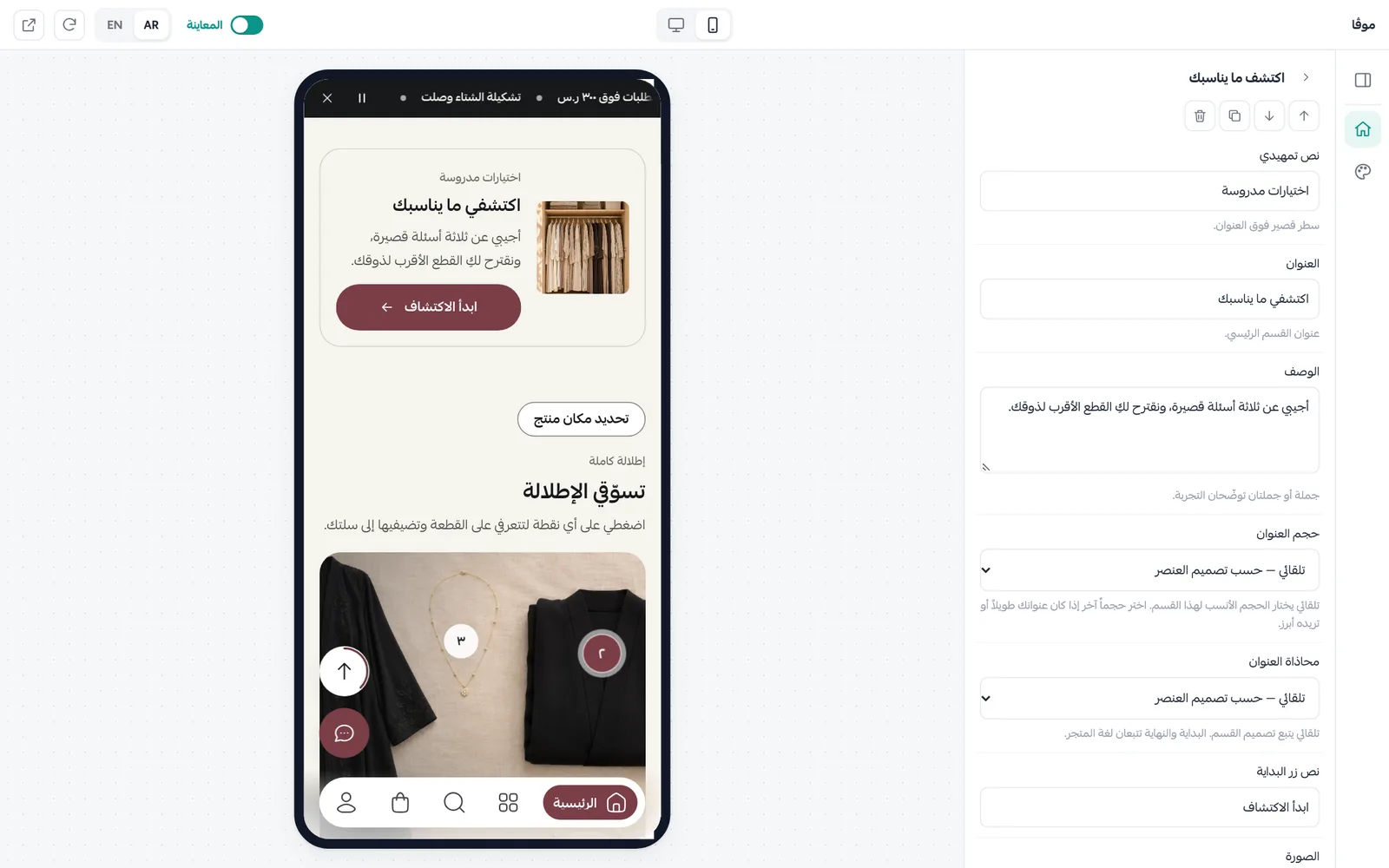
Every block shares the same heading, button and display options; they are explained once in Heading, button and display options.
General
Section titled “General”اربط كل إجابة بالمنتجات المناسبة لها ليظهر القسم للعملاء. يرى العميل المنتج الأكثر مطابقة لإجاباته، ومعه حتى 3 بدائل.
المقدمة
Section titled “المقدمة”سطر قصير فوق العنوان.
عنوان القسم الرئيسي.
جملة أو جملتان توضّحان التجربة.
تلقائي يختار الحجم الأنسب لهذا القسم. اختر حجماً آخر إذا كان عنوانك طويلاً أو تريده أبرز.
تلقائي يتبع تصميم القسم. البداية والنهاية تتبعان لغة المتجر.
اختيارية. بدونها يظهر النص وحده في المنتصف.
قسم كامل: الأسئلة تظهر داخل القسم. شريط مختصر: الأسئلة تفتح في نافذة.
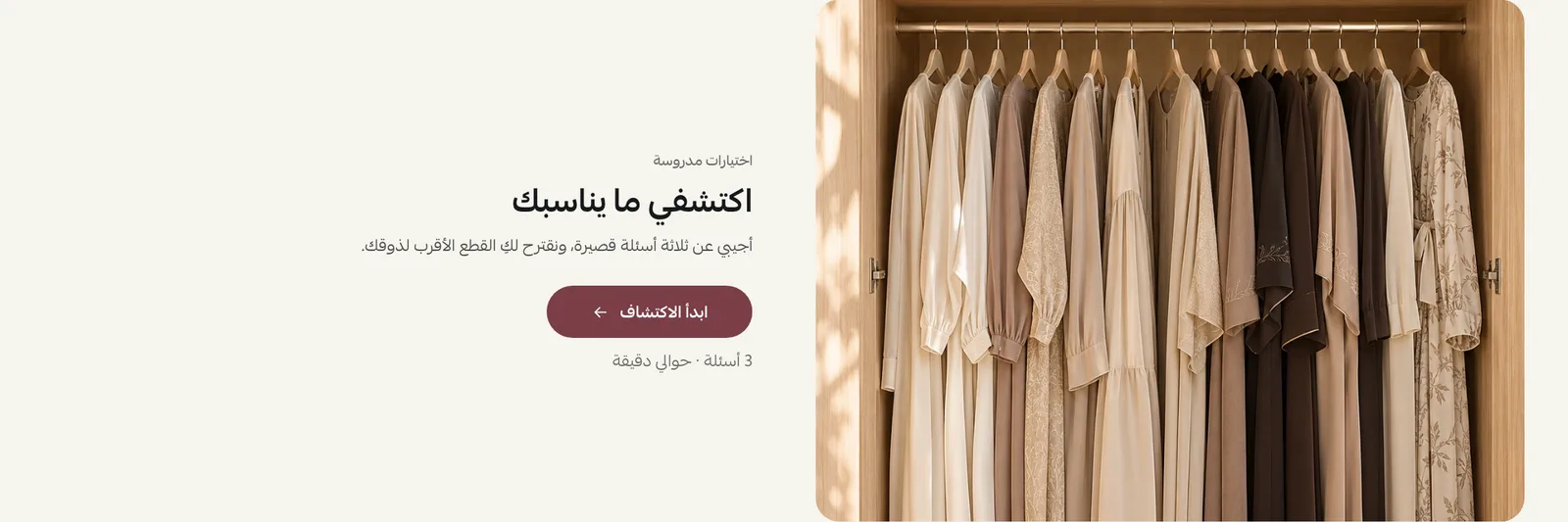



الأسئلة
Section titled “الأسئلة”من سؤالين إلى خمسة، ولكل سؤال من إجابتين إلى أربع.
Fields of each سؤال
تظهر الصور فقط إذا أضفت صورة لكل إجابات السؤال.
تظهر الصور فقط إذا أضفت صورة لكل إجابات السؤال.
تظهر الصور فقط إذا أضفت صورة لكل إجابات السؤال.
تظهر الصور فقط إذا أضفت صورة لكل إجابات السؤال.
النتائج
Section titled “النتائج”يظهر عندما تطابق المنتجات كل الاختيارات.
يظهر كرابط عندما لا توجد منتجات مطابقة.