
Header, menus and announcement bar
Everything on this page is in the theme settings → Header («رأس الصفحة»). The full reference for every setting is in the Header reference.
Header design
Section titled “Header design”Choose the Header appearance («مظهر رأس الصفحة»): Classic (the usual bar) or MOVA (the default). With MOVA you choose one of four designs:
| Design | Look | Suits |
|---|---|---|
| Bar («الشريط») | A neat bar with rounded edges | Most stores |
| Capsule («الكبسولة») | A floating, pill-shaped bar | Stores with a short menu |
| Morph on scroll («التحول عند التمرير») | A full-width header that gathers into a capsule as you scroll down | A hero with a large image |
| Big store («المتجر الكبير») | A large search and a row of categories | Stores with many categories |
Header density («كثافة الرأس»): Comfortable (taller) or Compact (more room for content).
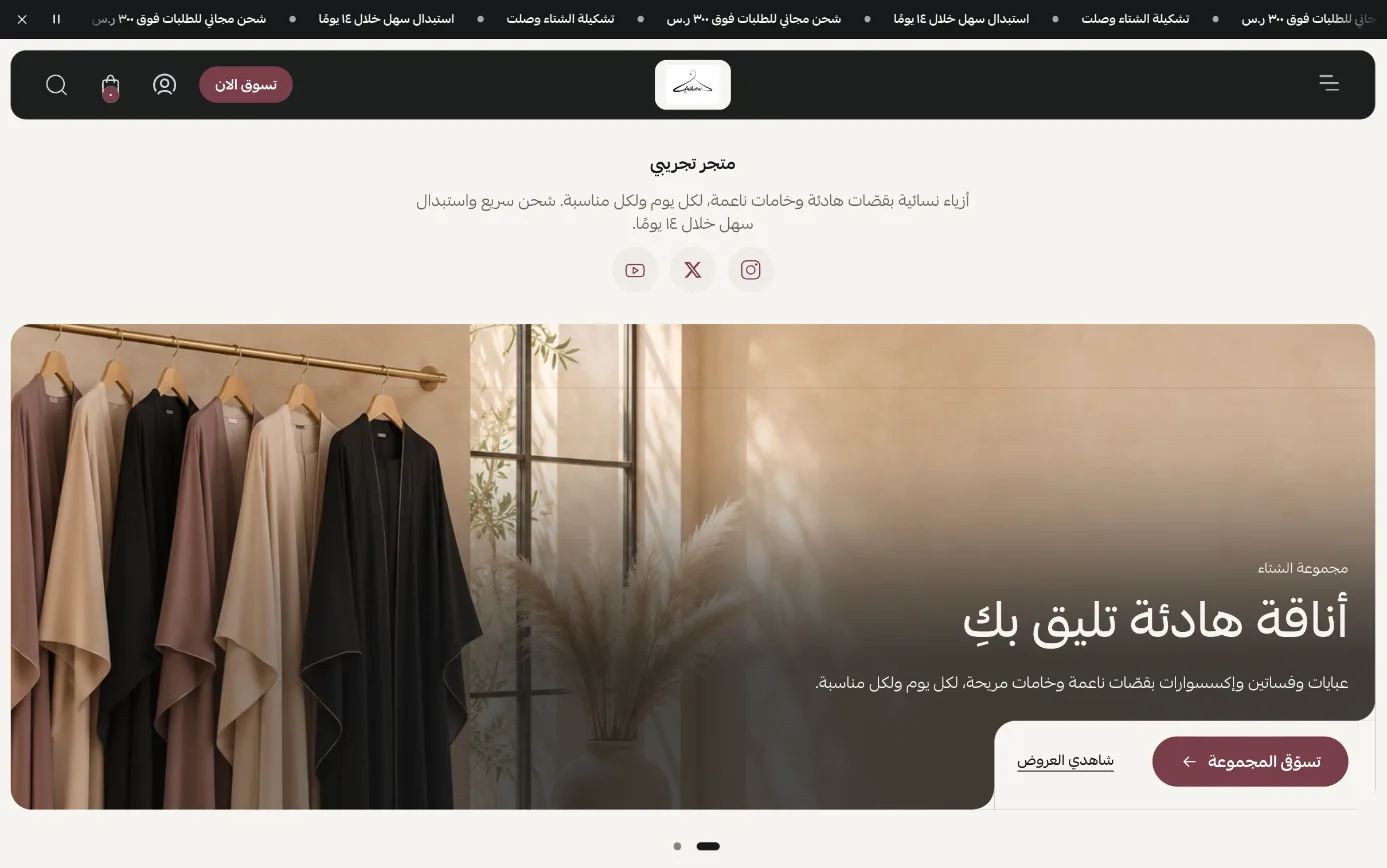
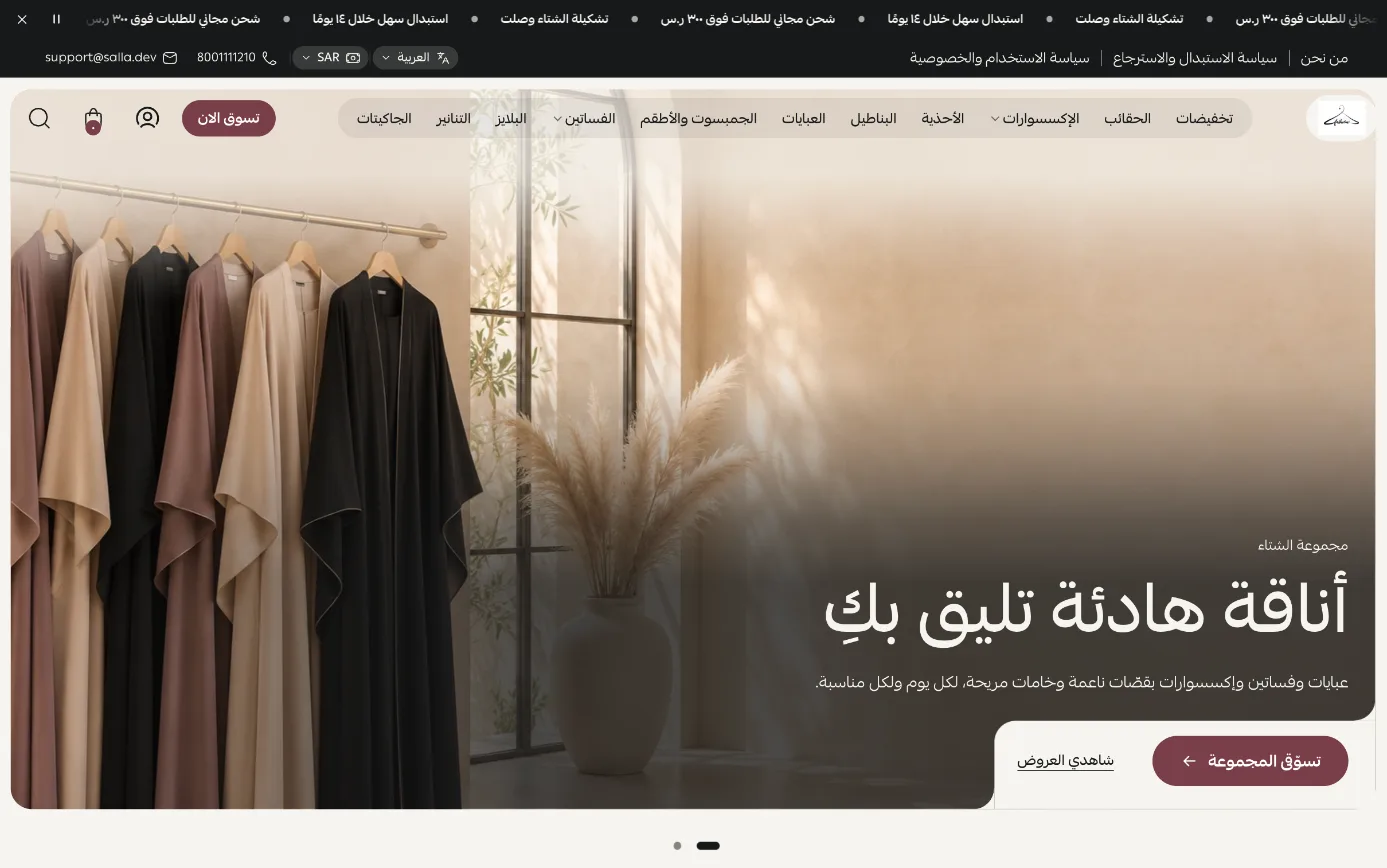
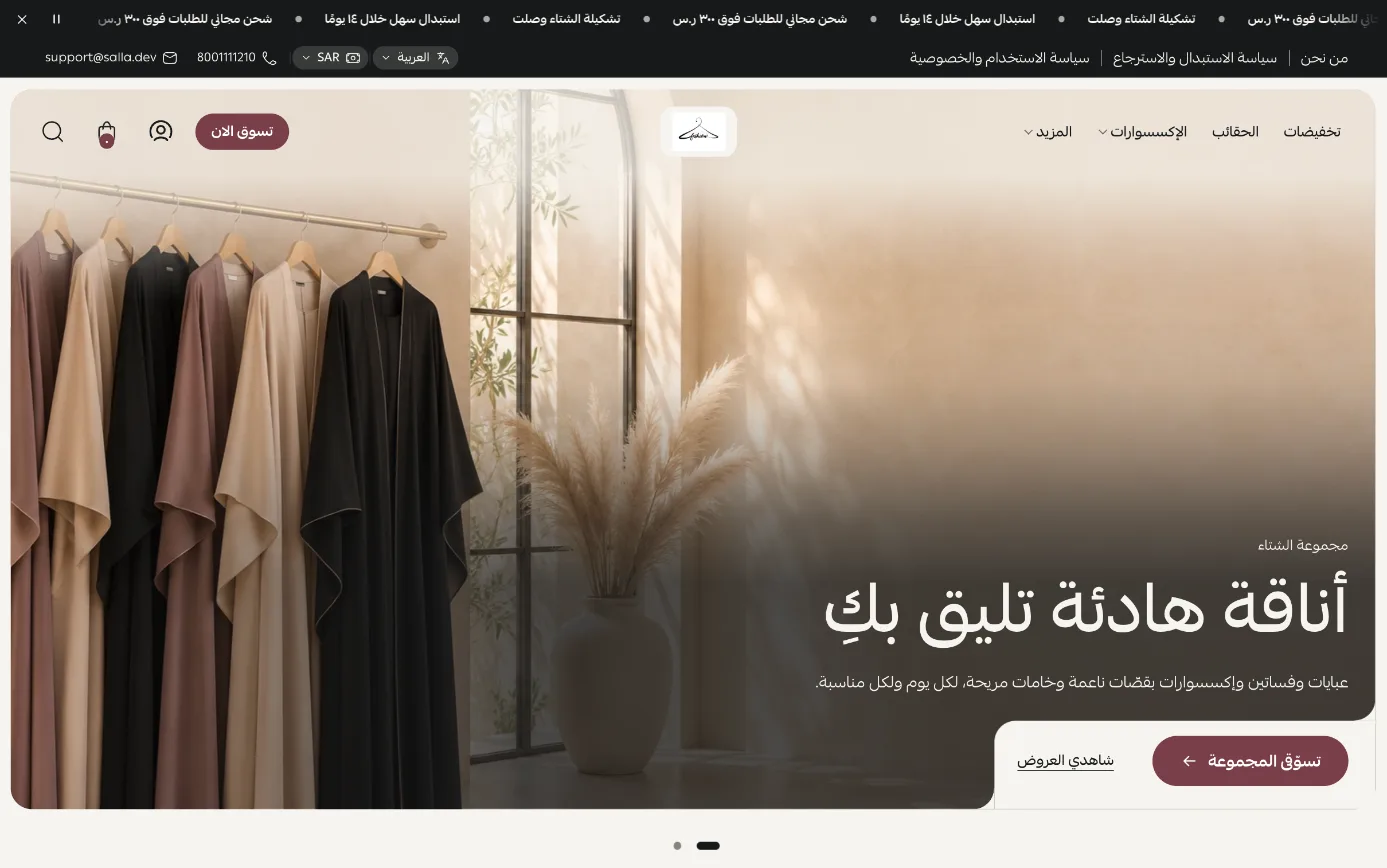
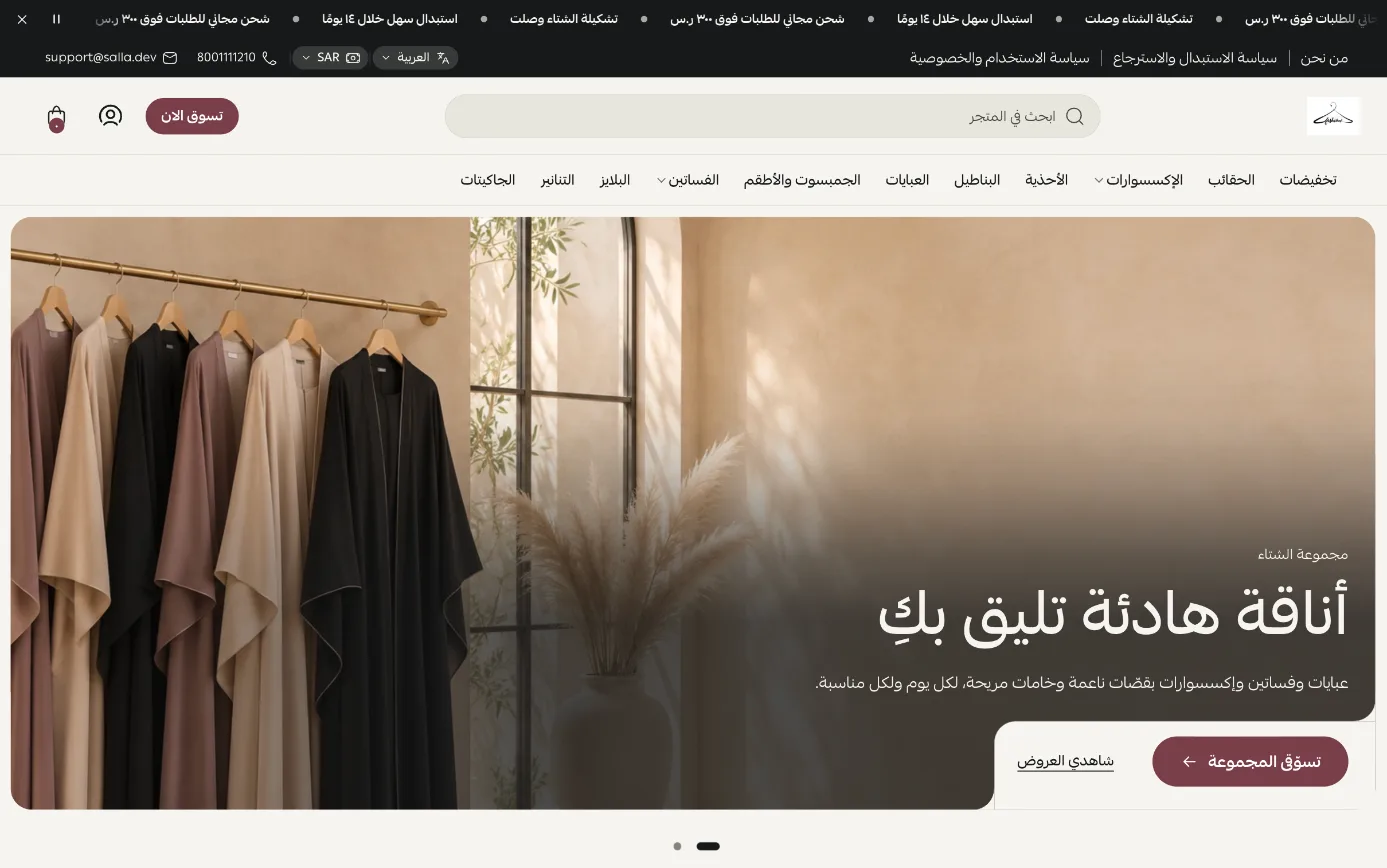
- Position: at the start, or in the centre (links on one side and icons on the other).
- Size: on desktop, on mobile, and after scrolling, each one set separately.
- Logo background («خلفية الشعار»): a small panel behind it that keeps it clear over any image. Choose Dark if your logo is white.
Menu and mega menu
Section titled “Menu and mega menu”The menu links themselves come from the Menu builder («منشئ القوائم») in Salla. MOVA controls how they look:
- One line with “More” («سطر واحد مع «المزيد»»): links that don’t fit move into a “More” menu.
- Active link style and Spacing between links.
- Mega menu («القائمة الضخمة»): a panel with columns, category images and products instead of the usual dropdown.
- Category images: the ones you added in the Menu builder.
- Menu products: the products linked to the menu item in Salla, from one to four.
- Promo card: an image, text and link that appear in every mega menu.
Search and action button
Section titled “Search and action button”- Search box text: such as “Search for an abaya, a dress, a bag…”.
- Category row in the Big store design, with its images.
- Header button: a button of your choice next to the icons, such as “Track your order” or “Offers”. It needs text and a link.
Scrolling behaviour and look
Section titled “Scrolling behaviour and look”- Keep the menu at the top when scrolling («تثبيت القائمة أعلى الصفحة عند التمرير»): on. The Morph design needs it.
- Transparent header over the MOVA hero («رأس شفاف فوق واجهة موڤا»): the header shows with no background over the hero image on the home page. It works when the MOVA Signature Hero is the first block.
- Header background: Glass (transparent with a blur) or Solid.
- Top bar: language, currency, branches and links to important pages. You can make it dark or hide it.
Mobile navigation
Section titled “Mobile navigation”- Category images in the menu and Search at the top of the menu.
- From the general theme settings: Mobile header bar («شريط الرأس على الجوال», on all pages or the home page only) and its icons. The bottom bar on mobile always carries search, cart and account.
Announcement bar
Section titled “Announcement bar”A bar of messages at the top of every page, above the header. Off by default.
- Messages: up to 8 messages, each with text, an icon and an optional link.
- Design: Full dark, Calm with a light colour, In the store colour, Thin lines, or Floating capsule.
- Motion: Moving (pauses when the pointer is over it) or Still, with the motion speed and the gap between messages.
- Let the customer close it, and keep it at the top of the page while scrolling.
- Hide it on certain pages: home, product, categories, cart, account.