
In Salla review
MOVA
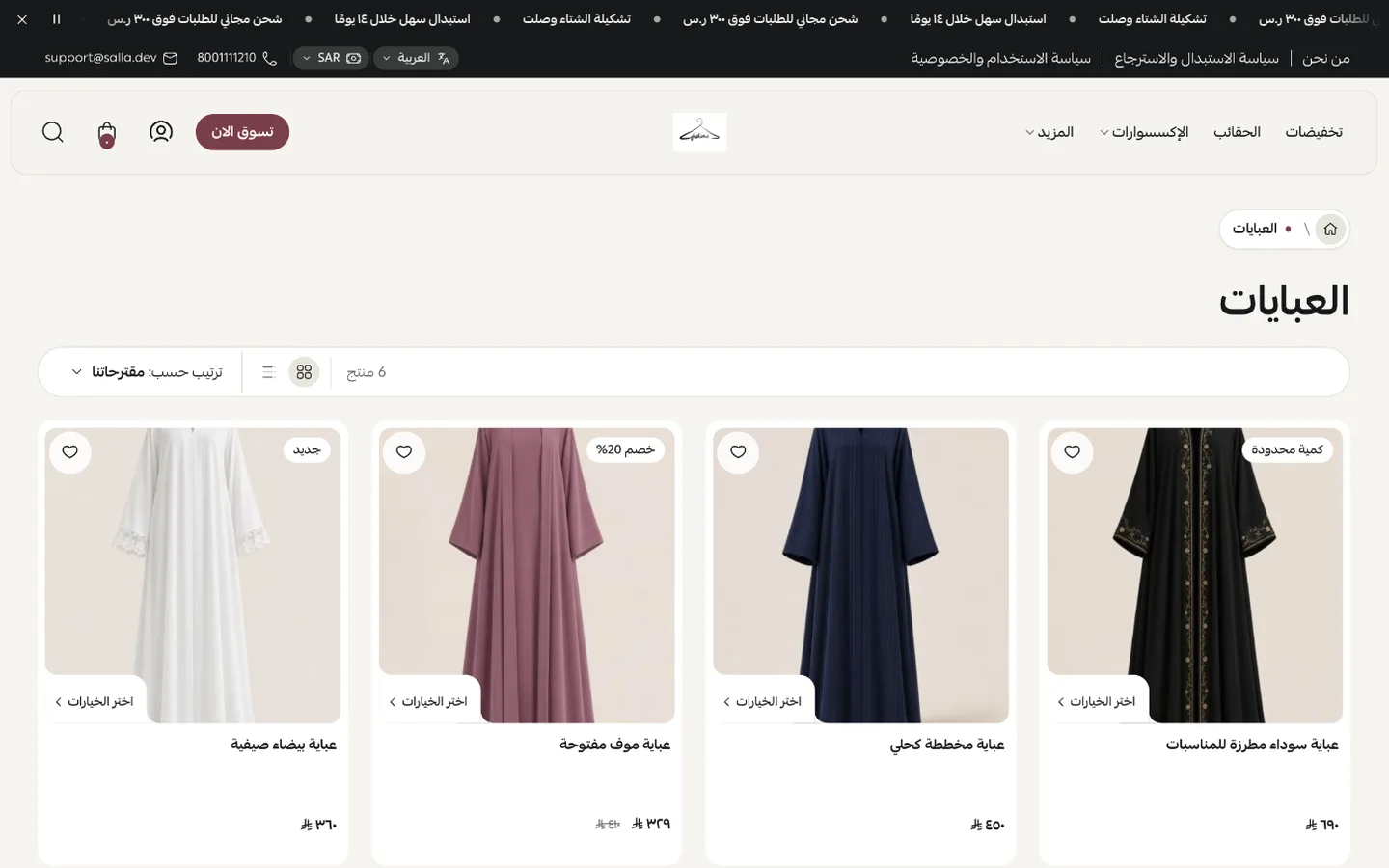
MOVA is an Arabic-first theme built on Salla’s new React engine. It starts from a “store kind” that sets the whole look in one choice, then gives you 18 MOVA home blocks on top of Salla’s standard ones: a signature hero, shop-the-scene, a product finder, countdown offers, video stories, FAQ, branches with a map, and more. The product page, cart, catalog and blog are all redesigned, with dark mode and keyboard and screen-reader support.
Best for: Fashion and abayasFurniture and decorGiftsBeauty and careElectronics
Highlights
- 01
Store kind in one choice
Pick fashion, furniture, beauty, electronics or food and the corners and heading weight change across the store.
- 02
29 home blocks
18 MOVA blocks and 11 standard ones, each with the same heading, button and display options.
- 03
A side cart that sells
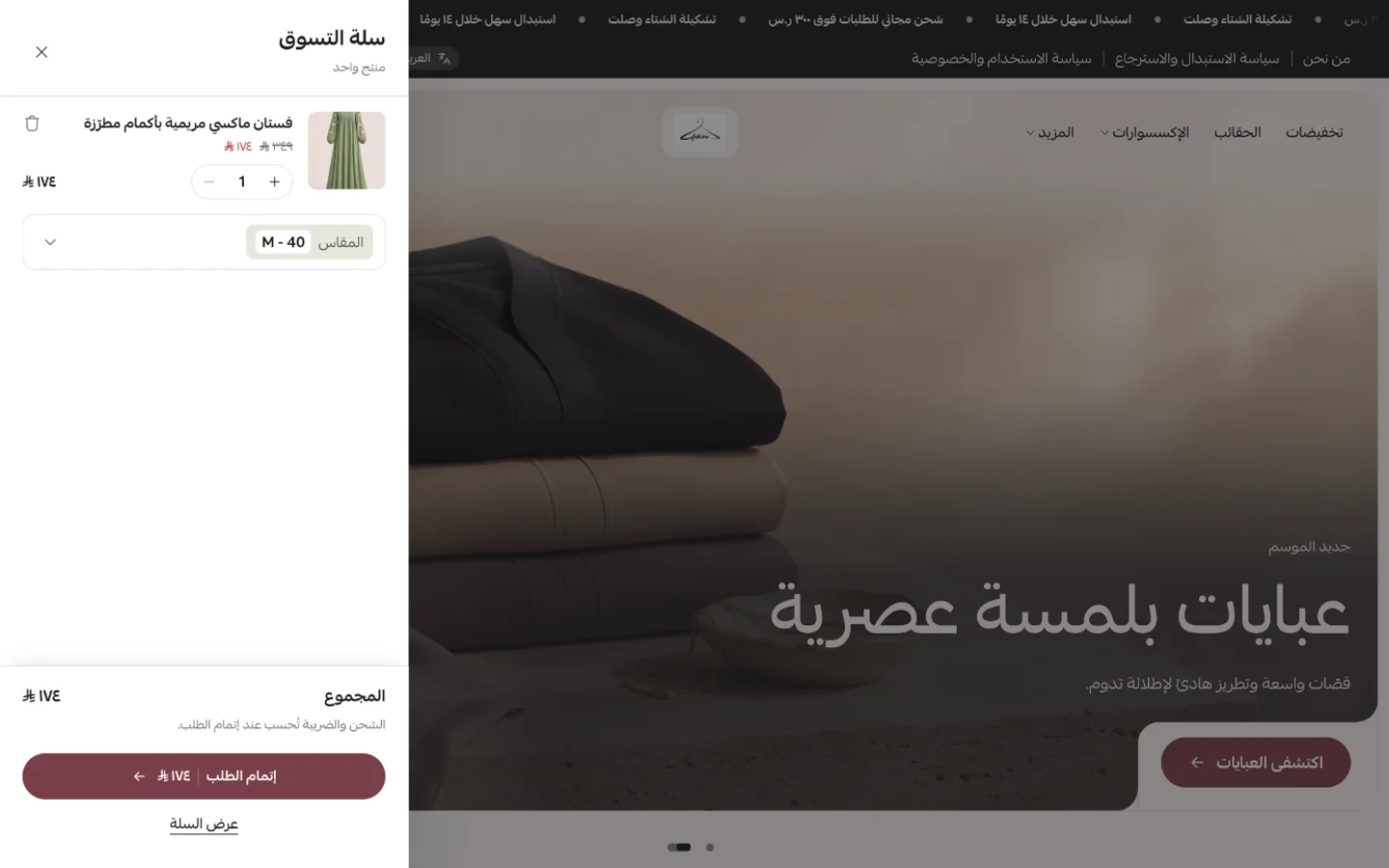
Coupon, a free-shipping bar, option edits and suggestions without leaving the page.
- 04
A new product page
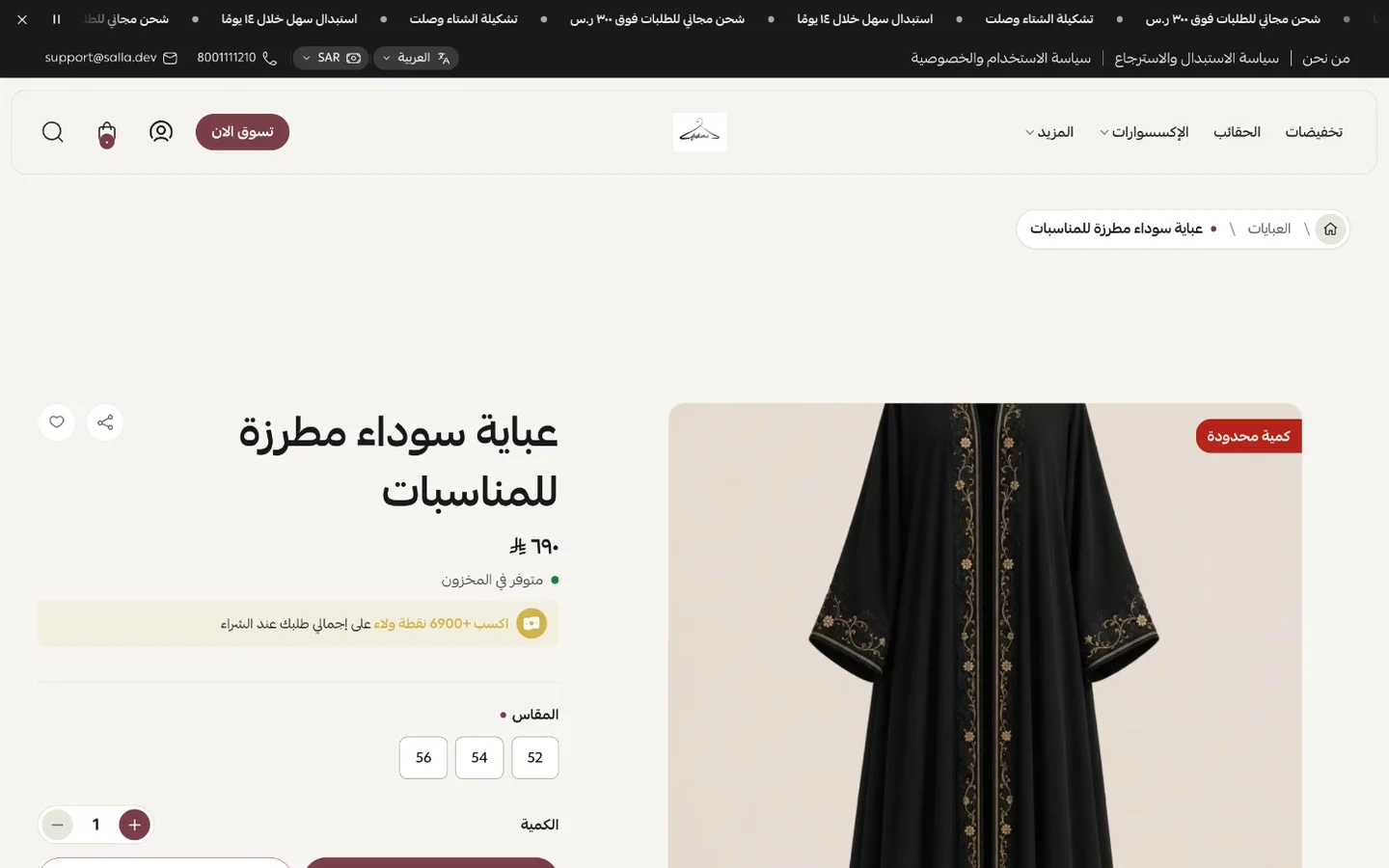
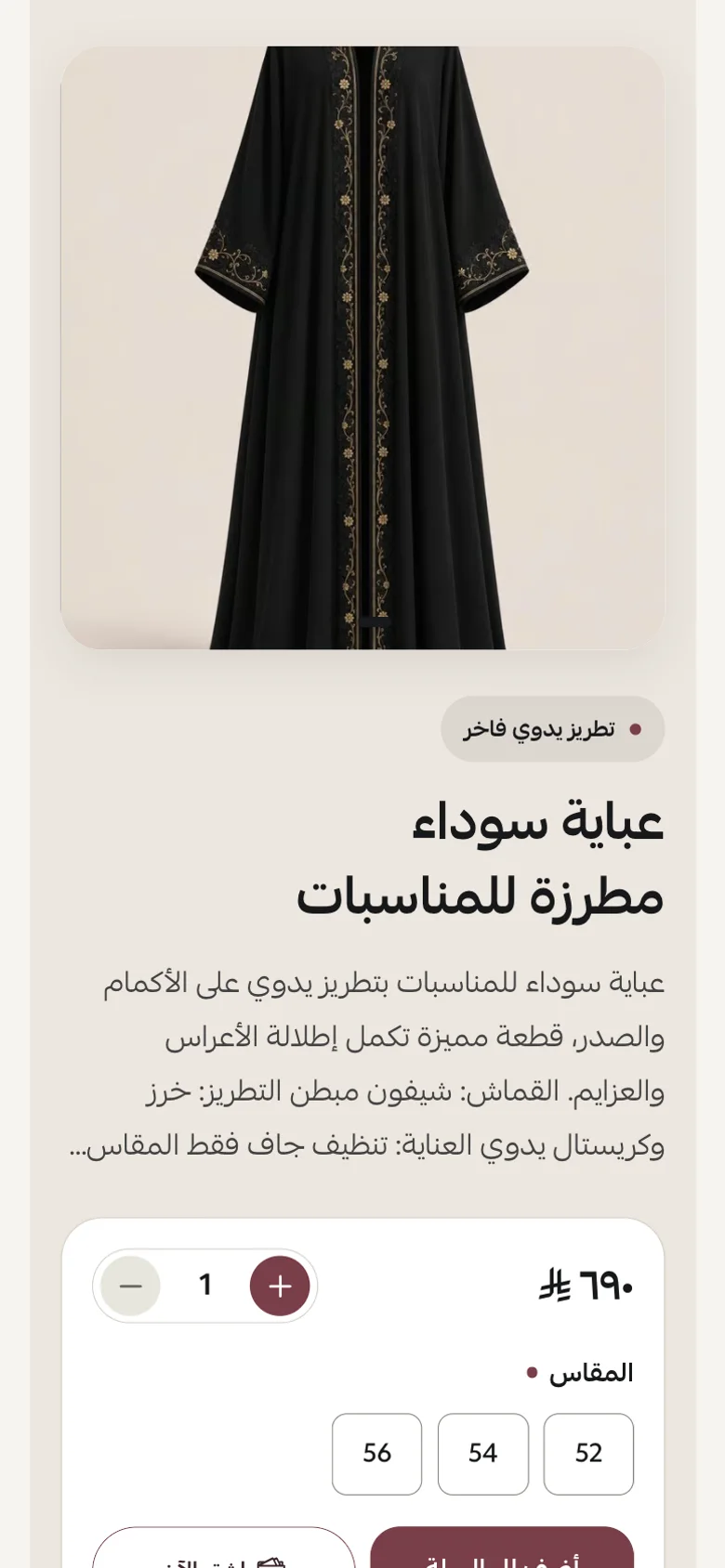
Photo and video gallery, colour and image swatches, size chart, discount countdown, and a sticky buy bar on phones.
- 05
Arabic-first, with dark mode
Designed right-to-left from the start, works in English too, and has a real dark mode.
- 06
Fast and accessible
Built on Salla’s new engine and checked with keyboard and screen reader.
Inside the theme
Home page blocks
Each block has a guide page with a preview and its settings.
-
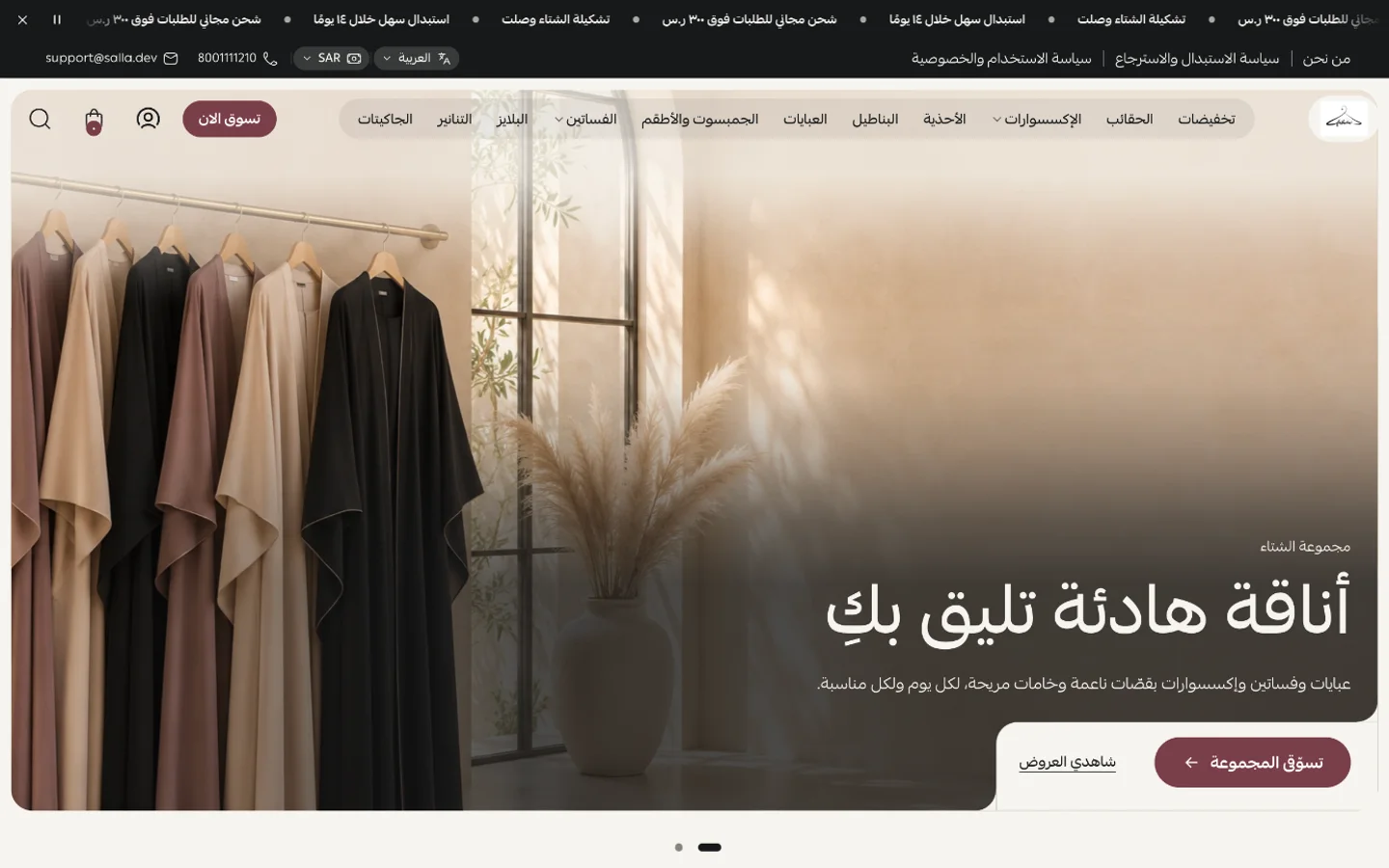
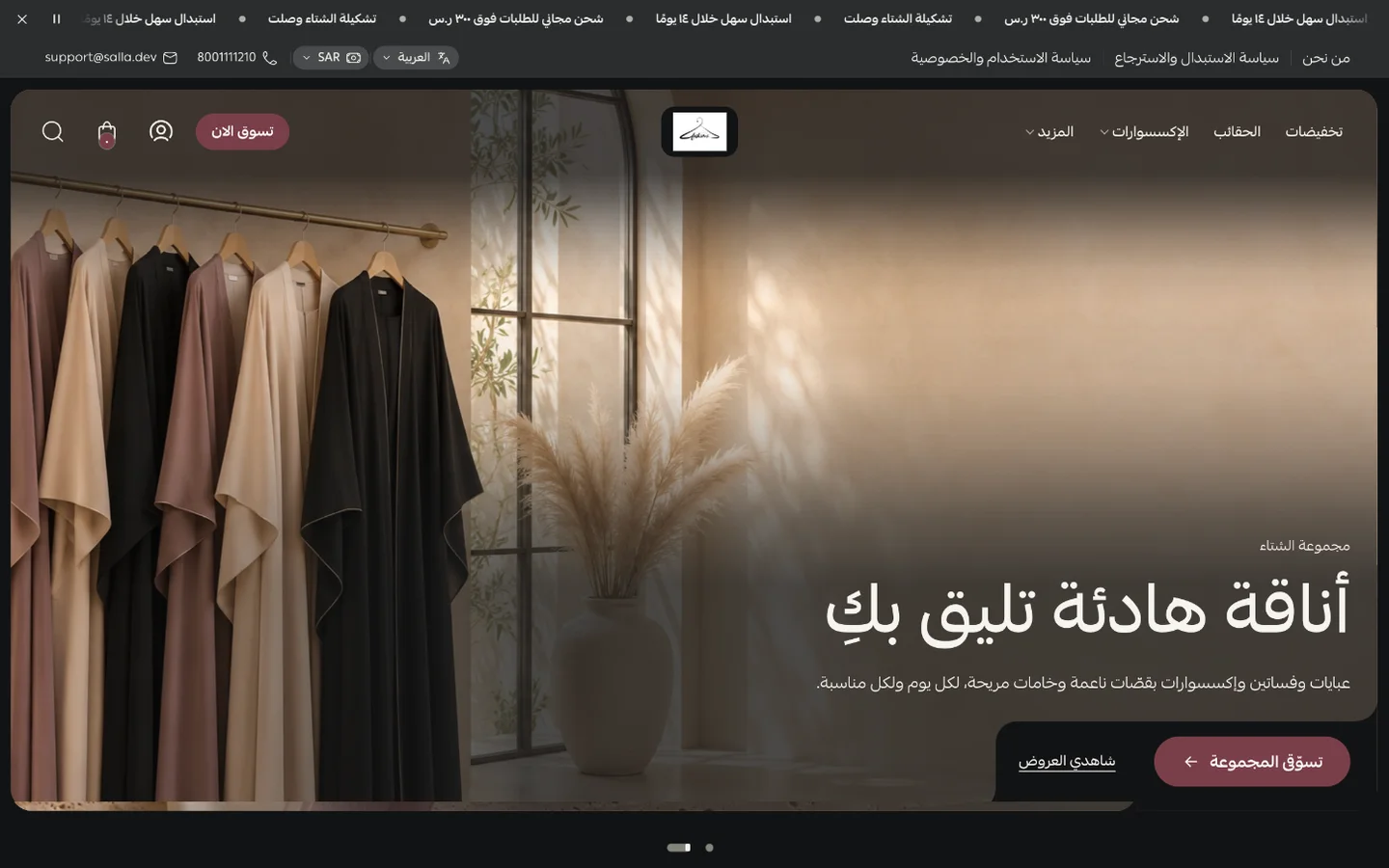
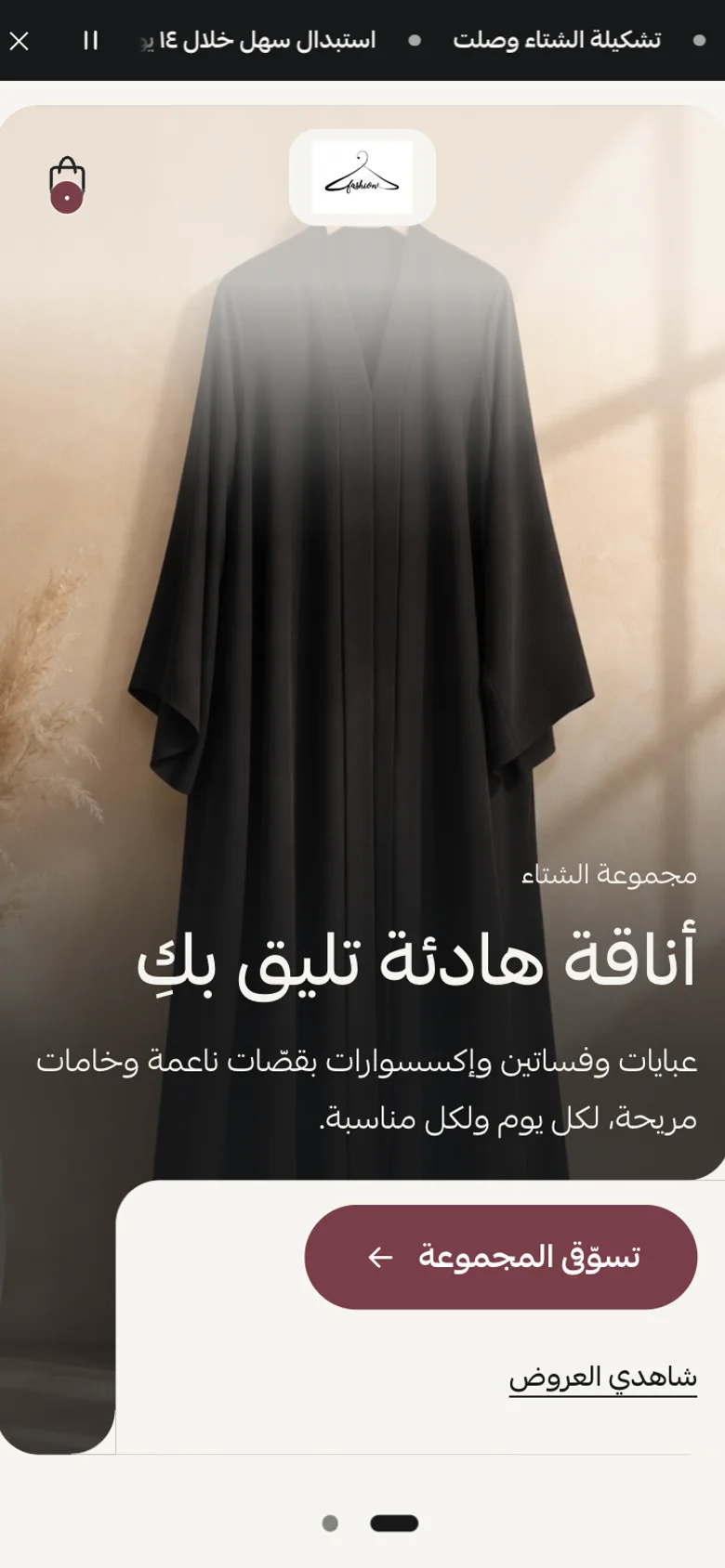
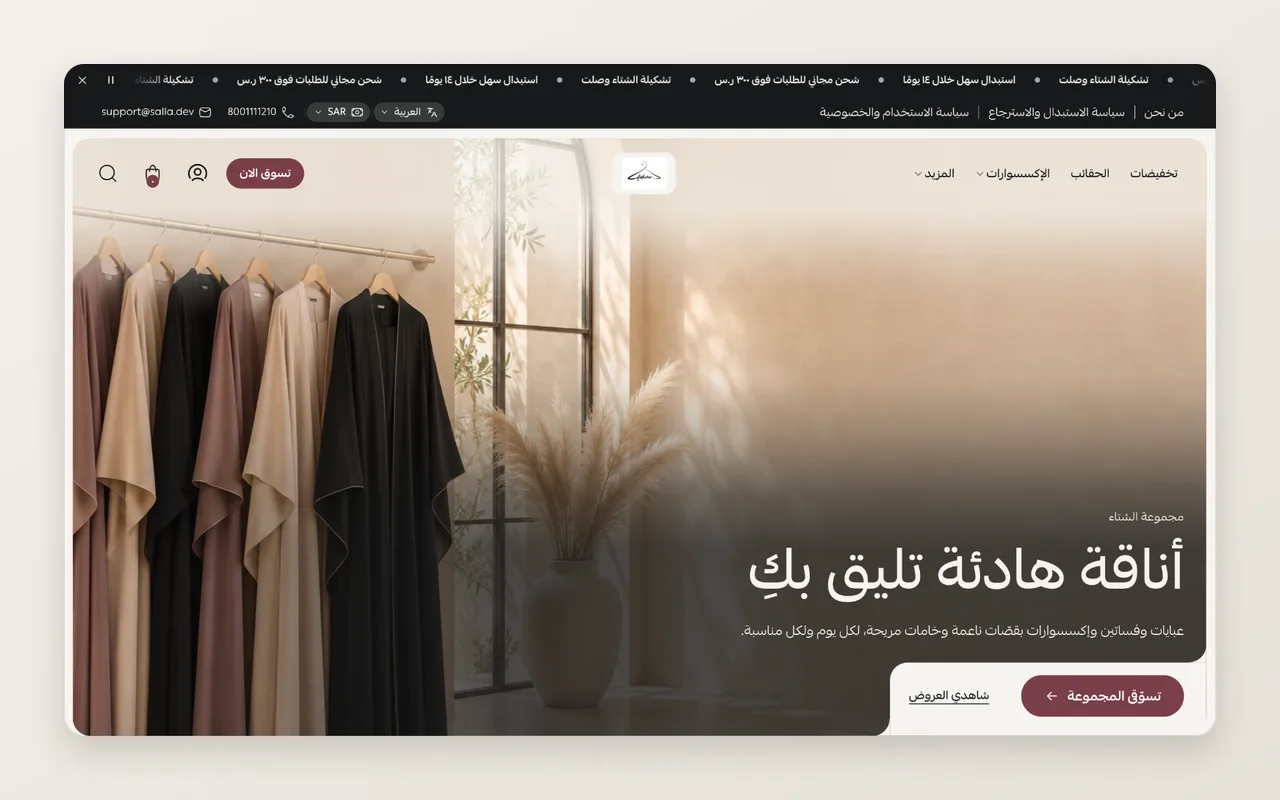 MOVA Signature Hero The first thing a shopper sees: a large image, a heading and one or two buttons. Choose “full screen” for an edge-to-edge image with centred text in one click, or “custom” to set the text position, height and overlay yourself. Add more slides and they rotate automatically.
-
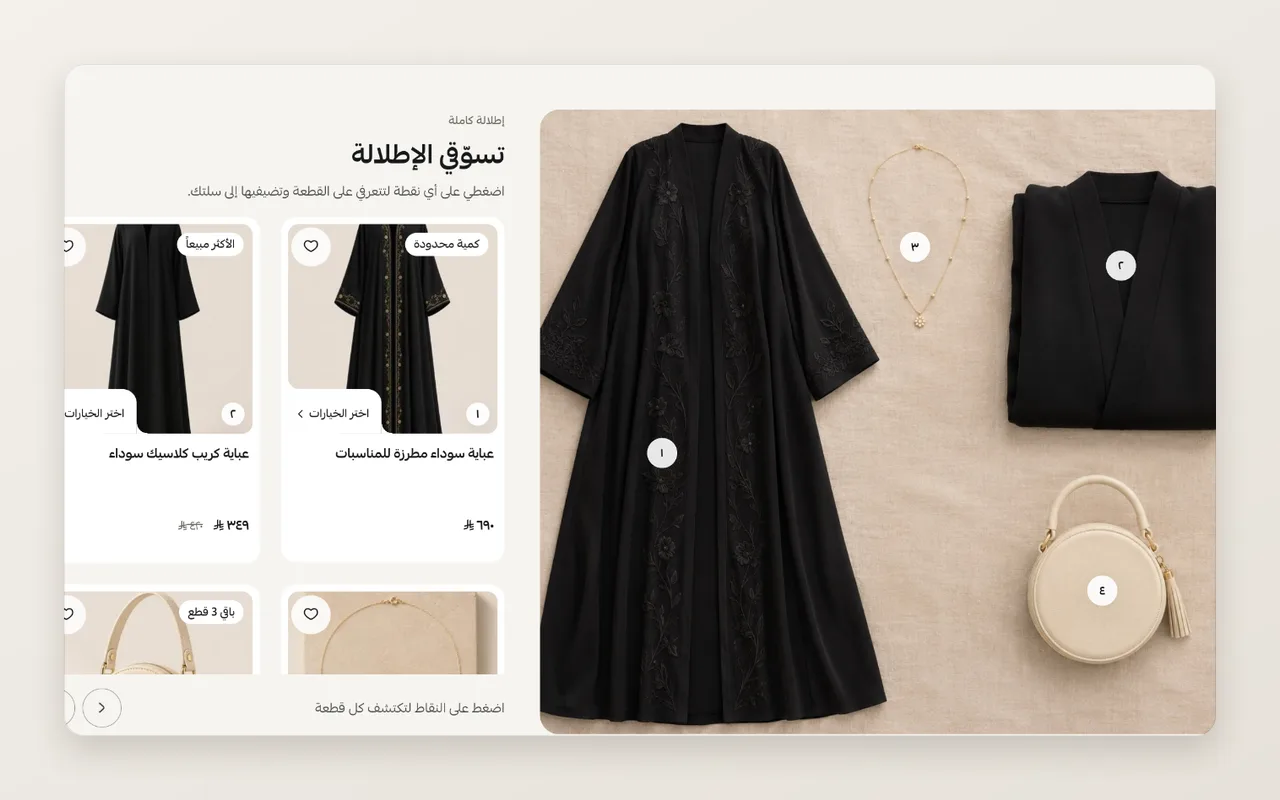 MOVA Shop the Scene A photo of a whole scene (a room, an outfit, a gift table) with a dot on each product. Shoppers tap a dot to see the product and its price and add it to the cart right there.
-
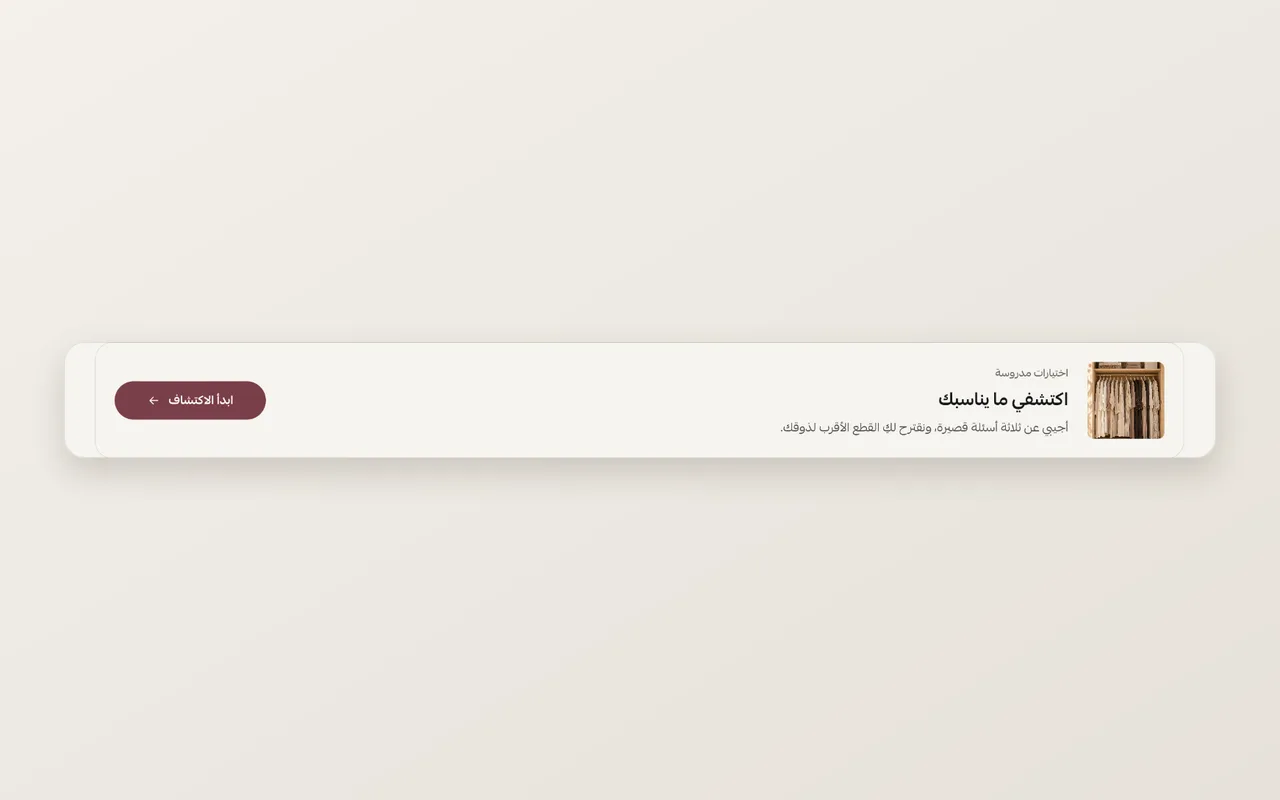 MOVA Find Your Match A few short questions (who is it for, what budget) that lead the shopper to the right products. Useful for large catalogs where shoppers hesitate.
-
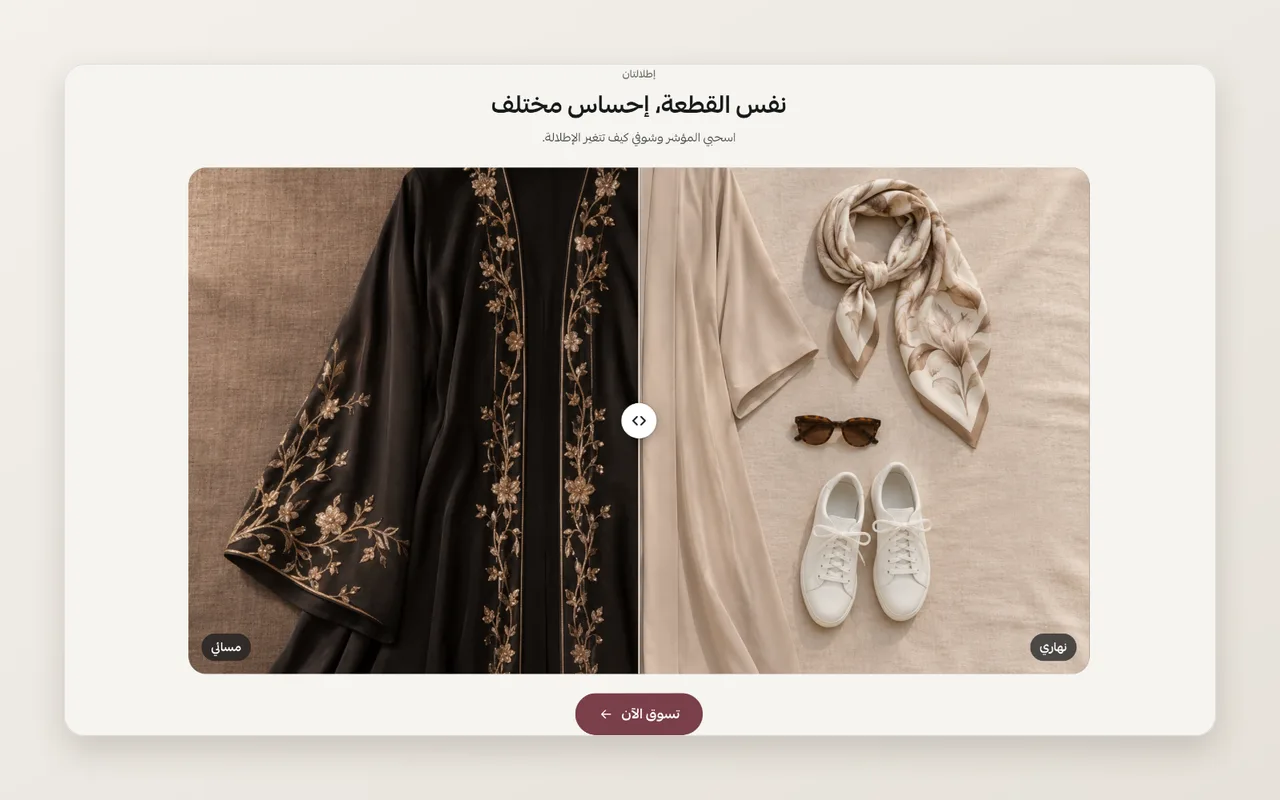 MOVA Reveal An interactive comparison of two images with a draggable divider: before and after, day and night, without and with your product. It shows the effect instead of describing it.
-
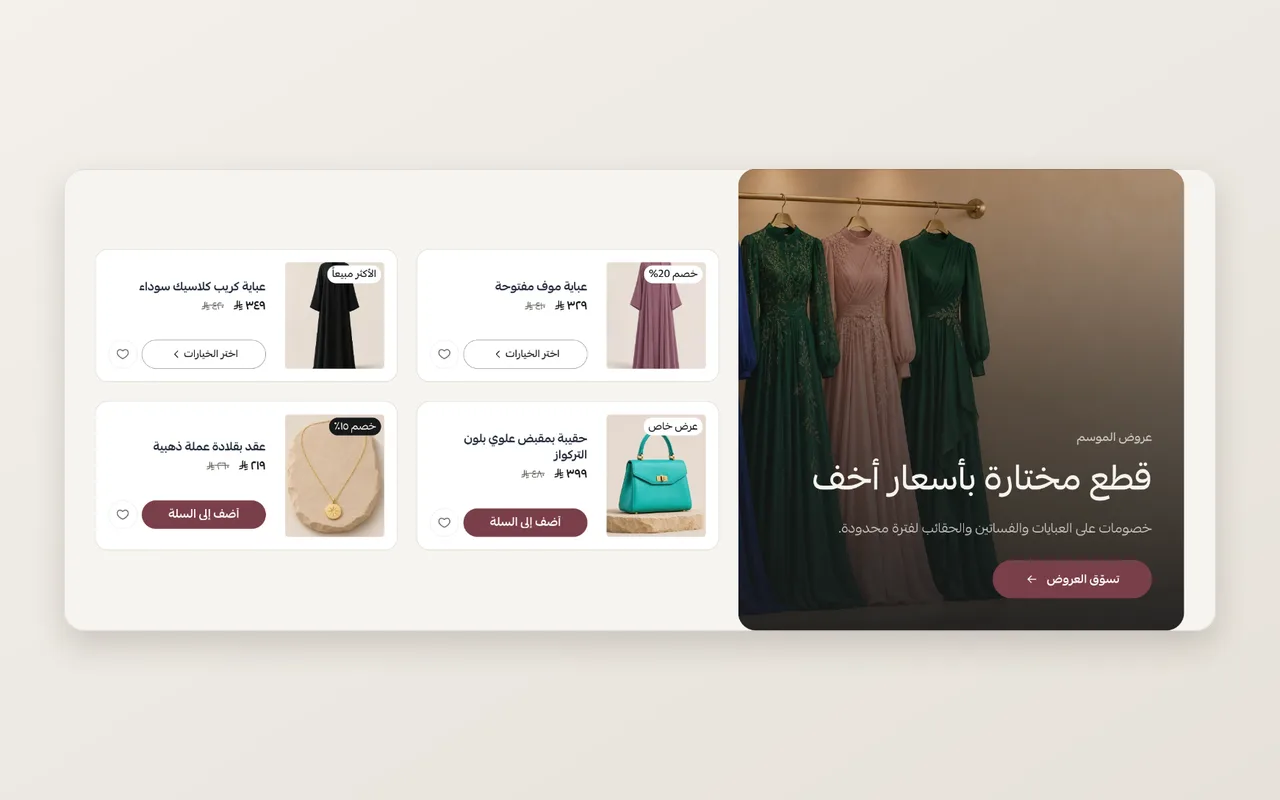 MOVA Campaign Studio The campaign and season block: a poster beside products, a wide image, or a strip, with a start and end date and a countdown. Before the start and after the end it hides or changes on its own.
-
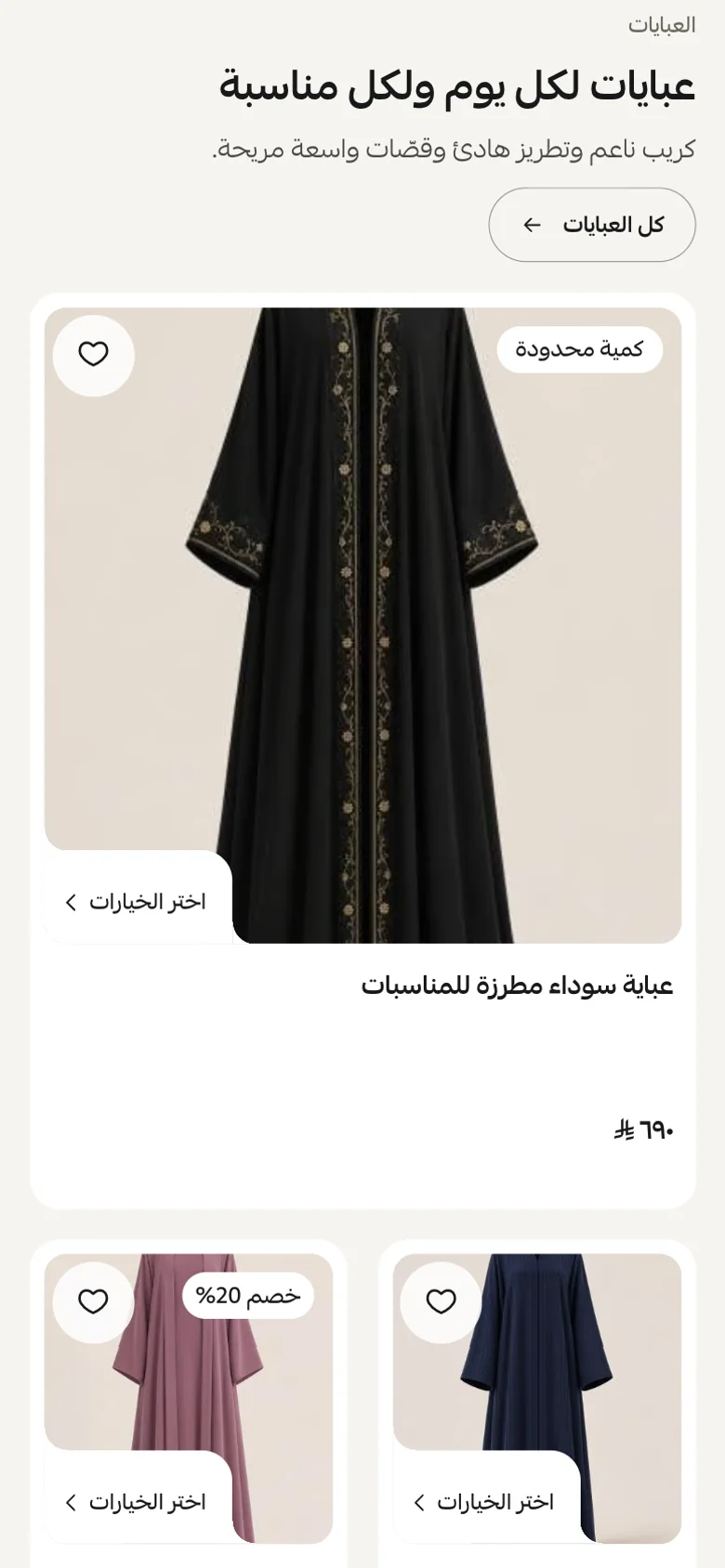
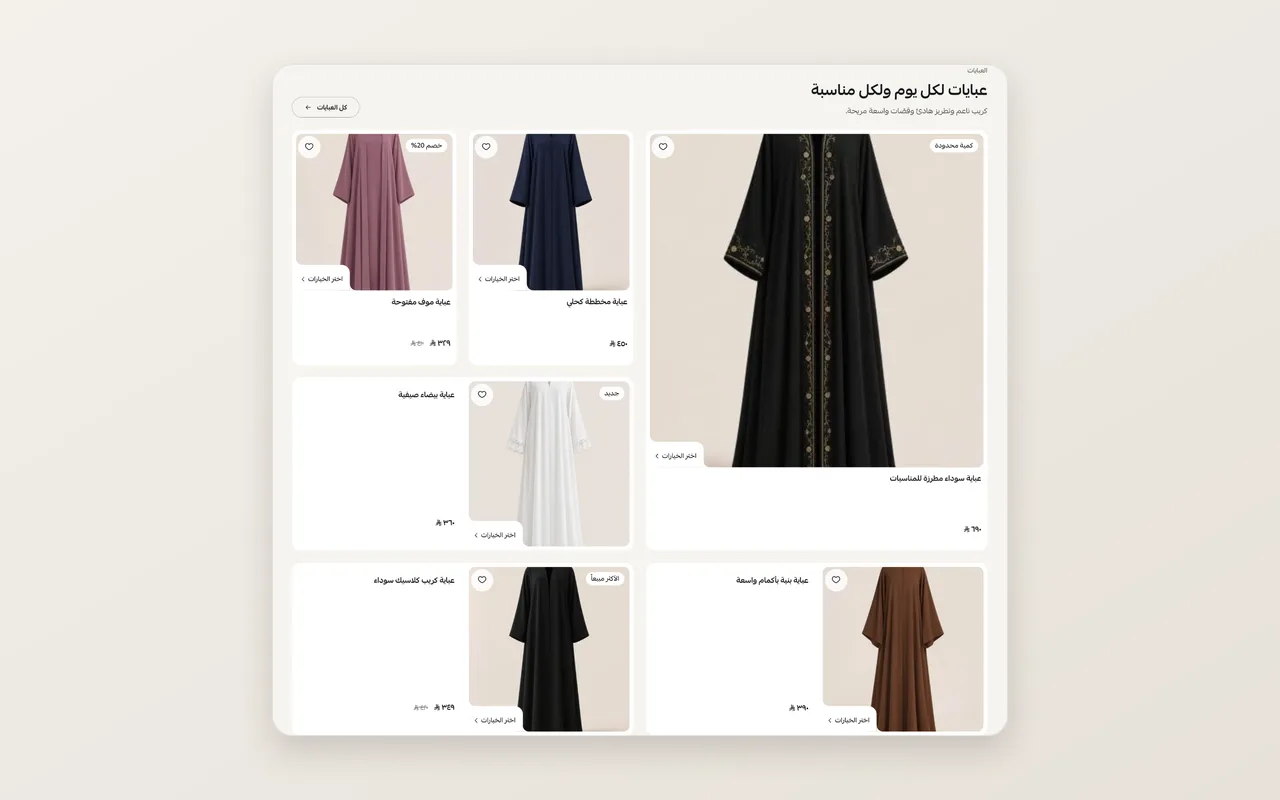 MOVA Products Products with a heading and button from a source you pick (newest, best-selling, top-rated, discounted, hand-picked, or a category), in five display styles with an optional background.
-
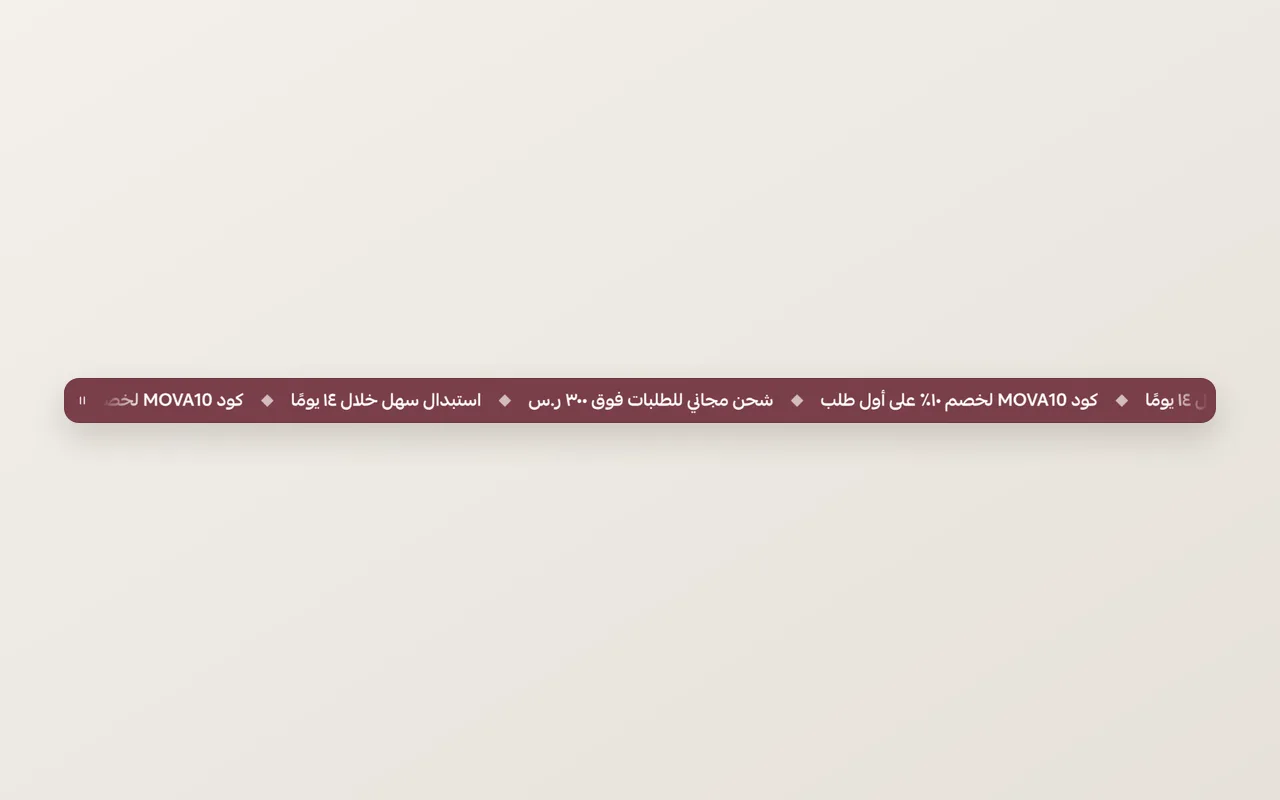 Announcement Band A band of short messages that scrolls between sections: free shipping, a new collection, the exchange policy. Sizes go from a small line to a large moving headline.
-
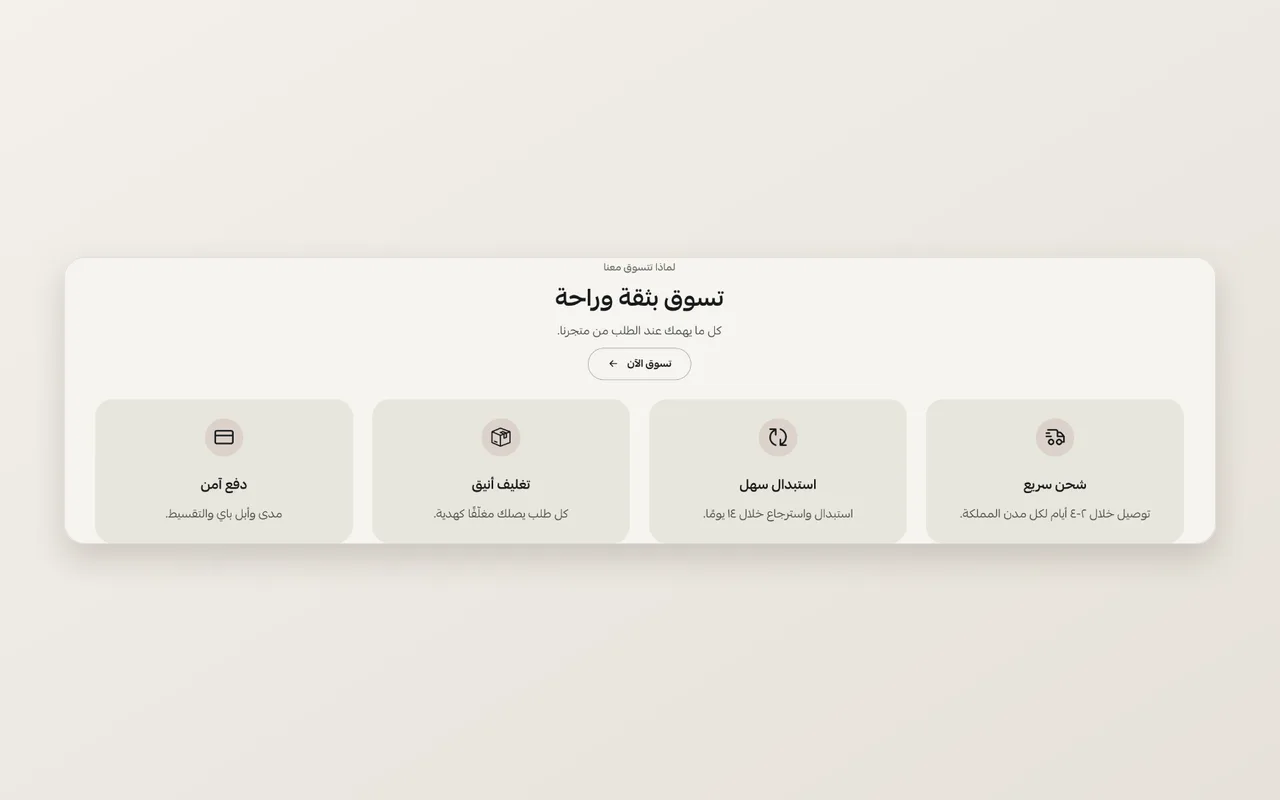 Store Features Your store’s promises as icon cards: fast shipping, secure payment, easy exchanges, live support. It reassures shoppers before they buy.
-
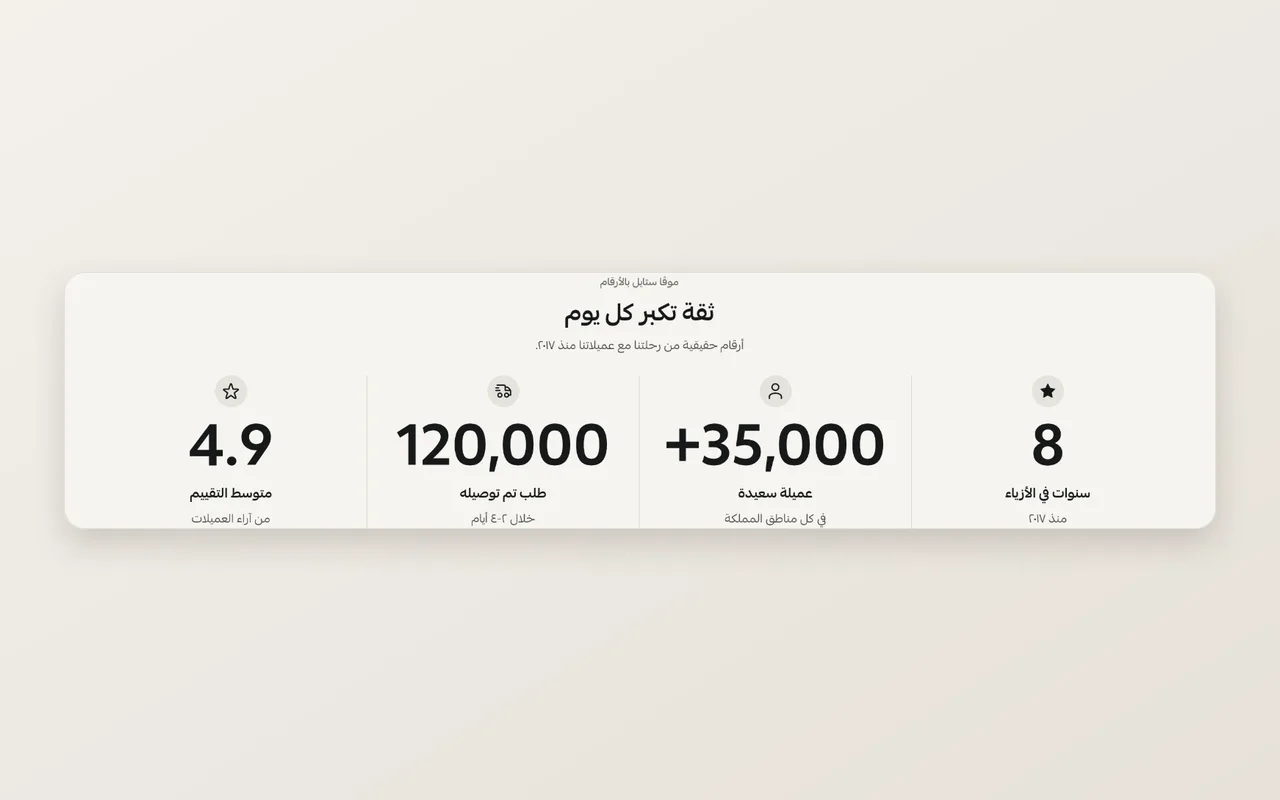 Store in Numbers Your real store figures, counting up as they appear: customers, orders, rating, years in business.
-
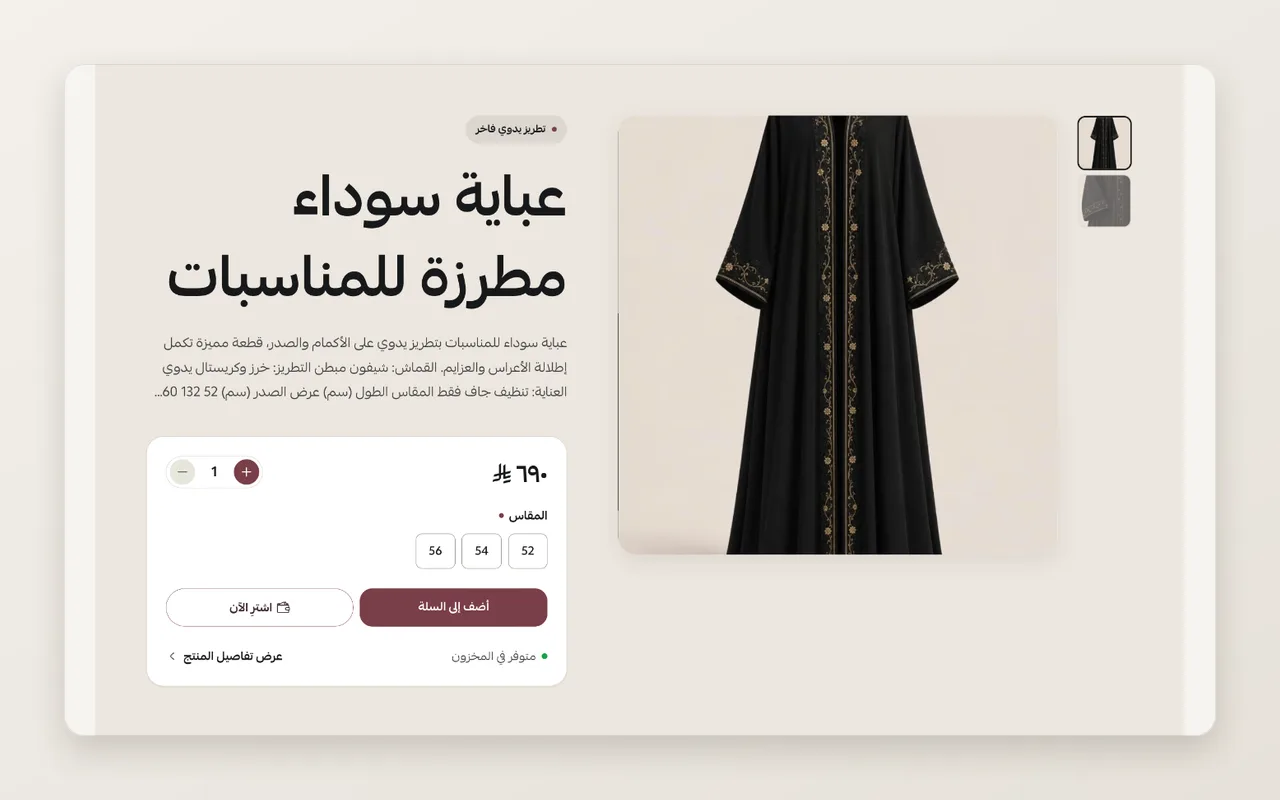 MOVA Product Spotlight One product front and centre with its photos, price, options and add-to-cart, plus a countdown to the end of its discount when the product has one.
-
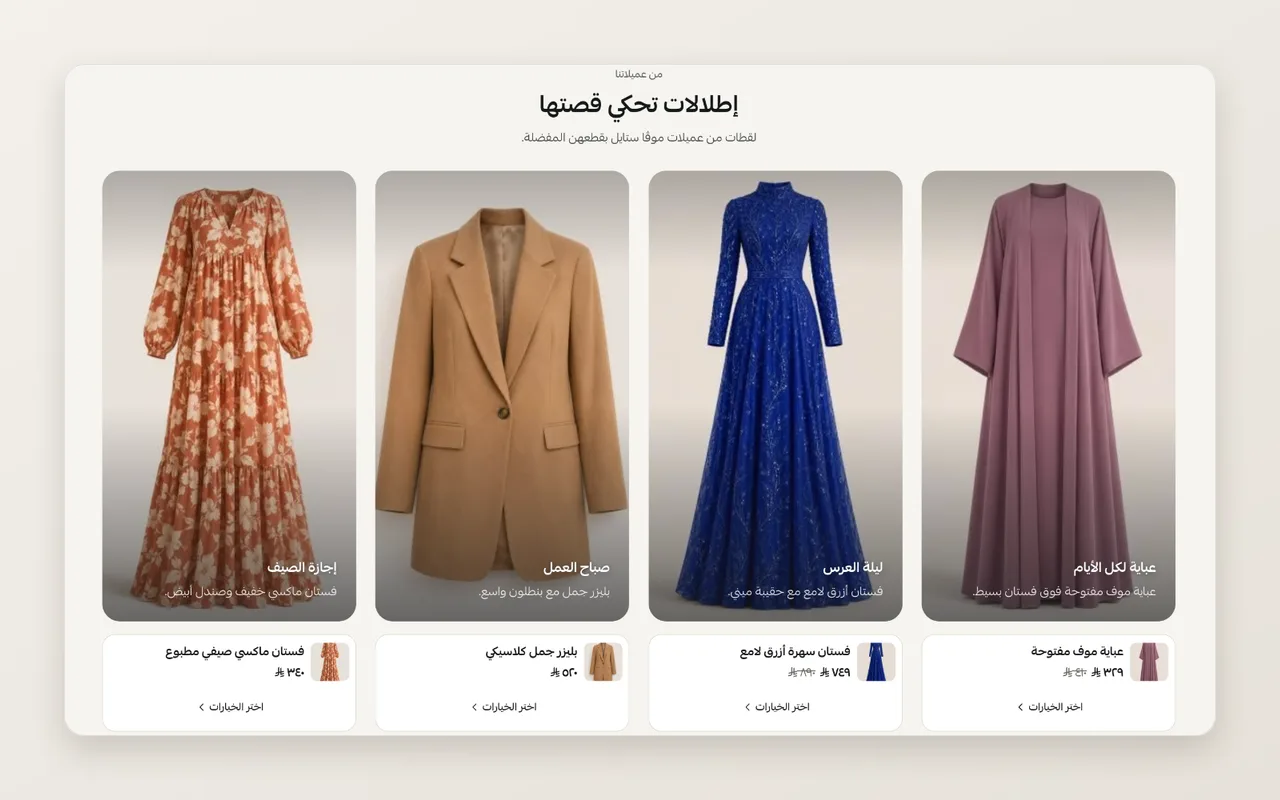 MOVA Video Stories Short vertical videos of customer experiences or how-tos, in a stories layout, each optionally linked to a product.
-
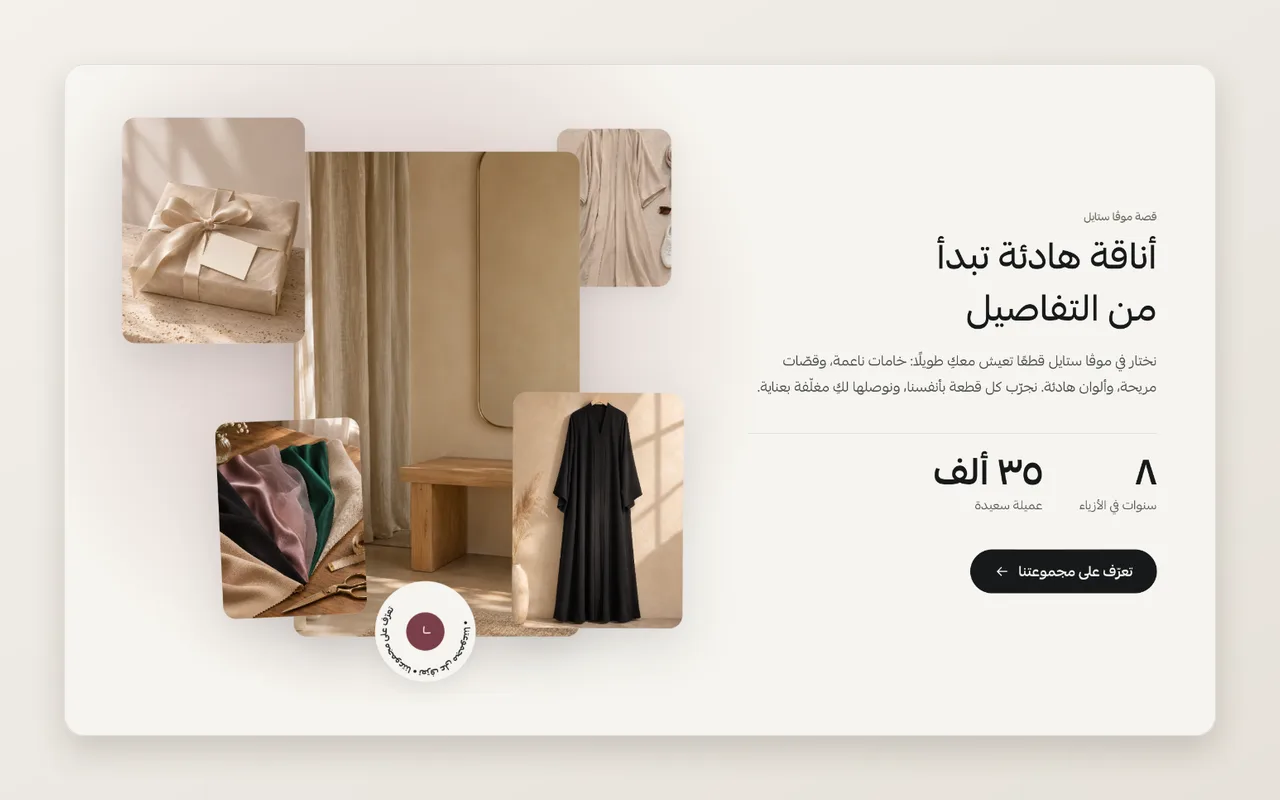 MOVA Store Story Your store’s story with a photo collage, text, figures and a rotating round badge. It builds trust and gives the store a personality.
-
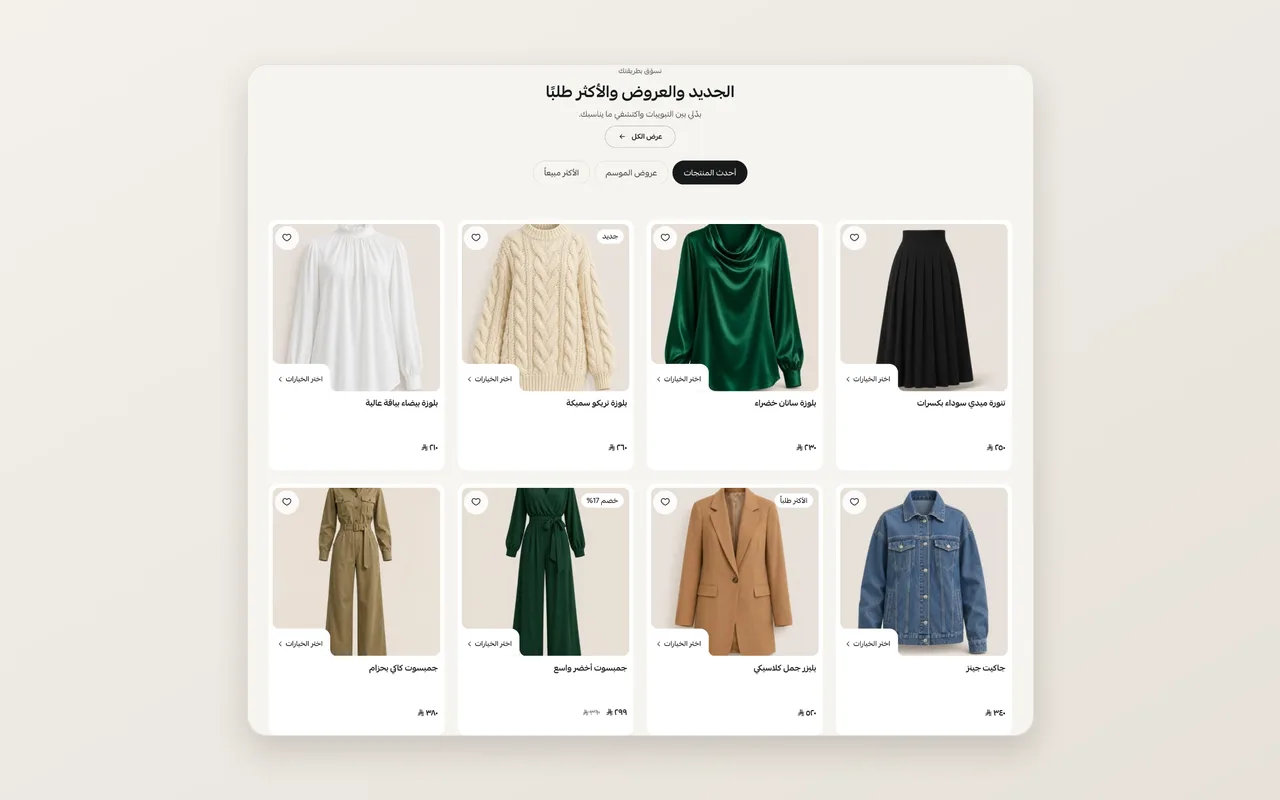 MOVA Tabbed Offers Offers in tabs (for example men, women, kids), each with its own products, plus an optional banner and countdown.
-
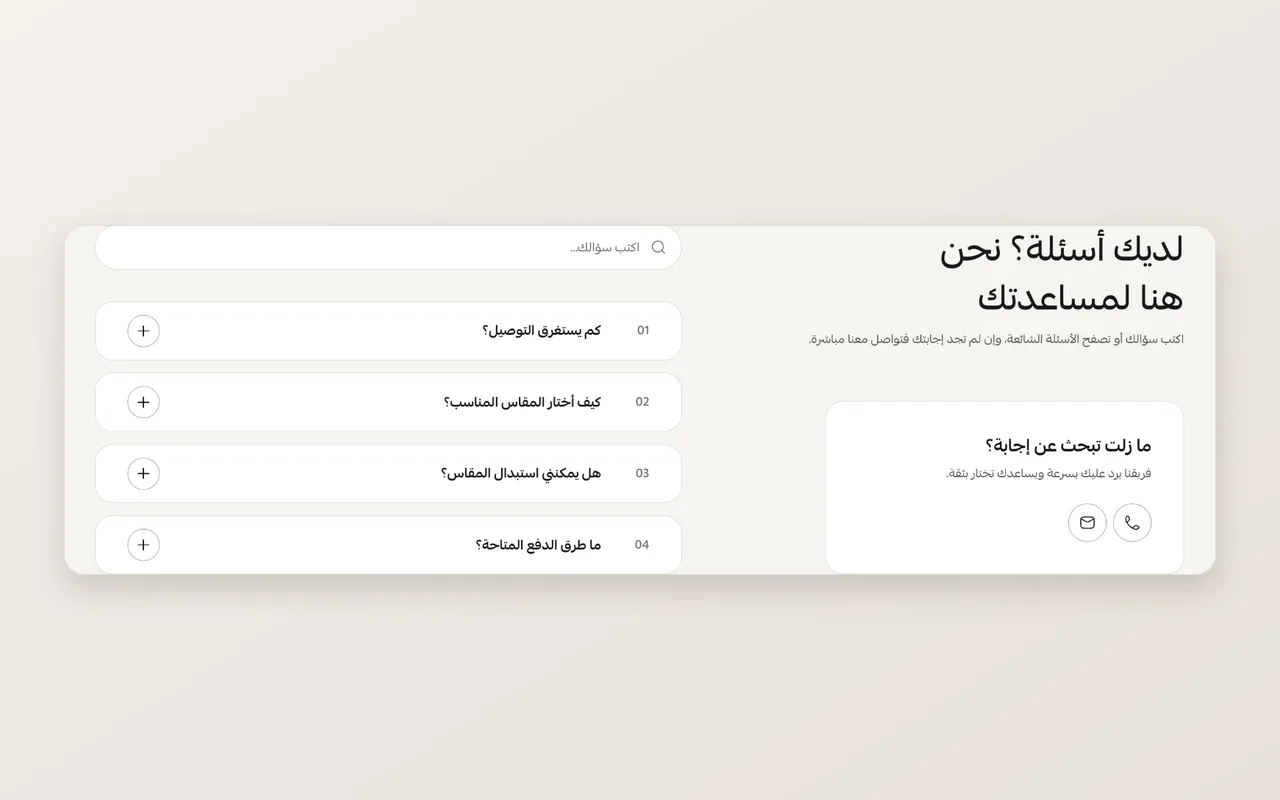 MOVA FAQ Frequently asked questions that open and close, with a support card linking to WhatsApp or the contact page.
-
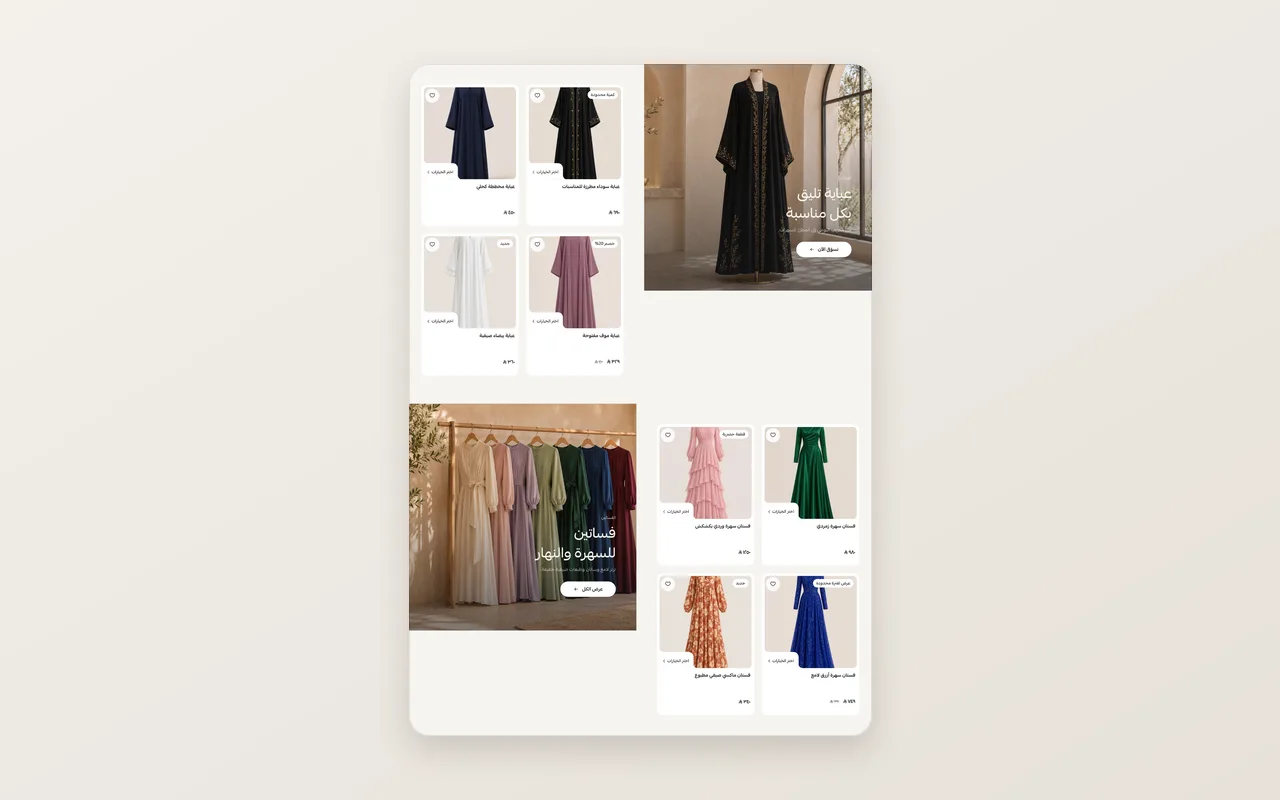 MOVA Zigzag Showcase Alternating rows: an image on one side, text and products on the other, swapping sides each row.
-
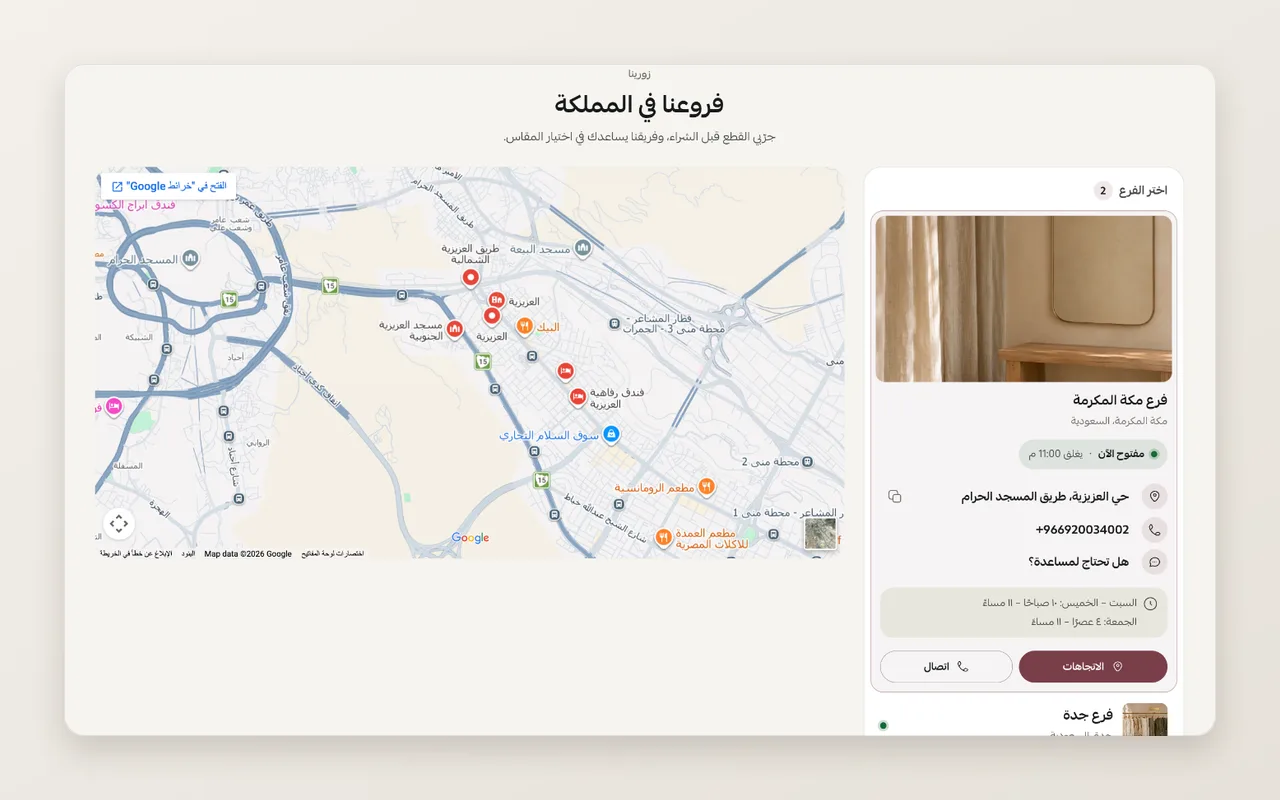 MOVA Branches Your branches on a map with address, opening hours, open-now status and a directions link.
-
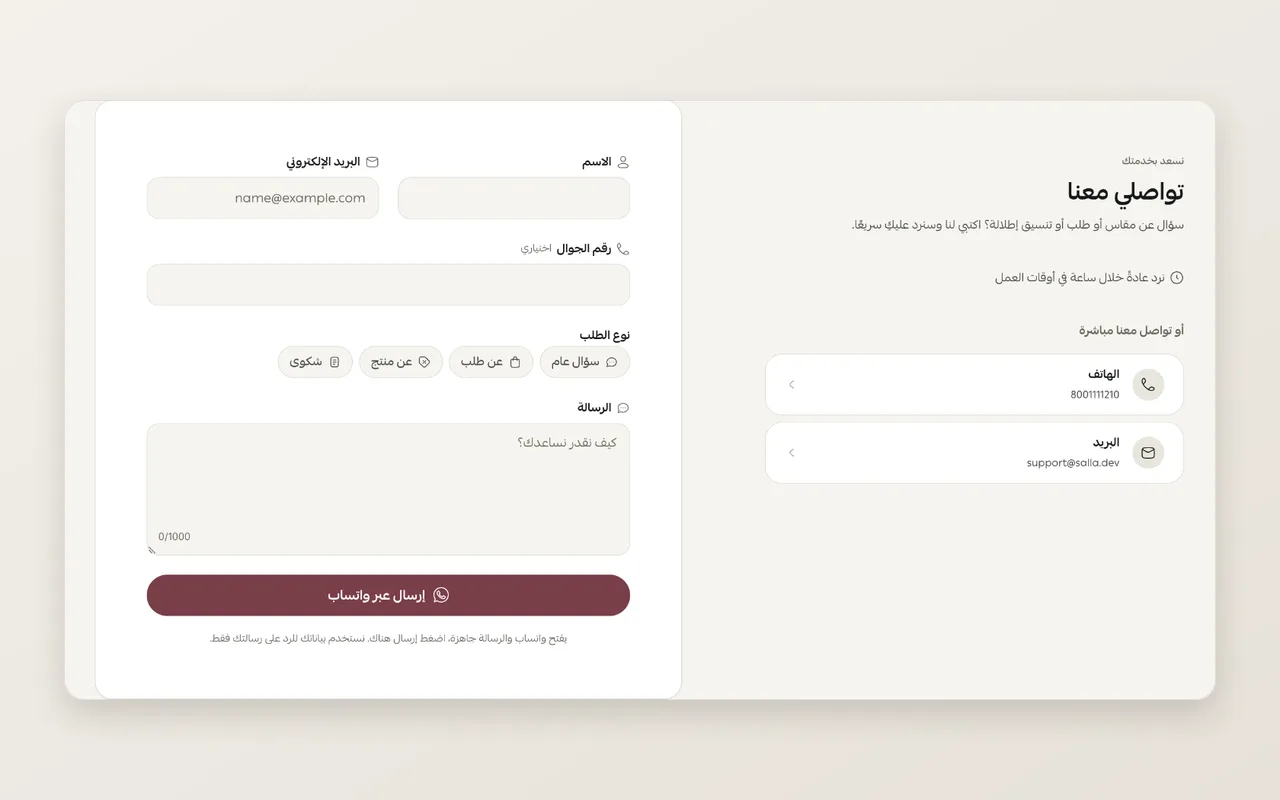 MOVA Contact Form A contact form inside the home page: it opens WhatsApp or email with the message ready, or sends it through a form service such as Formspree or Web3Forms, with request types you choose.
-
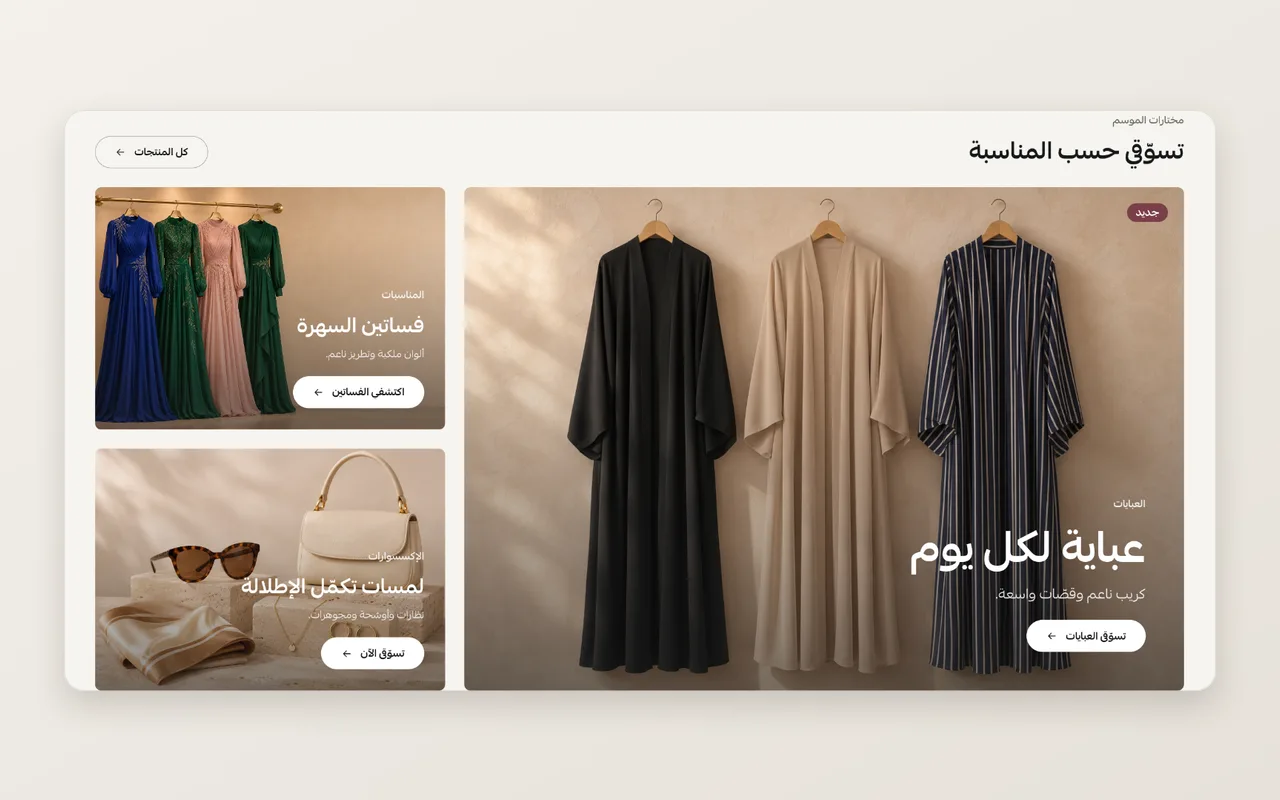 MOVA Banners Banners in ready-made arrangements for desktop and phone (two, three, an uneven grid), or as slides and a moving strip.